
Frequently Asked Questions
How do I choose a delivery service and add tracking?
For a Safe Deal order with tracking, choose a listed delivery service, send the item and add the tracking number to the order.
- Open Safe Deal in your Jiji profile and select the order.
- Check the buyer’s delivery details. Select Delivery service, choose a service that can deliver to that address, then select Accept order.
- Send the item with the selected service. Keep the shipping receipt.
- Enter the number from your receipt in Tracking number, then select Submit tracking number before the deadline shown.
- If the order asks you to fix the number, check it against the receipt and submit the corrected number.
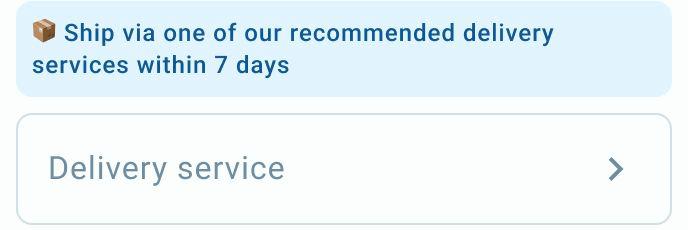
Choose a delivery service for this order.
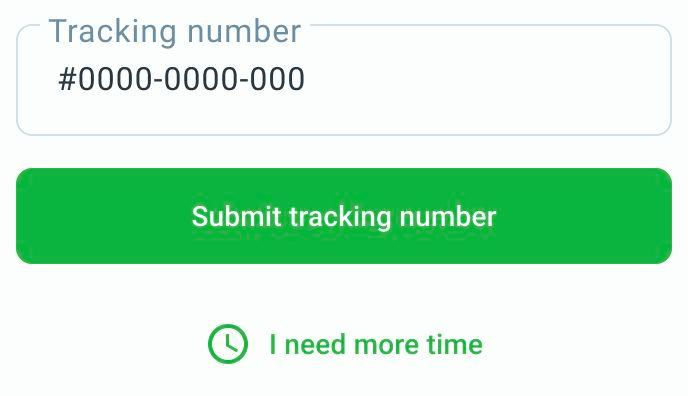
Example tracking number. Enter the number for your shipment, then select Submit tracking number.
Tracking details are checked before they are shown to the buyer. Use the number for this shipment.
If your order asks you to arrange delivery yourself, follow those instructions instead of adding a tracking number. After handing the item to the buyer, select I have delivered the item and confirm in the popup. This starts the buyer’s 24-hour confirmation window.
Need more time? Use the extension action offered in the order, check the new deadline in the popup and confirm. You can extend the deadline to send the item and add tracking by 7 days once. If you have already used the extension or still cannot submit the tracking number, contact Jiji Support with the order number and a screenshot of the message shown. Read Safe Deal order deadlines.
For help, email support@jiji.ng and include the order number, if you have one.
