
Frequently Asked Questions
How do I take a selfie that ensures successful ID verification?
Whether you’re taking a selfie to get the “Verified ID” badge or confirming your identity when prompted, you want the process to go smoothly. One of the most important success factors is the quality of your selfie, so we’ve prepared a few tips to help you take a good one:
Keep your face inside the frame
It’s easy to do with your smartphone: turn on the front camera and place the phone right in front of your face so that your face is fully and clearly visible. If any part of your head is cropped, the selfie may not be good enough for successful verification.
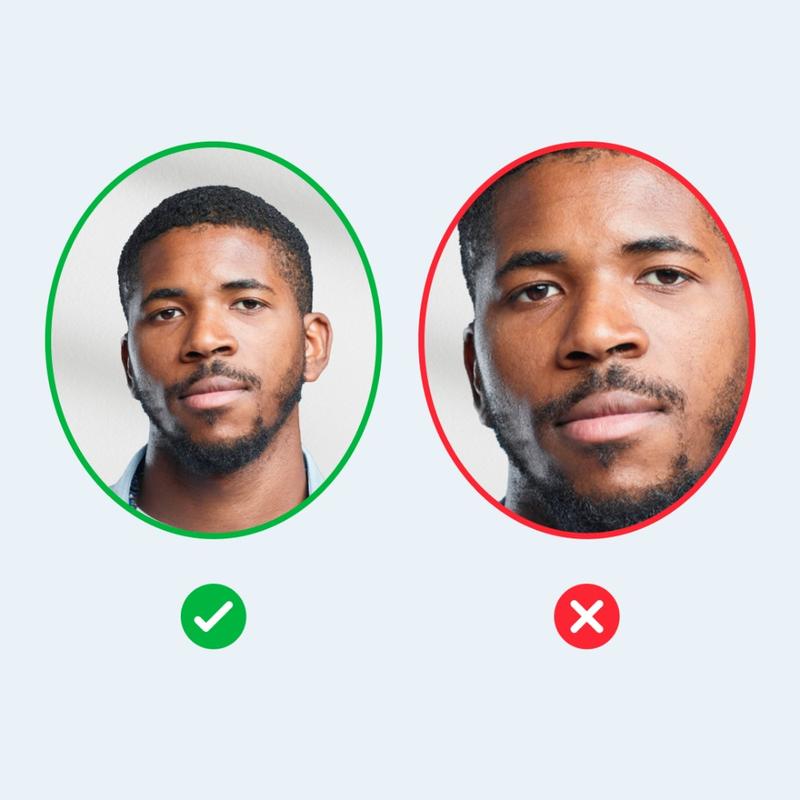
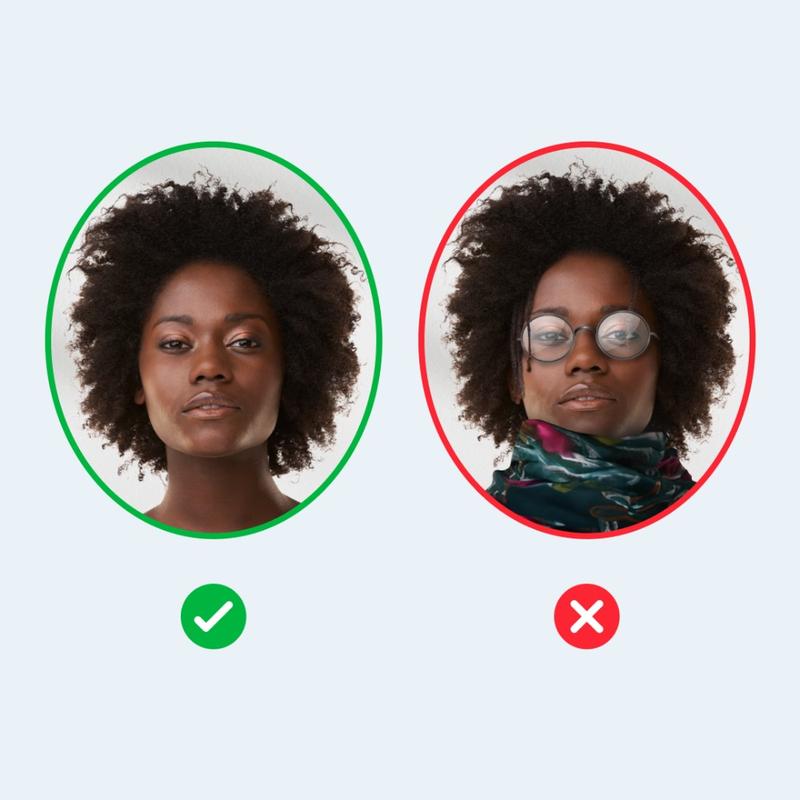
Make sure your face is clearly visible
Sunglasses, hats, masks, and scarves can hide parts of your face. Remove them before taking a selfie so that your face is clearly visible. If your hair partially covers your face, it may also cause unsuccessful verification, so fix it before taking the photo.
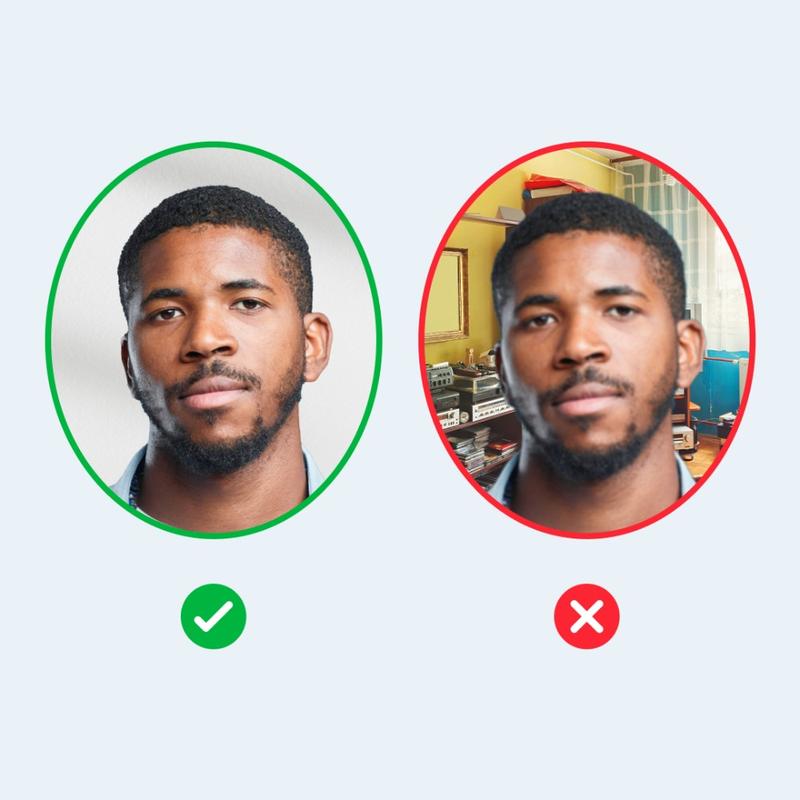
Use a simple background
A selfie should show only your face, so no other objects should be visible in the frame. Choose a plain background, such as a white wall. It helps make your face clearer and simplifies the verification process.
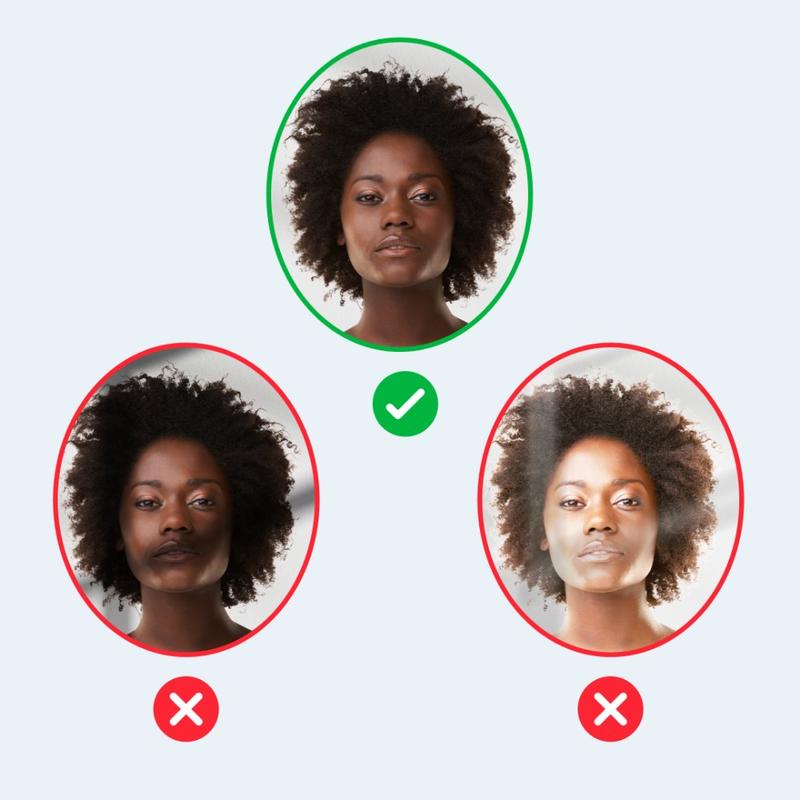
Use good lighting
No matter what kind of camera you have, it’ll take a good picture if the lighting is right. Natural lighting is best. You don’t want unnecessary shadows on your face, so if you notice them, try changing the angle. If you use light from a lamp, make sure it’s right in front of you. Be careful to avoid glare in your selfie. Anything that makes your face less visible creates a risk of unsuccessful verification.
That’s all! If you follow these tips, the quality of your selfie is less likely to affect your verification. If you have issues with the “Verified ID” badge, check this article to learn more about how to fix them.
