
Frequently Asked Questions
How does Safe Deal work for sellers?
With Safe Deal, the buyer pays through Jiji before you send the item. The payment is held securely during delivery. The buyer creates the order; review it in Safe Deal in your profile.
Before you can receive Safe Deal orders, you need an active Boost Package and must complete verification and payout setup in your profile under Settings → Safe Deal. Read how to set up Safe Deal.
Orders with tracking
- Open the order in Safe Deal in your profile. Check the item, delivery address and buyer’s note.
- Choose a delivery service from the list and select Accept order before the deadline shown. Decline the order if you cannot fulfil it.
- Pack and send the item with the selected service. Enter the tracking number and select Submit tracking number before the deadline shown.
- Check the order for tracking errors or requests from Jiji Support. Keep your shipping receipt.
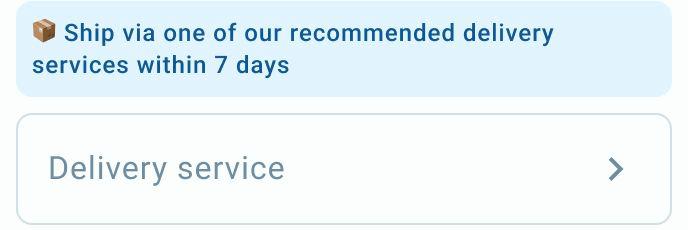
Choose a delivery service before accepting an order with tracking.
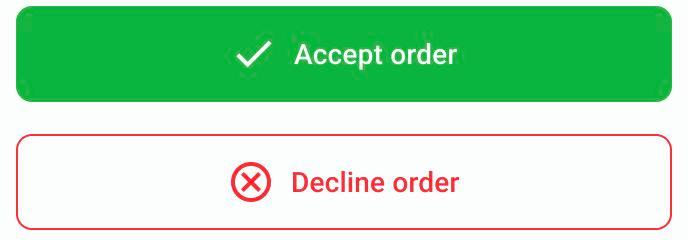
Accept or decline the order after checking its details and choosing a delivery service.
Do not create a separate payment request or ask the buyer to pay you directly.
If you deliver directly
If the order asks you to arrange delivery yourself, open it in Safe Deal in your profile and check the buyer’s address. Select Accept order only if you can deliver before the deadline shown. Otherwise, select Decline order. After the item reaches the buyer, select I have delivered the item, check the popup and confirm. This starts the buyer’s 24-hour confirmation window. Do not mark it as delivered before the handover.
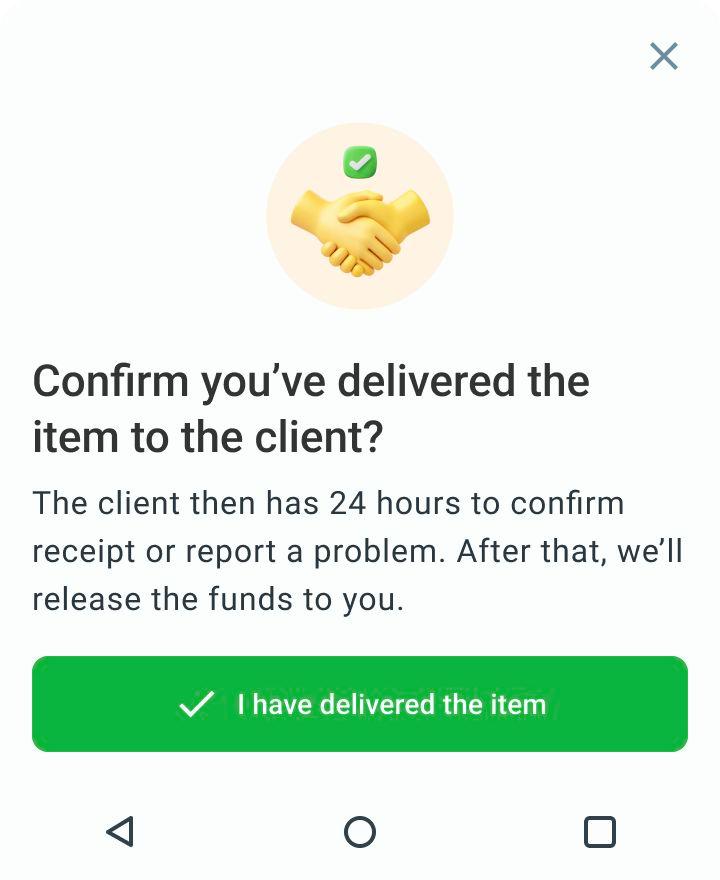
For direct delivery, confirm only after the item has reached the buyer.
If you need more time, use the deadline extension offered in the order, check the new date in the popup and confirm. You can add 7 days once. Check which deadline changes; for orders with tracking, it is the deadline to send the item and add tracking.
Once the order is marked as delivered, the buyer’s 24-hour confirmation window starts. Payment is released only after it ends, even if the buyer confirms receipt earlier, unless they report a problem.
If the buyer reports a problem, your payment stays on hold while Jiji Support reviews it. Open the order and, if Attach proof of delivery is available, select it and follow the proof submission steps. A chat with Jiji Support opens. Send the requested evidence in that chat. If your file does not upload, attach it again in the chat. A receipt from the delivery service or a photo of the handover can help show that you gave the item to the courier or buyer. Keep this evidence and provide any details support requests.
Support tells you the outcome. A dispute does not guarantee a full refund to the buyer or a payment to you.
See order deadlines and when your payment is released.
Read how to choose a delivery service and submit tracking.
For help, email support@jiji.ng and include the order number, if you have one.
