
1/3
Promoted
Rivers, Port-Harcourt, 2 hours ago
1 views
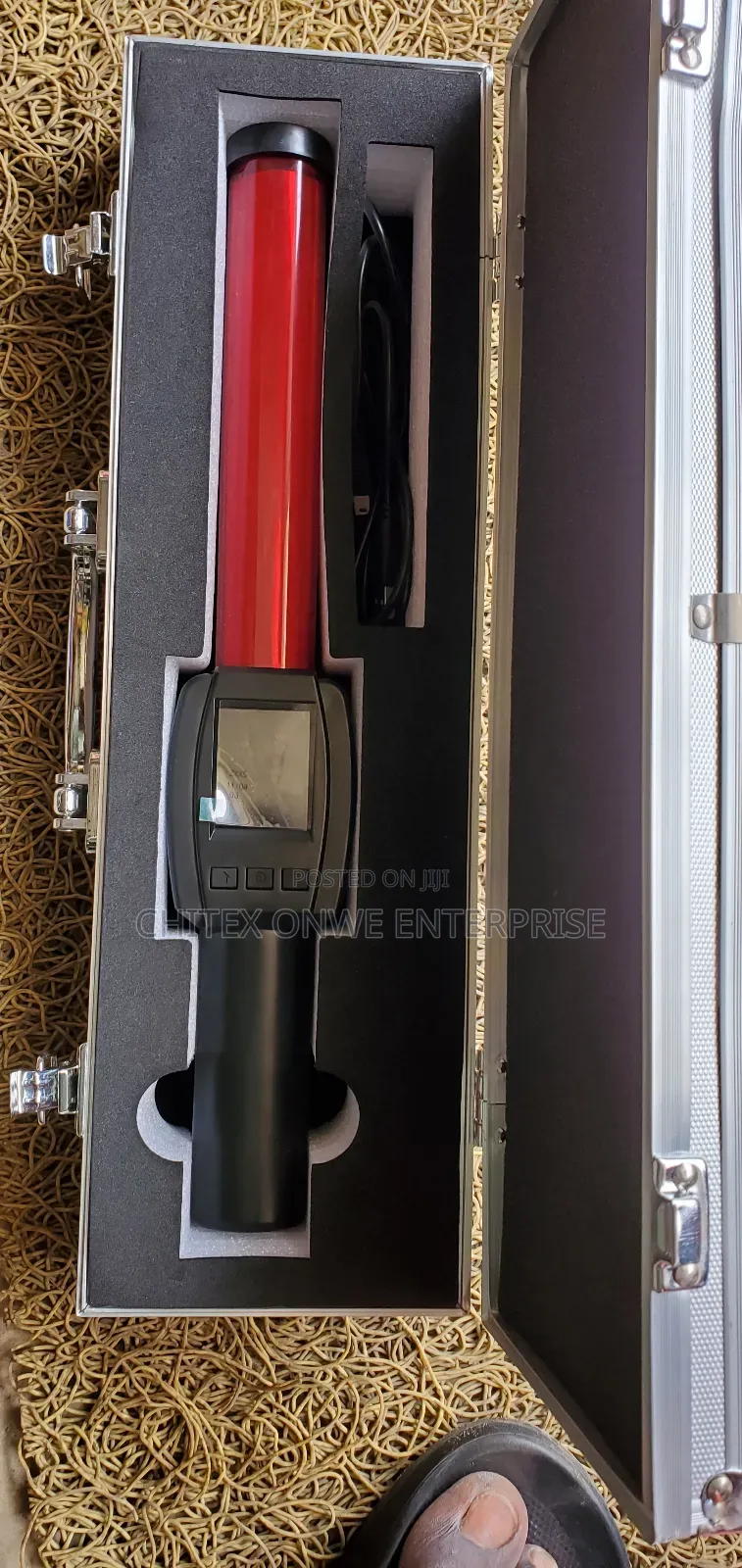
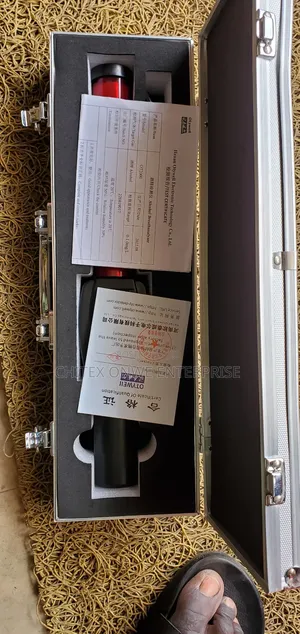
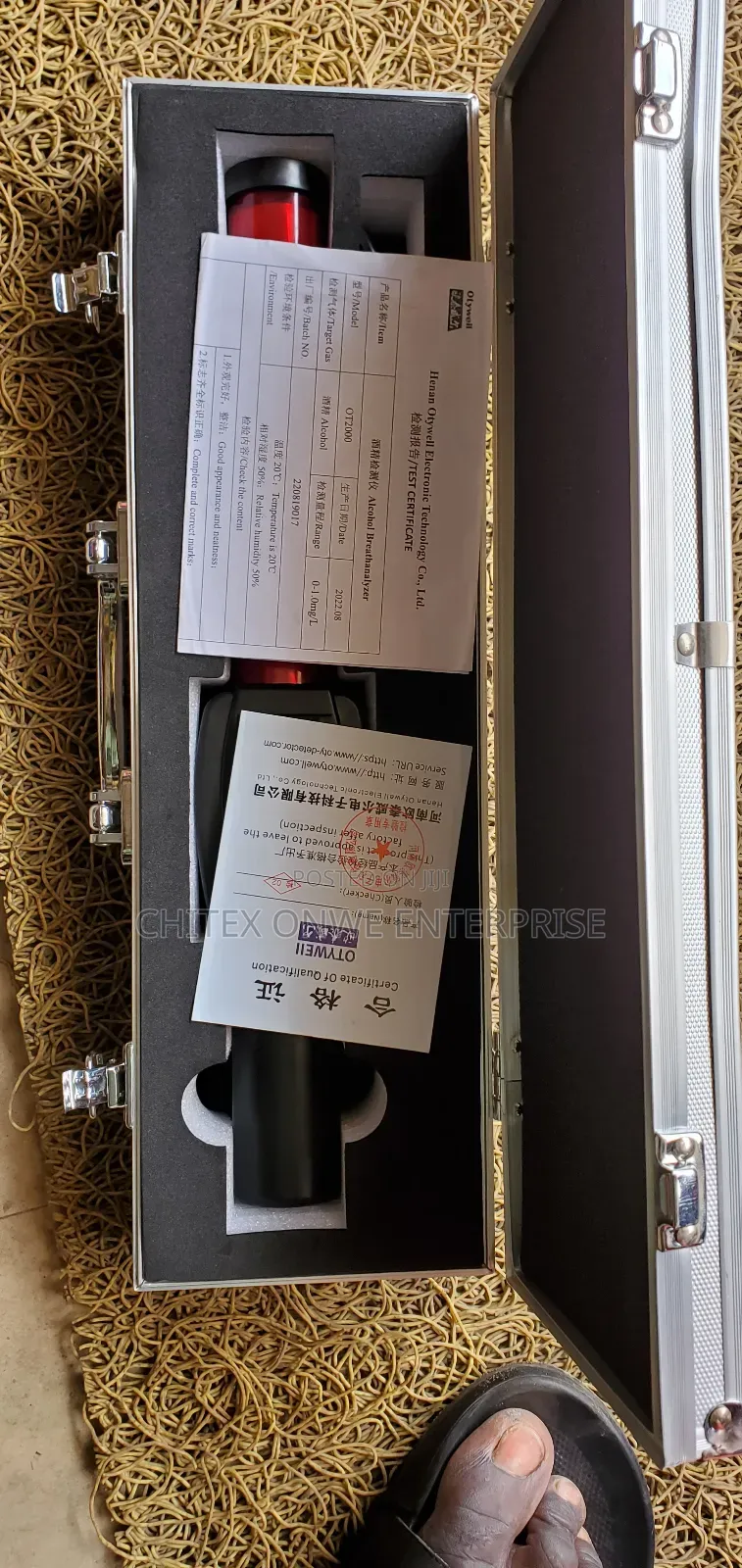
Digital Alcohol Testar
Brand New
Condition
AEMC
Brand
Testar
Type
Store address
Rivers State • Port-Harcourt
Mile 3 Market
Mile 3 Market by finished building
Open now
• Mon - Sat, 07:30-18:30
How to Use a Handheld Metal Detector:
Turn On: Power on the device using the designated button, typically located on the handle or control panel.
Calibration (if needed): Some models may require a brief calibration process upon startup, as indicated in the user manual.
Scanning Technique: Hold the detector by the handle and sweep the red wand portion steadily over the area or person being screened. Maintain a consistent distance from the surface.
Alerts: The device will typically emit an audible alarm, vibrate, or display a visual indicator on the screen (if present) when metal is detected.
Pinpointing: If an alert occurs, slow down the sweep and narrow the scanning area to pinpoint the exact location of the metal object.
Power Off: Turn off the device after use to conserve battery life.
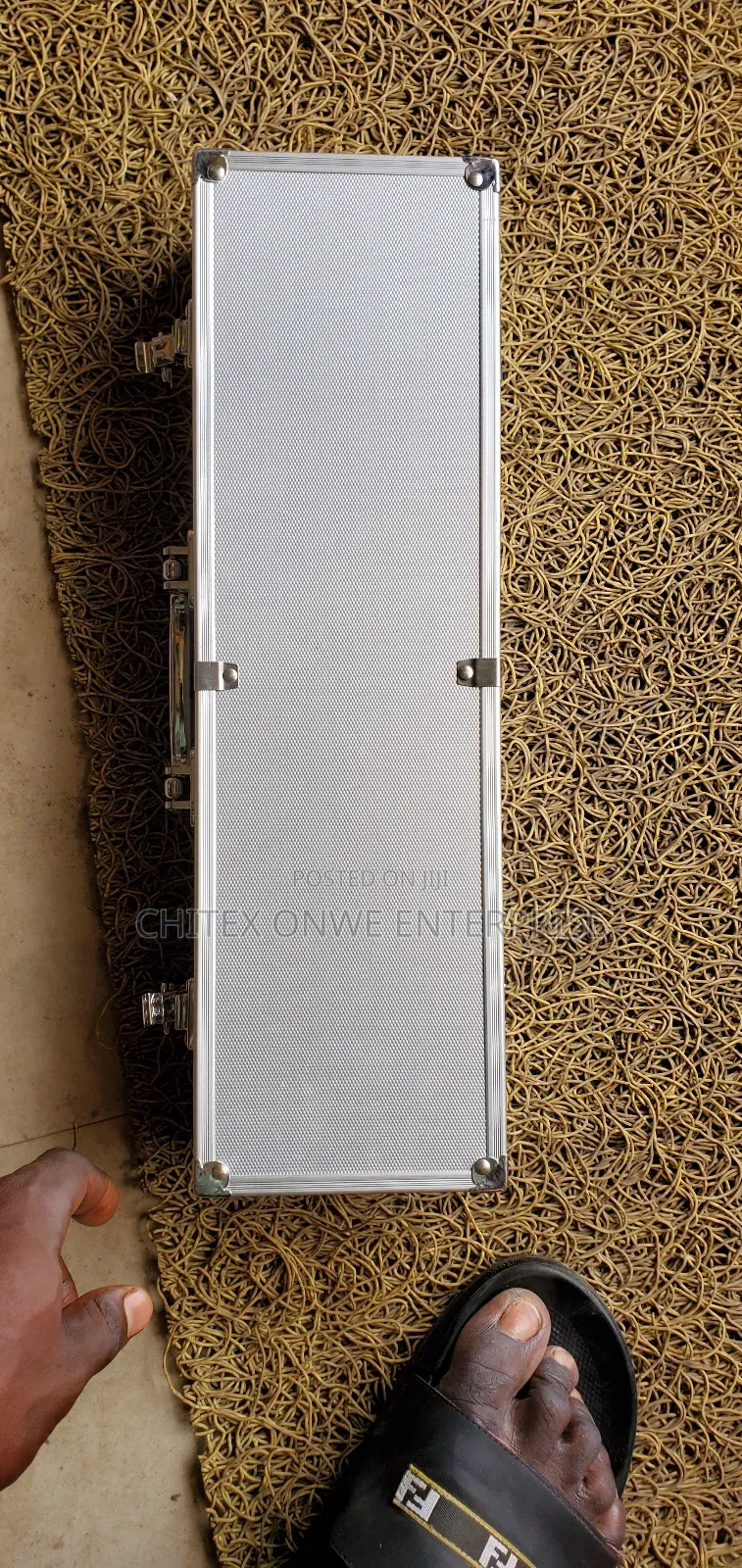
Storage: Store the detector in its case or a safe
₦ 420,000
Negotiable
Safety tips
- Avoid paying in advance, even for delivery
- Meet with the seller at a safe public place
- Inspect the item and ensure it's exactly what you want
- Make sure that the packed item is the one you've inspected
- Only pay if you're satisfied





