VIP TOP+
1/2
Promoted
Lagos, Mushin, 2 hours ago
23 views
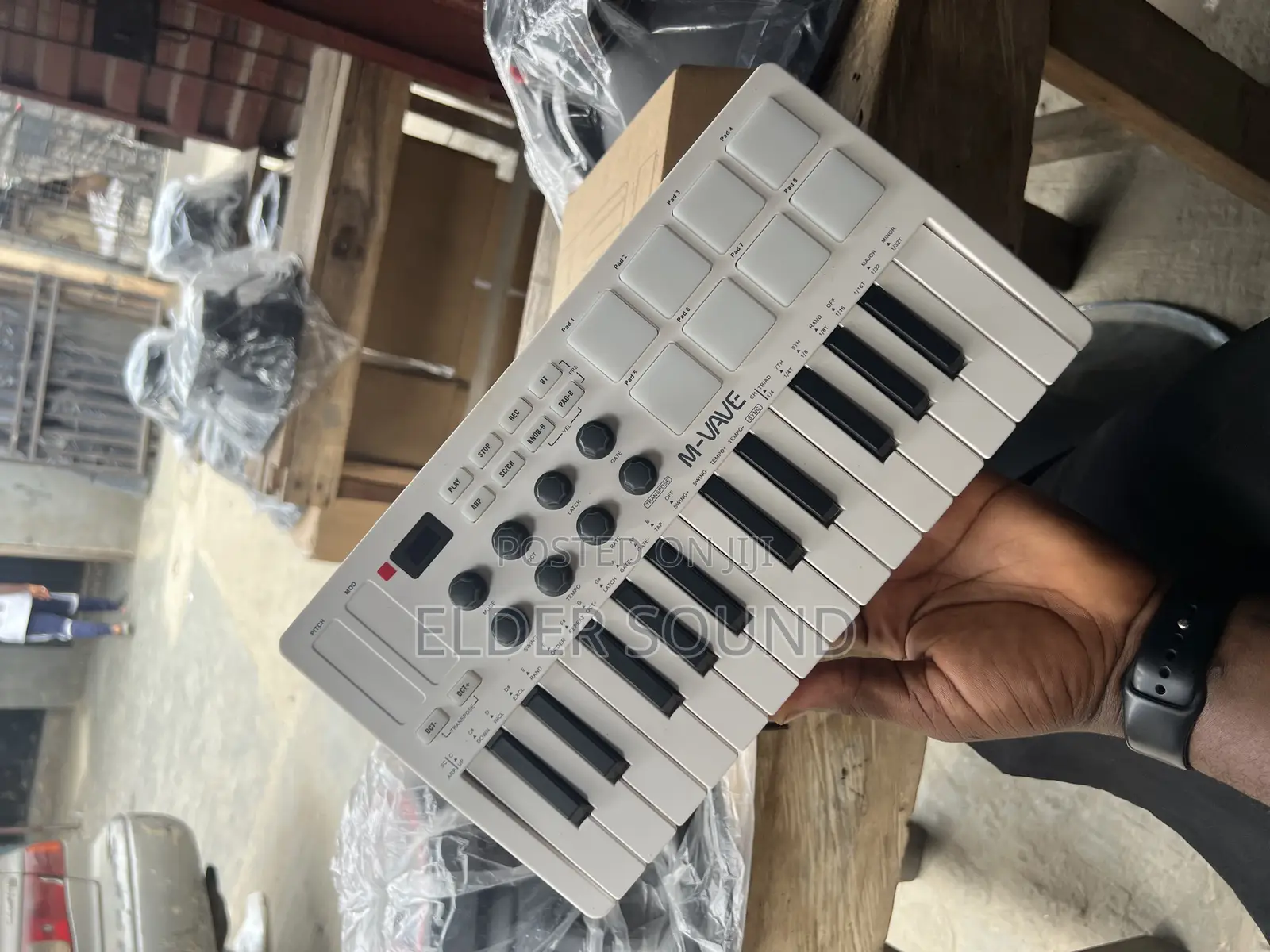
Original M-Vave SMK 25 Keyboard
Other
Brand
Midi Keyboards
Type
25
Number of Keys
Other
Keys Action
Other
Storage Type
Brand New
Condition
Store address
Lagos State • Mushin
141, Agege Motor Rd., Idi-Oro Mushin, Lagos,
Closed now
• Mon, Sat, 09:00-18:00
How to connect:
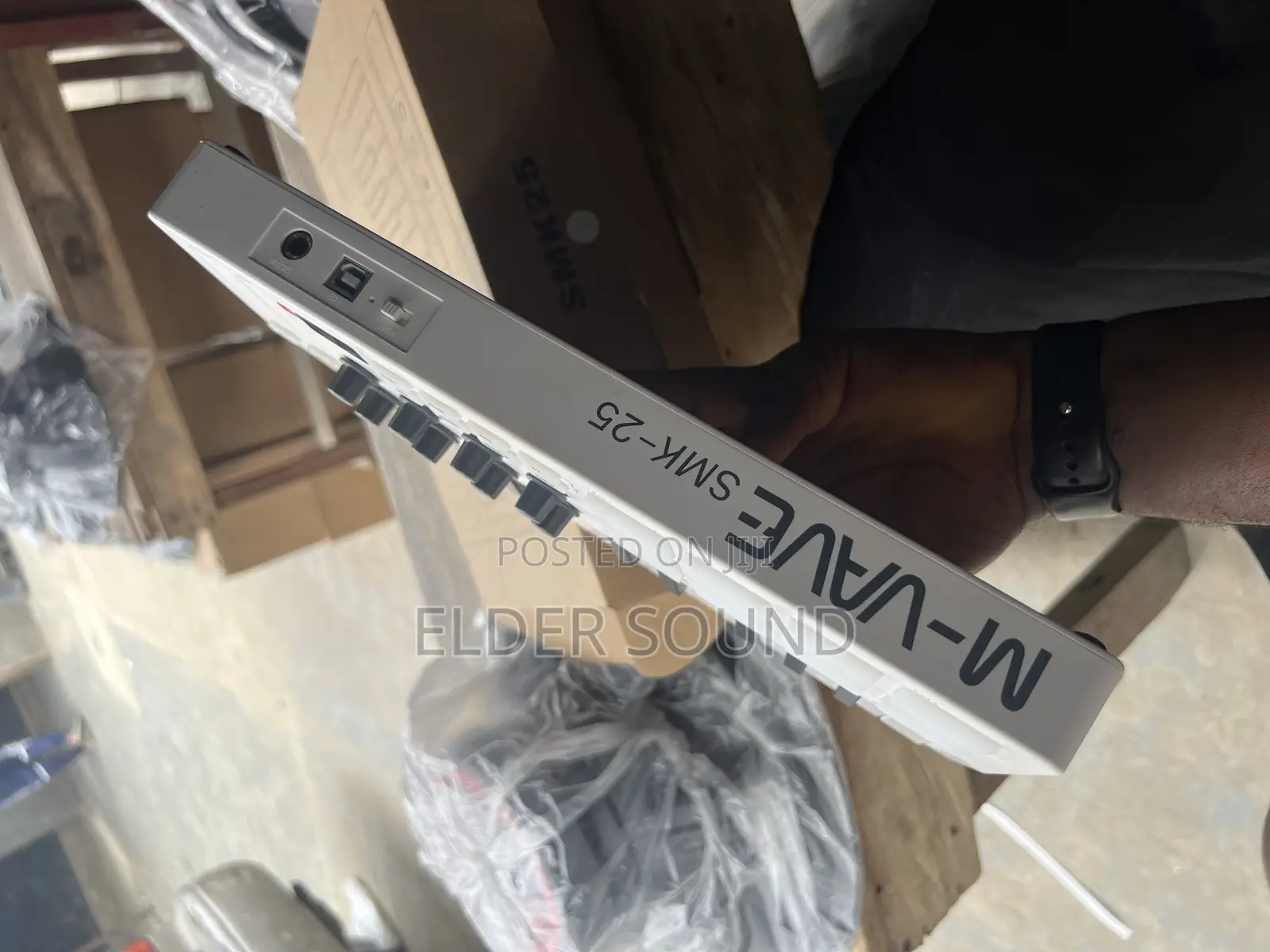
USB Connection : Plug the cable through the USB-C port to theWindows/Mac it will automatic be recognized , When plug into Windows/Macthe SMK-25 MINI will be charging at the same time;(Red light : charging , Green light :charging complete)Wireless Connection : Press and hold the BT button, when the light flashingthe wireless function is activated , when the light stays on was connectionsuccessfully;
Wireless Adapter : Plug Wireless Adapter B into Windows/Mac, connectionwas successfully when both lights stay on;
Direct Wireless : Activated Bluetooth function of Windows/Mac/iOS/AndroidSelect SMK-25 on the list (Windows users need Bluetooth 5.0 and extra BLEMidi Driver) ;Note: iOS/Android need software support BLE MIDl, and connect inside thesoftware ;
MIDI OUT Connection:
Cable Connection :

Safety tips
- Avoid paying in advance, even for delivery
- Meet with the seller at a safe public place
- Inspect the item and ensure it's exactly what you want
- Make sure that the packed item is the one you've inspected
- Only pay if you're satisfied