Enterprise
1/2
Promoted
Lagos, Ikeja, 47 min ago
2 views
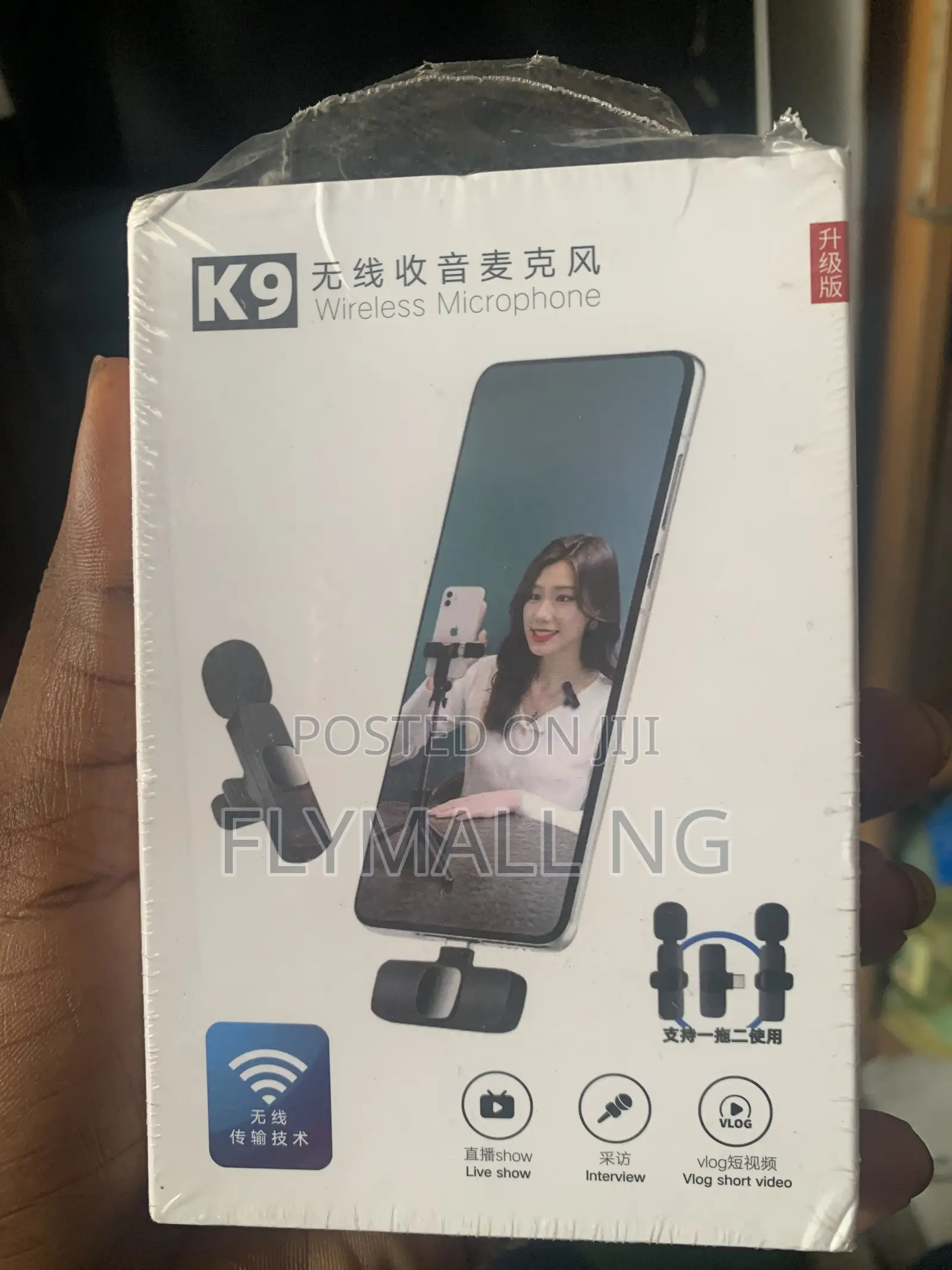
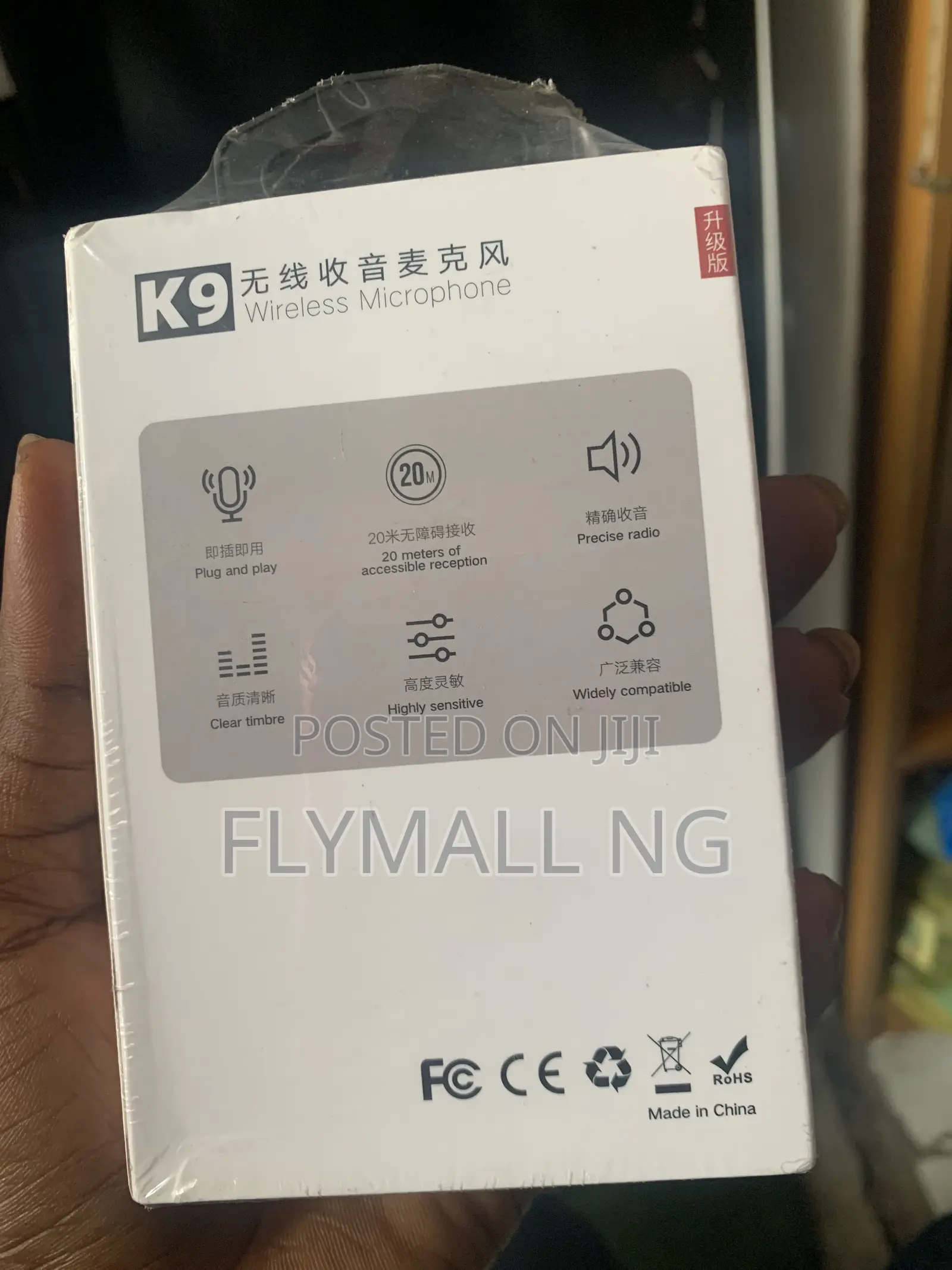
Wireless Microphone
Store address
Verified
Verified
4
Lagos State • Kosofe
No1 pepple street, Ikeja computer village, Lagos State
Open now
• Mon - Sat, 09:00-18:00
Initial Setup & PairingCharge the Mic: Use the provided USB-C cable to charge the microphone transmitters. A red light will show while charging and turn off when full.Plug in the Receiver: Insert the small receiver piece directly into your phone's charging port (USB-C or Lightning, depending on your phone version).Power On: Press and hold the power button on the back/bottom of the microphone for about 3 seconds.Check the Connection: The flashing red and green lights on the mic will turn into a solid green light once it successfully pairs with the receiver automatically.2. Troubleshooting (If it isn't picking up sound)If your phone does not recognize the microphone right away, try these two common fixes:Turn on OTG (For Android): Brands like OPPO, VIVO, Realme, and OnePlus require you to manually allow power to the port.

Safety tips
- Avoid paying in advance, even for delivery
- Meet with the seller at a safe public place
- Inspect the item and ensure it's exactly what you want
- Make sure that the packed item is the one you've inspected
- Only pay if you're satisfied