
Enterprise
1/3
Promoted
Lagos, Ikeja, 41 min ago
54 views
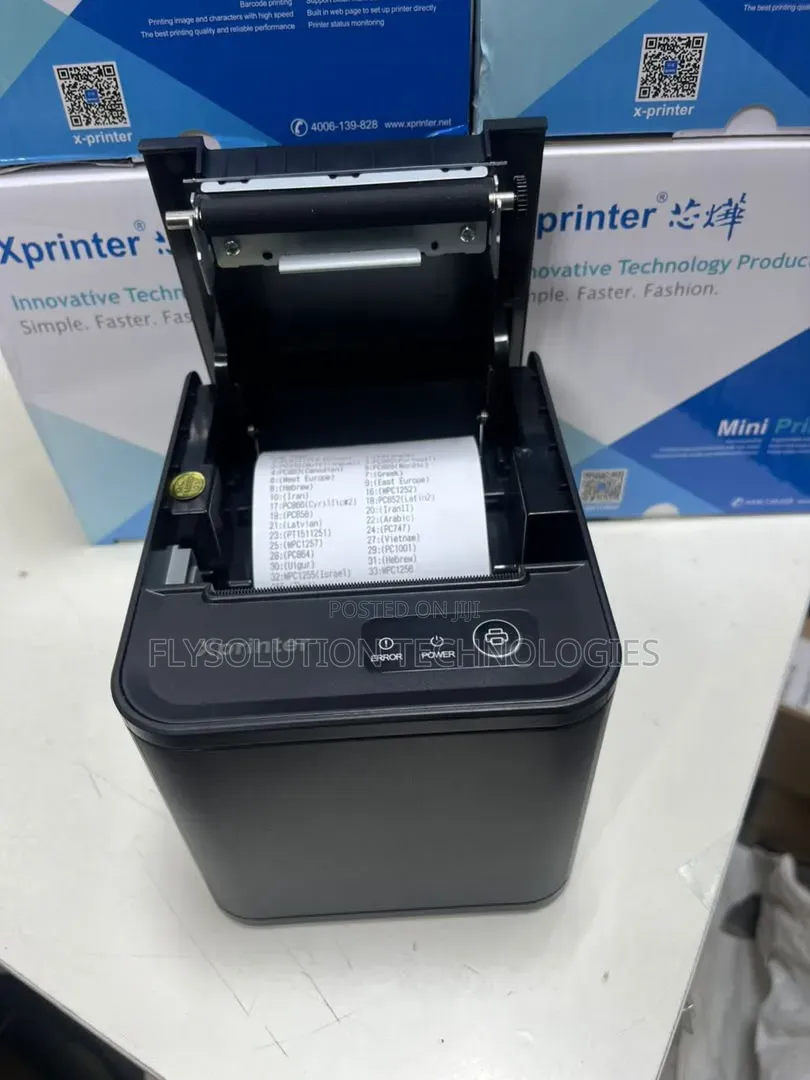
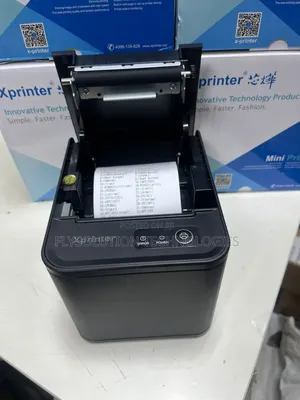
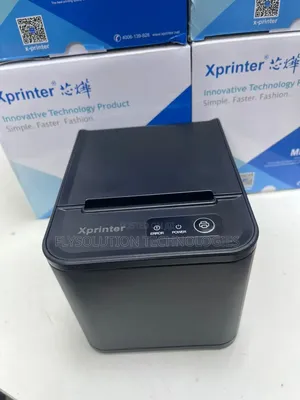
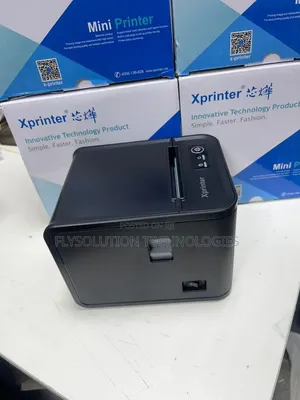
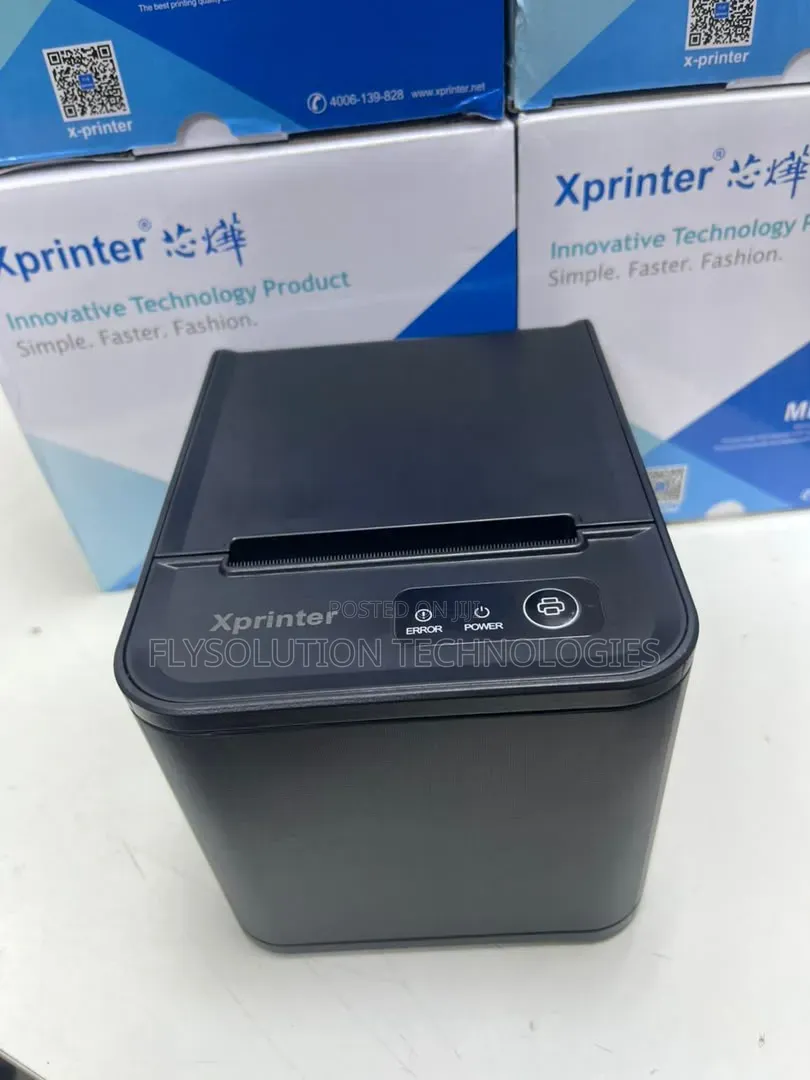
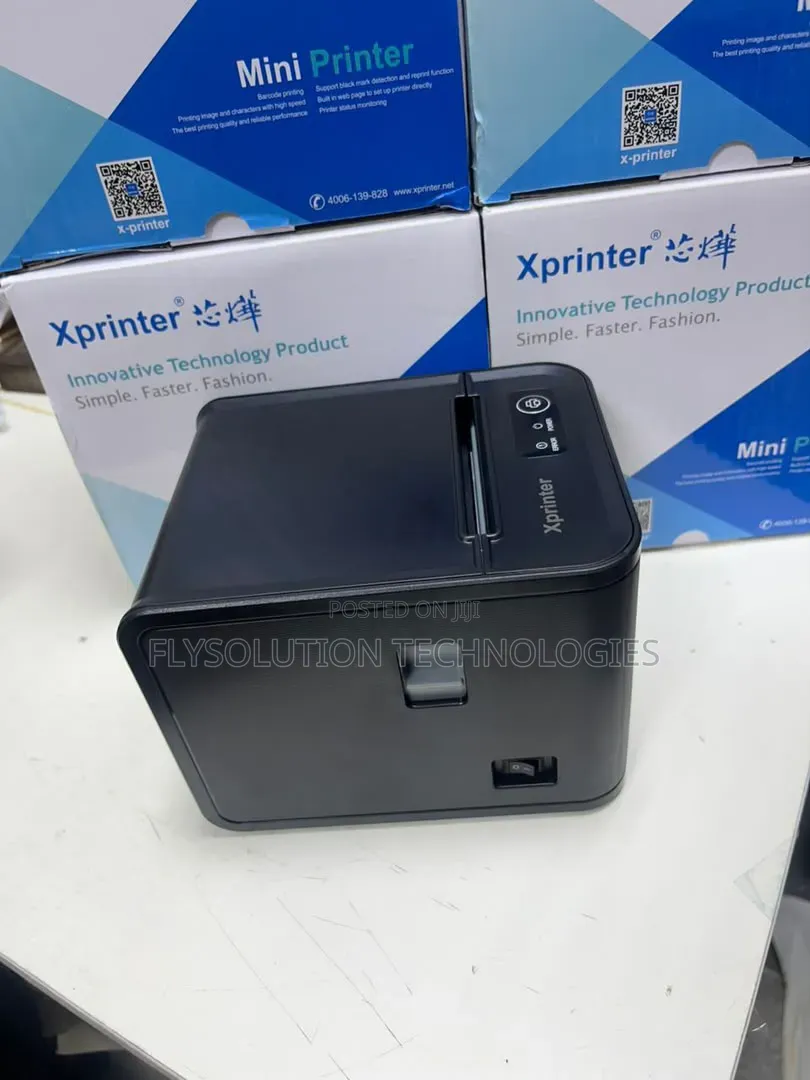
Xprinter 80mm Usb Thermal Receipt Pos Printer
Store address
Lagos State • Ikeja
No1 pepple street, Ikeja computer village, Lagos State
Once you get to No1 pepple junction computer village, give me a call 📞 I will direct you to my shop
Closed now
• Mon - Sat, 09:00-18:00
To set up or use your Xprinter thermal receipt printer via USB, follow these standard configuration steps:Physical SetupConnect the Cables: Connect the square end of the USB cable to the back panel of the printer, and the rectangular end into an open USB port on your PC or point-of-sale terminal.Load Paper: Open the top cover and place a 80mm thermal paper roll inside. Ensure the paper feeds from the bottom of the roll, then close the lid securely.Power On: Flip the power switch. The blue POWER indicator light should turn on steady.

Safety tips
- Avoid paying in advance, even for delivery
- Meet with the seller at a safe public place
- Inspect the item and ensure it's exactly what you want
- Make sure that the packed item is the one you've inspected
- Only pay if you're satisfied





