
Promoted
Lagos, Ikeja, 2 hours ago
27 views
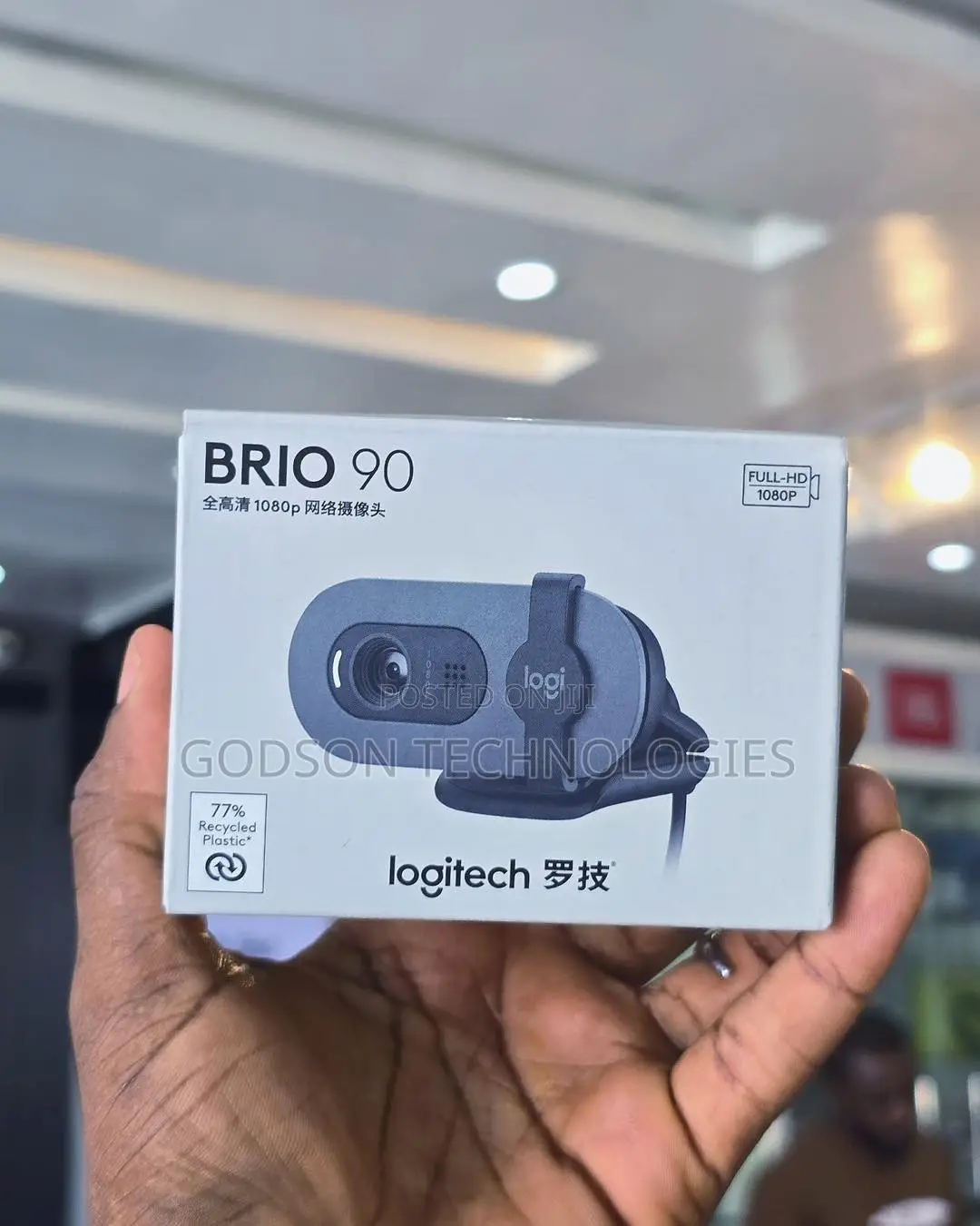
Logitech Brio 90 Full Hd Webcam
Webcams
Type
Brand
Brand New
Condition
1080MP
Photo Resolution
1080p
Maximum Video Resolution
30fps
Maximum Frame Rate
USB
Webcam Interface
Clip-On, Adjustable Field of View
Webcam Features
Led indicator light
built-in microphone
universal mounting clip
privacy shutter
usb-a connector
what’s in the box
1 webcam with 7 ft (2 m) attached usb-a cable 2 user documentation
setting up the webcam
for placement on a monitor
1 place your webcam on a computer, laptop or monitor at a position or angle you desire
2 adjust the webcam to make sure the end of the universal mounting clip is flush with the back of your device
3 manually tilt the webcam up or down to frame yourself within the camera’s view
usb-a
connecting the webcam via usb-a
plug the usb-a connector into the corresponding port on your computer
4 english
successful connection
led light indicates when the webcam is on and
dimensions webcam:
height x width x depth:
1 26 in (31 91 mm) x 2 87 in (72 91 mm) x 2 62 in (66 64 mm)
weight: 2 65 oz (75 g)
Safety tips
- Avoid paying in advance, even for delivery
- Meet with the seller at a safe public place
- Inspect the item and ensure it's exactly what you want
- Make sure that the packed item is the one you've inspected
- Only pay if you're satisfied





