
1/4
Promoted
Lagos, Ikeja, 3 hours ago
36 views
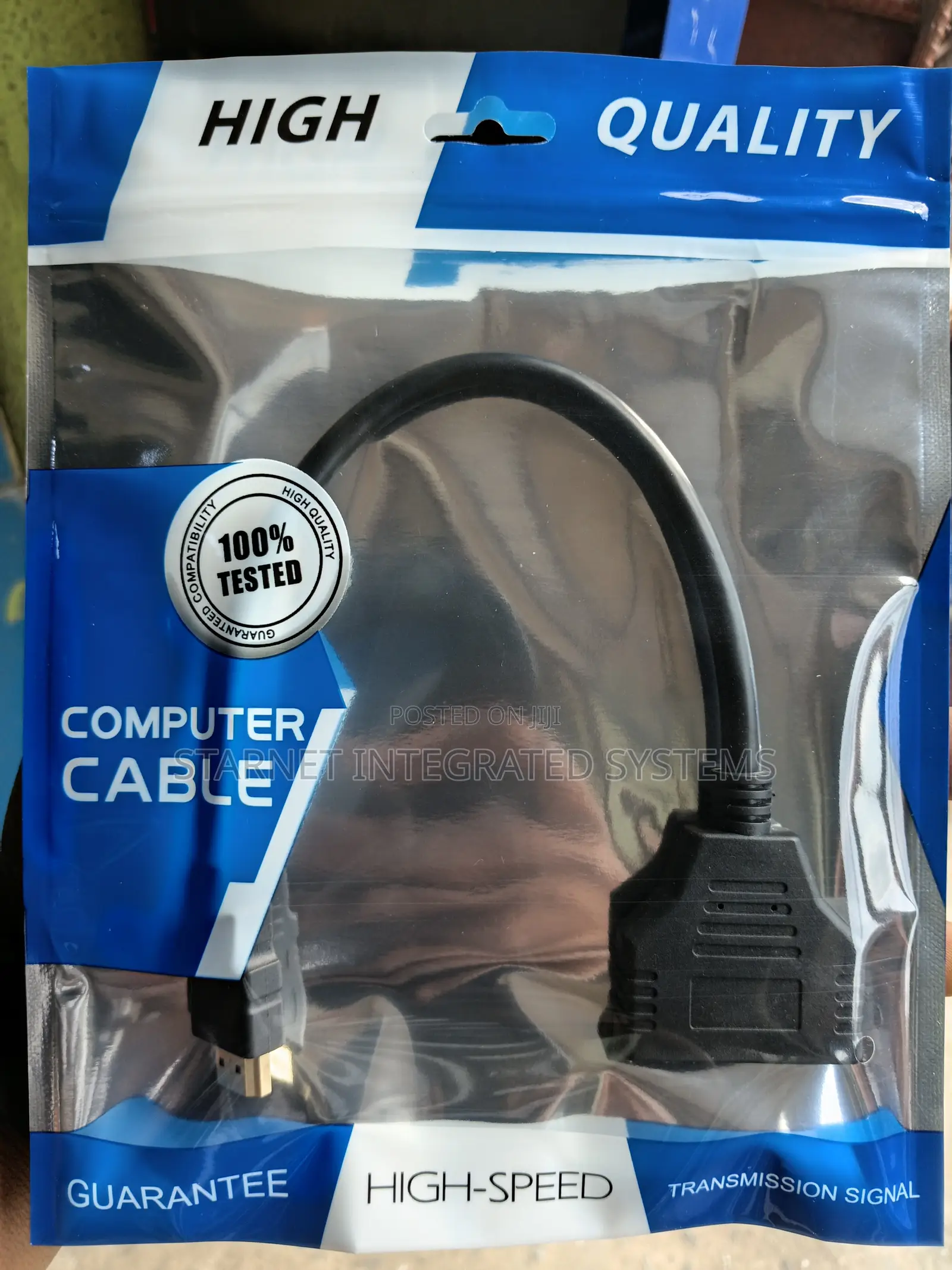
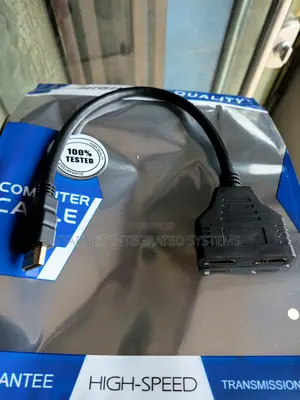
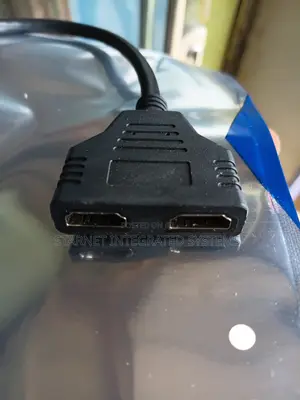
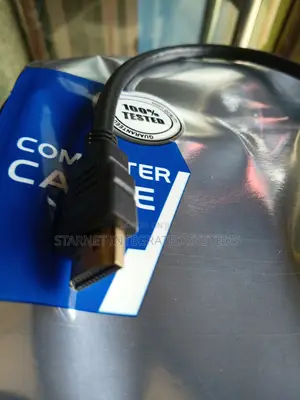
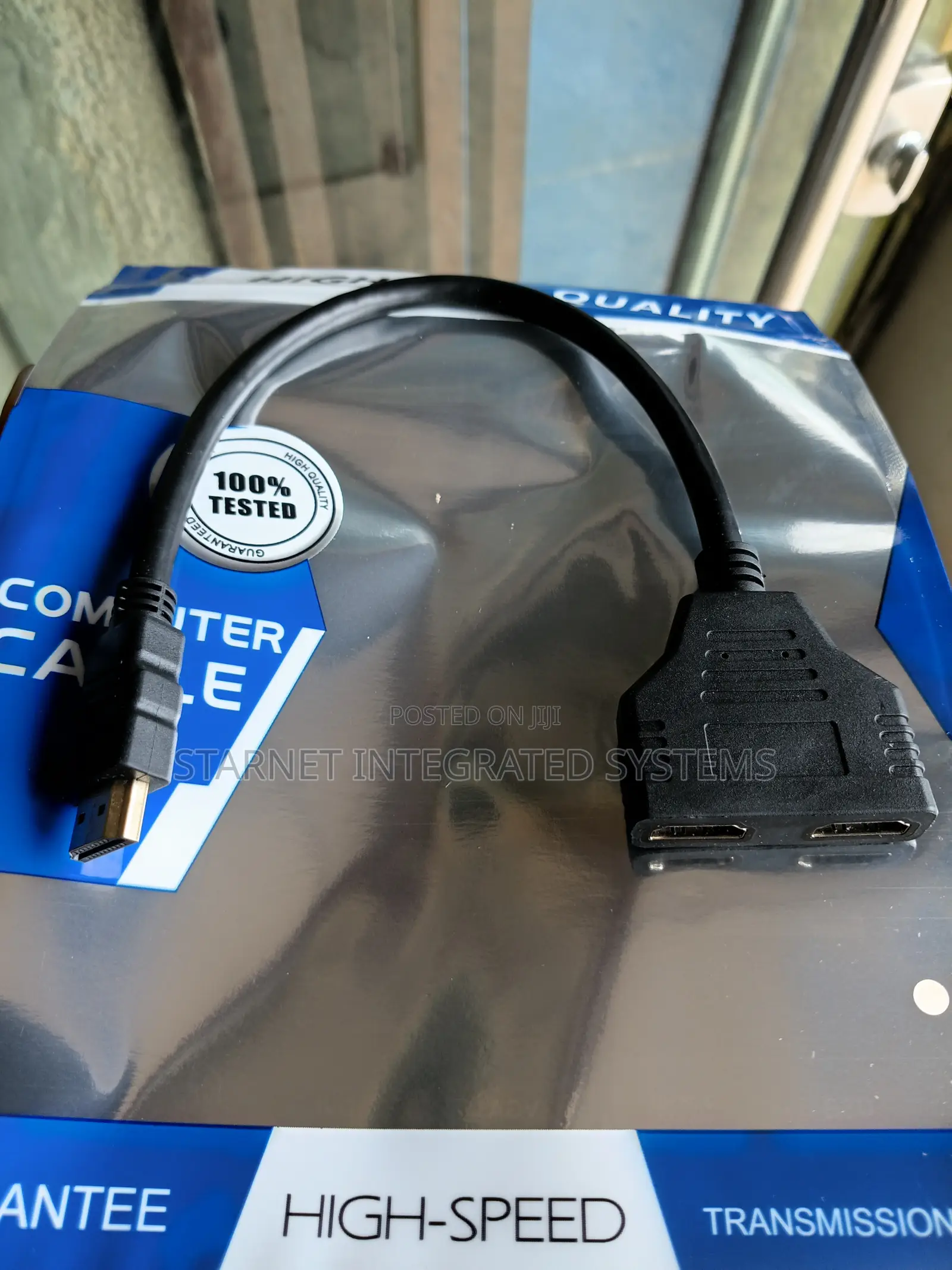
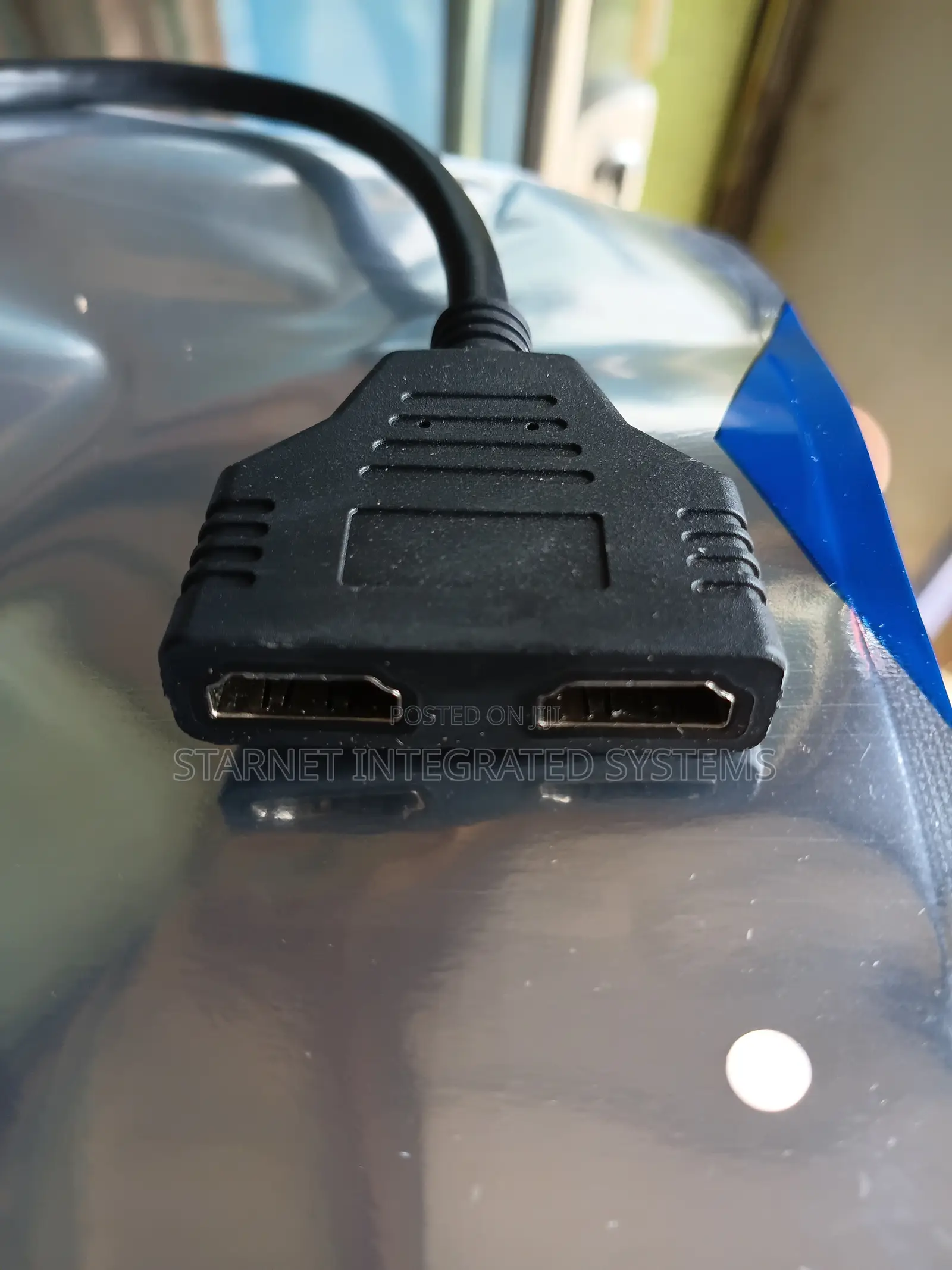
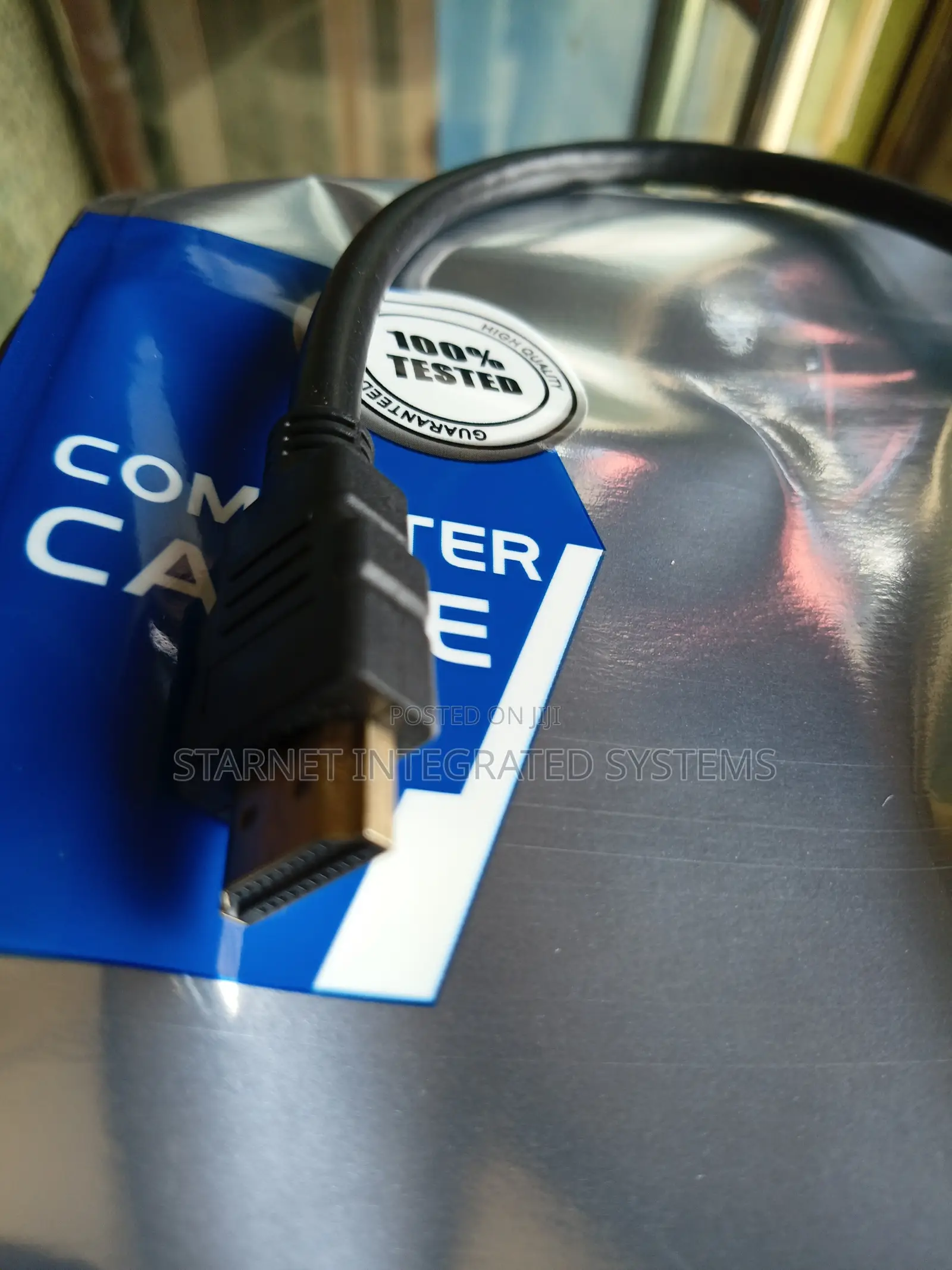
2 Way Hdmi Splitter via Cable
Delivery
Across country
1-7 days
₦ 1,000 - 5,000
A 2-way HDMI splitter duplicates a single video source (like a laptop or decoder) onto two separate displays (TVs or monitors) simultaneously.
How to Hook It UpPlug In: Connect your source device (PlayStation, PC, or satellite box) to the splitter's Input port.Connect Displays: Run your individual HDMI cables from the splitter's Output ports to your two displays.Power On: If using a powered splitter, plug it into the wall and turn on the displays. The image should mirror across both screens.
₦ 4,500
NegotiableSafety tips
- Avoid paying in advance, even for delivery
- Meet with the seller at a safe public place
- Inspect the item and ensure it's exactly what you want
- Make sure that the packed item is the one you've inspected
- Only pay if you're satisfied





