
1/10
+ 5
images
Promoted
Oyo, Ibadan, 1 hour ago
25 views
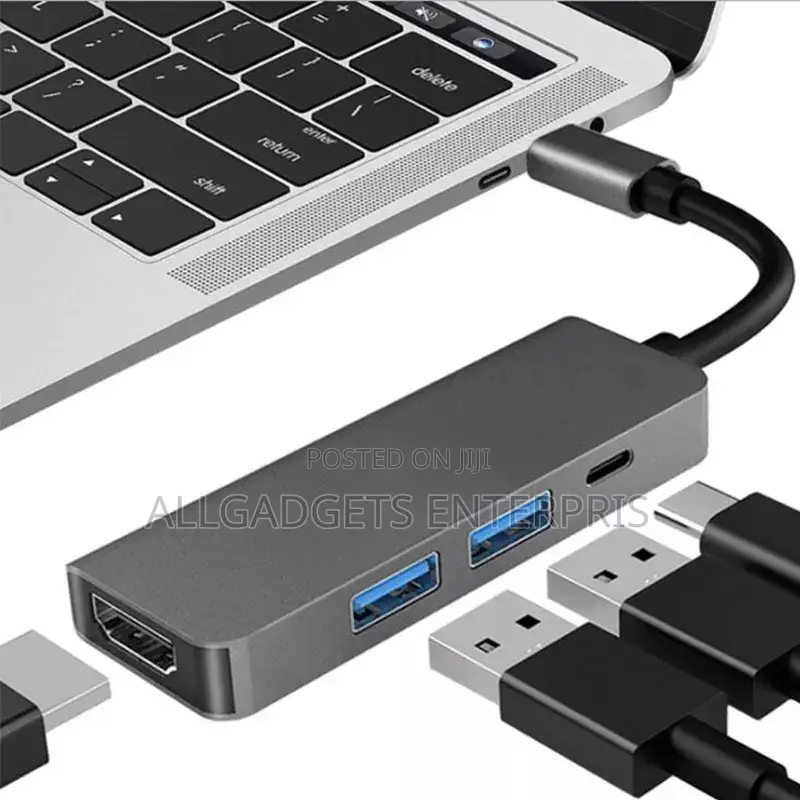
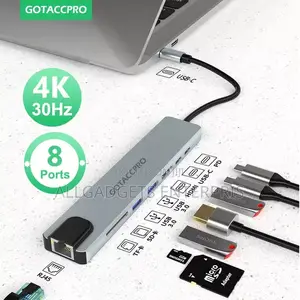
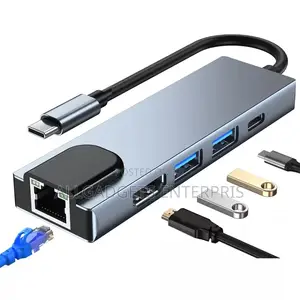
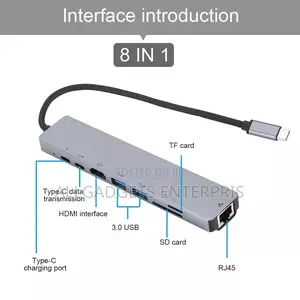
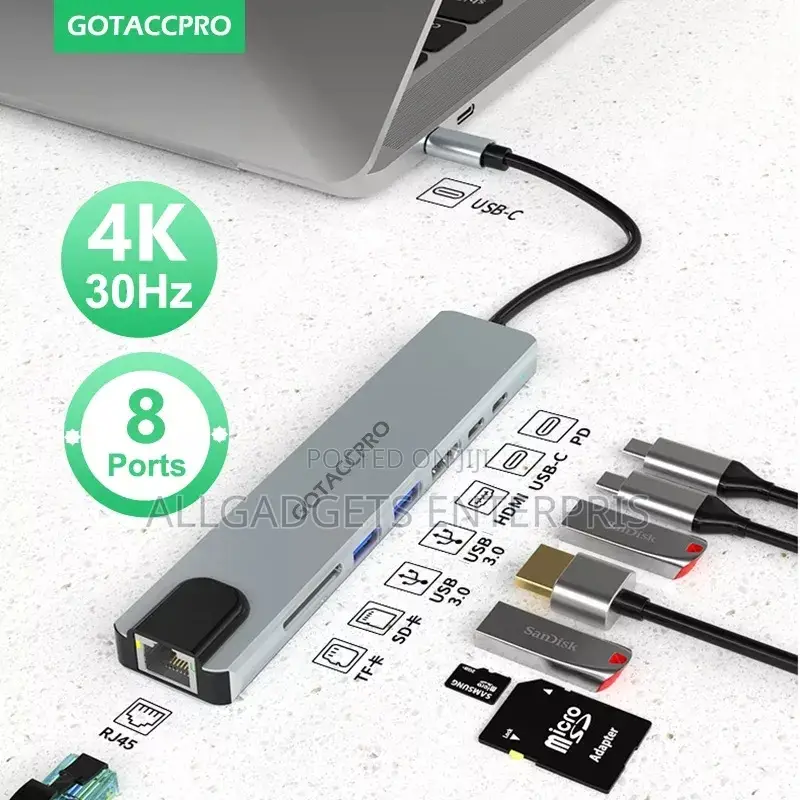
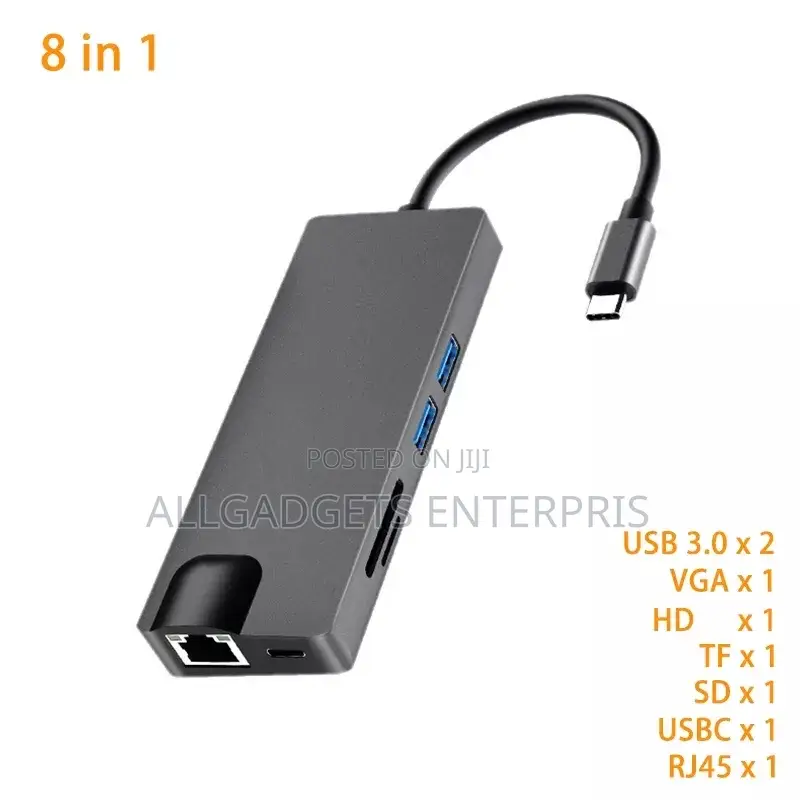
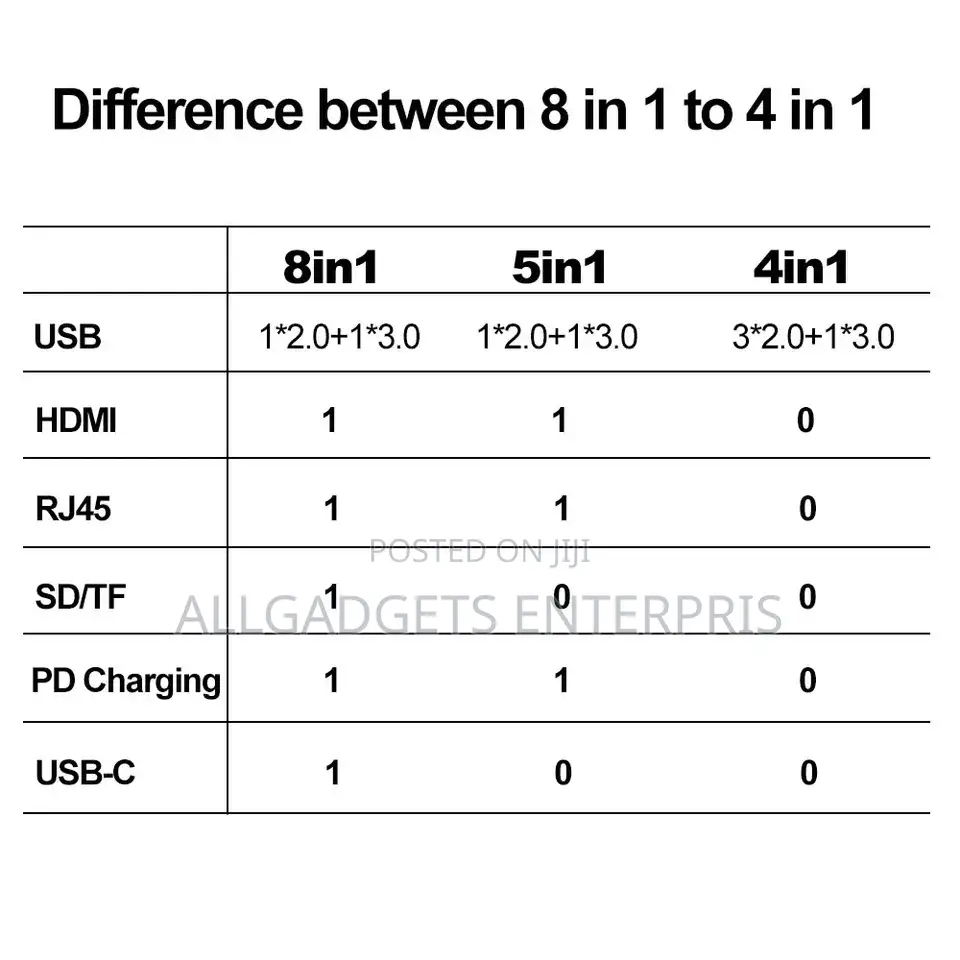
Type C to HD 8 in 1
Brand
Adapters
Type
Brand New
Condition
USB Type C, USB, HDMI, VGA, RJ-45
Connector 1 Type
USB Type C, HDMI, RJ-45, VGA
Connector 2 Type
Other
Number of Inputs
Delivery
Oyo State • Ibadan
1 day
₦ 1,000 - 2,000
Across country
1-3 days
₦ 1,000 - 4,000
Store address
Oyo State • Ibadan
ALLGADGETS ENTERPRISES Tolaf Wemabod shopping mall, suite B1,Queen cinema Dugbe ib
Closed now
• Mon - Sun, 09:00-18:00
Oyo State • Ibadan
ALLGADGETS ENTERPRISES..OREMEJI STREET COMPUTER VILLAGE LAGOS..
Closed now
• Mon - Sun, 09:00-18:00
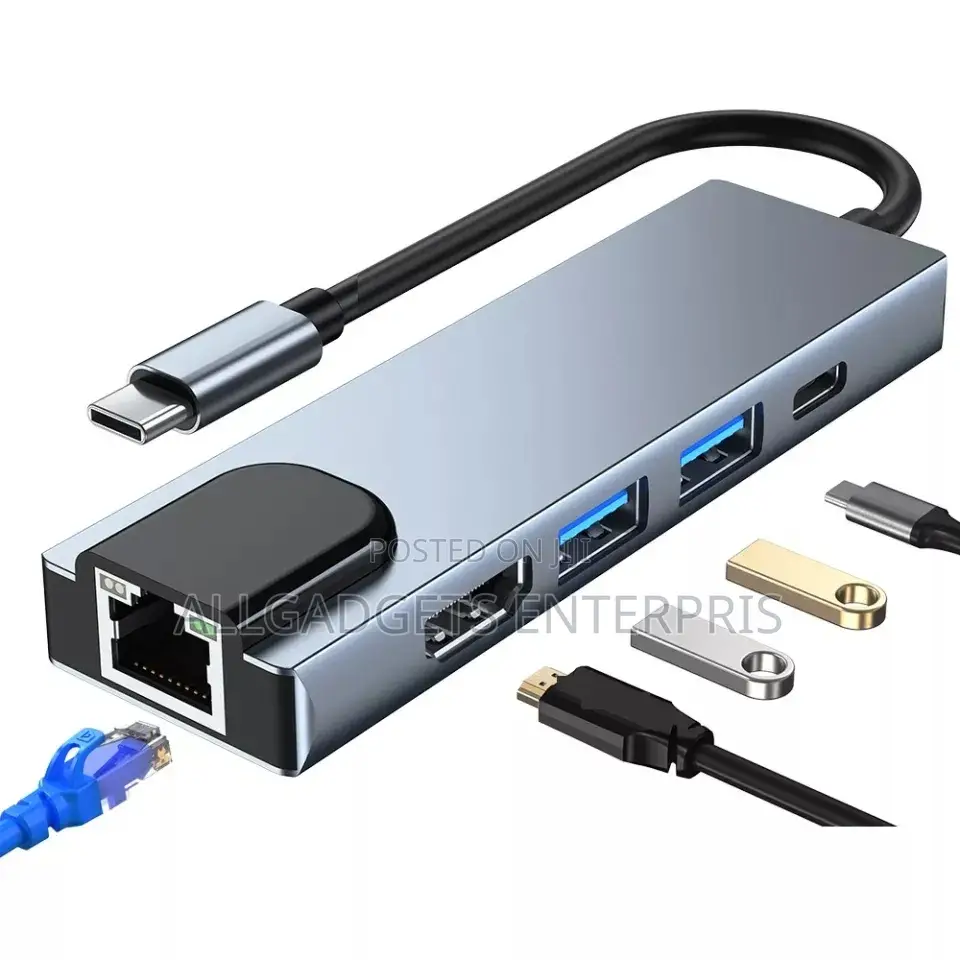
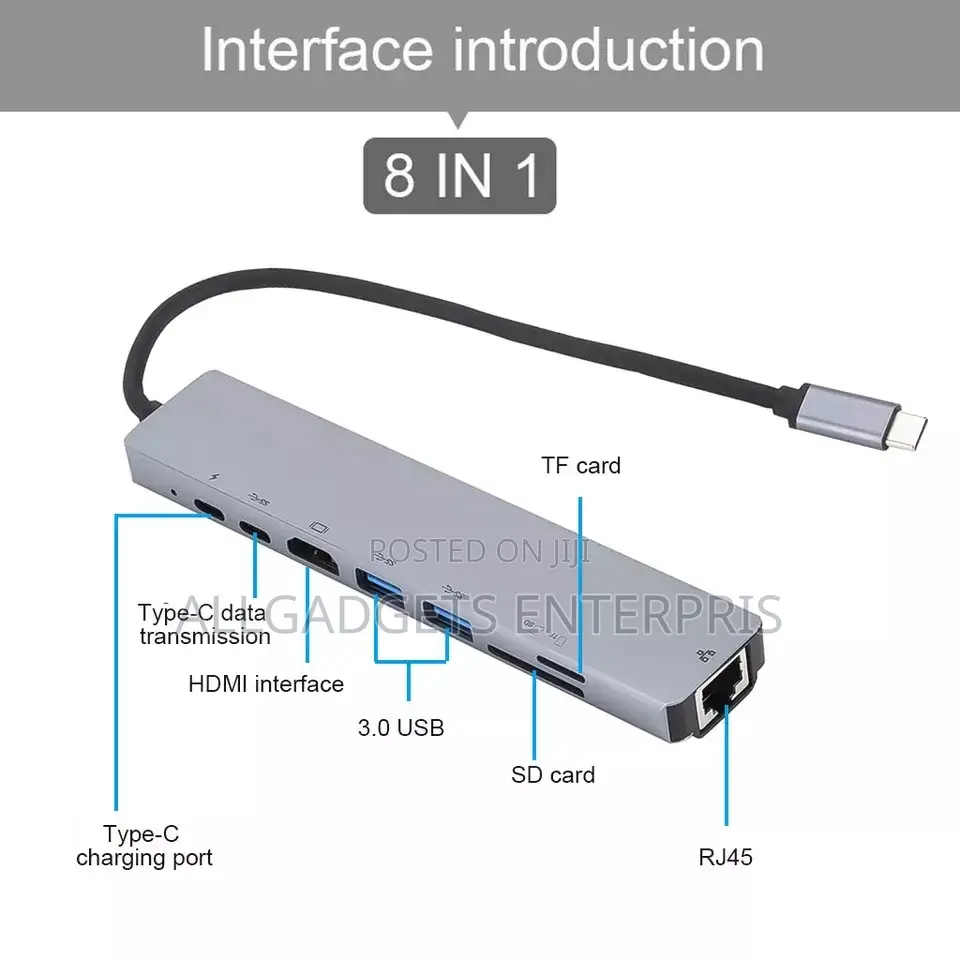
How to use the hub?here is user manual for each port
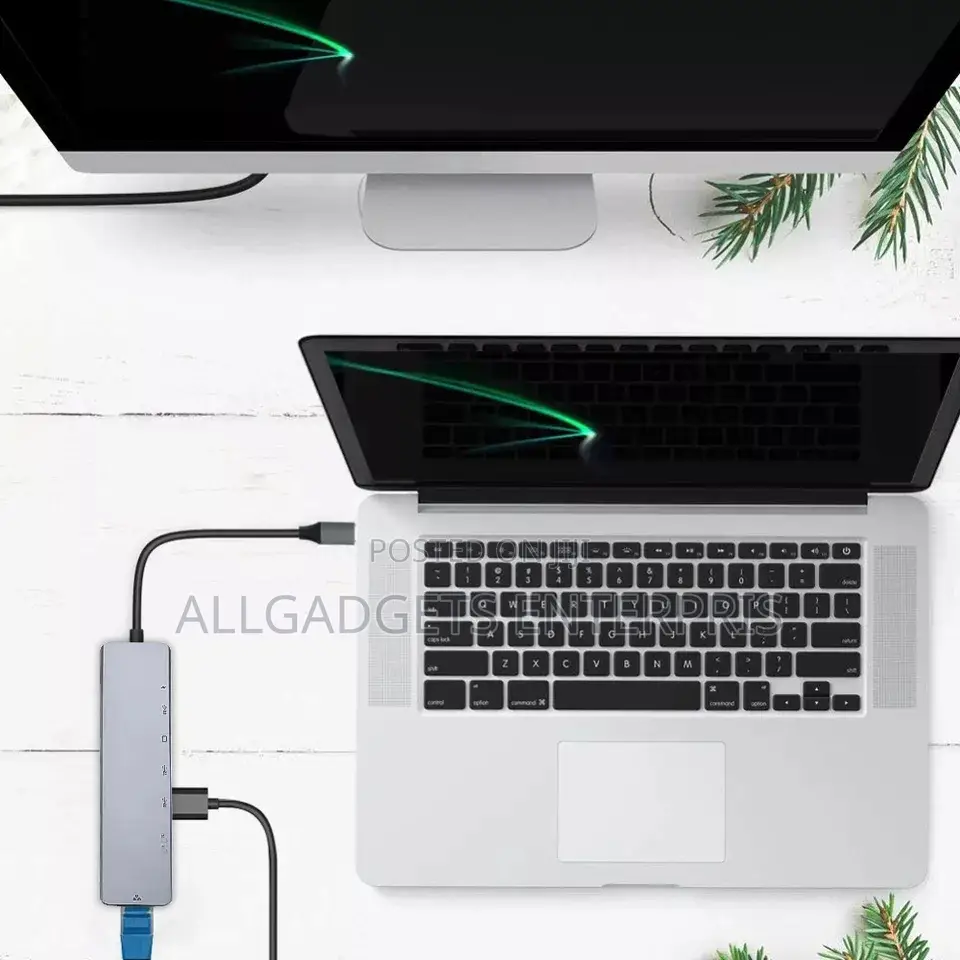
Step 1: plug the main Type-C interface into your computer or your phone.
USB and type C port: connect USB device via USB /type C port, like your USB mouse,keyboard,U disk and etc.
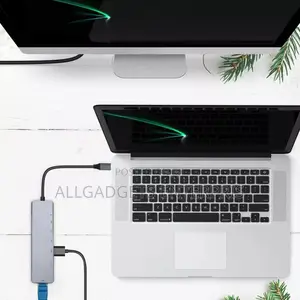
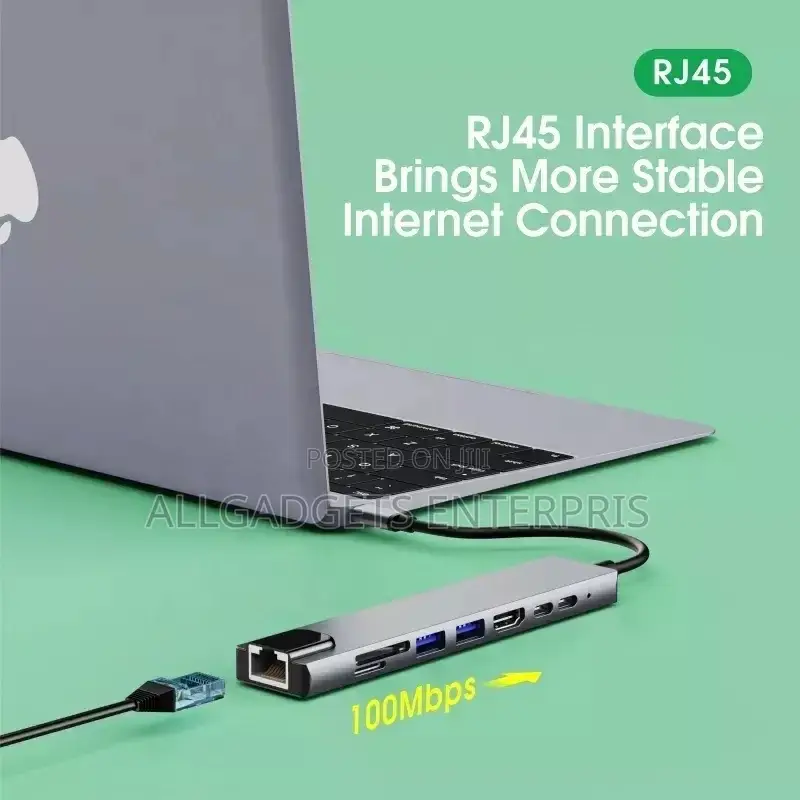
rj45 port:plug network cable via rj45 port,then use the internet.(For system above windows 10, it may need the driver, please contact us about the driver if need )
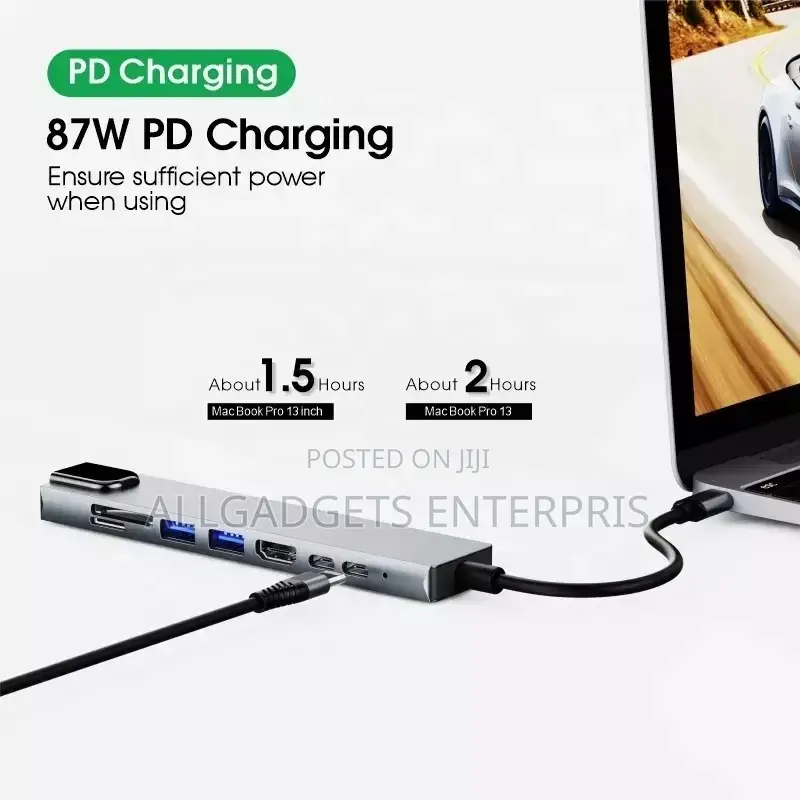
PD port:Use adapter to connect the power supply, then connect the PD port, then can charge the computer, if want to charge the phone at the same time, use the USB port to connect to the phone.
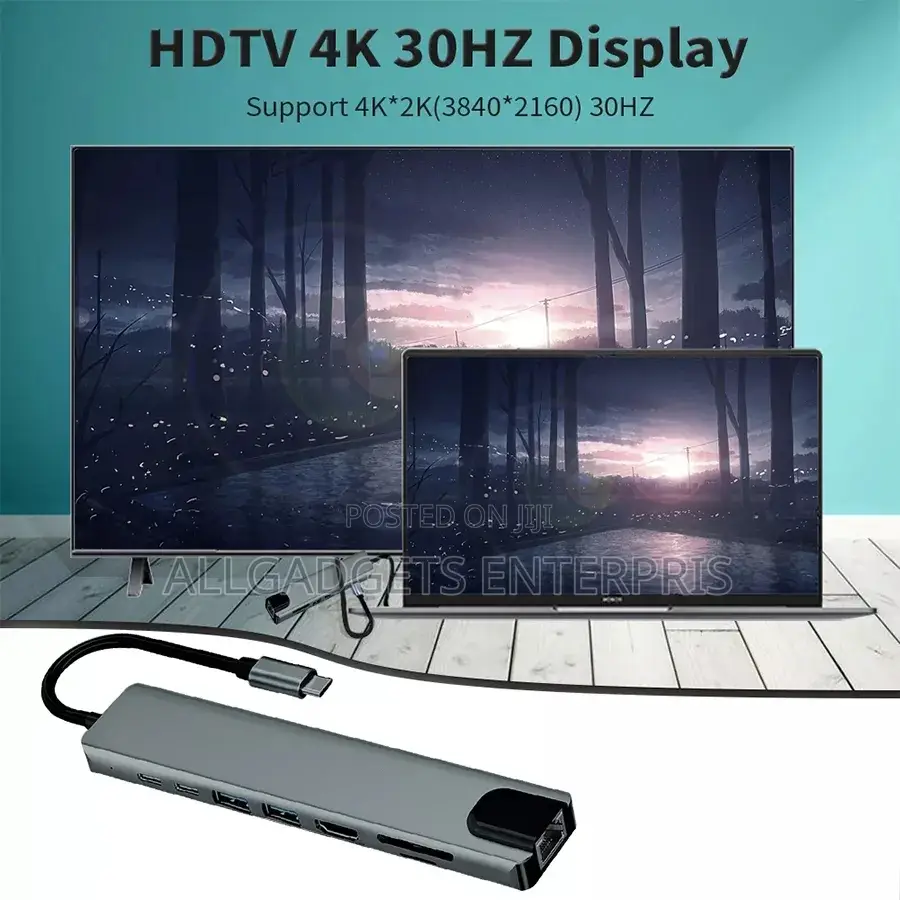
HDMI-compatible4k port:Please check if your computer USB C port support display port,if support, connect your monitor and the computer via the HDMI port,then you can use it.
If you not know if your computer support or not.

Safety tips
- Avoid paying in advance, even for delivery
- Meet with the seller at a safe public place
- Inspect the item and ensure it's exactly what you want
- Make sure that the packed item is the one you've inspected
- Only pay if you're satisfied





