1/2
Promoted
Edo, Benin City, 6 hours ago
37 views
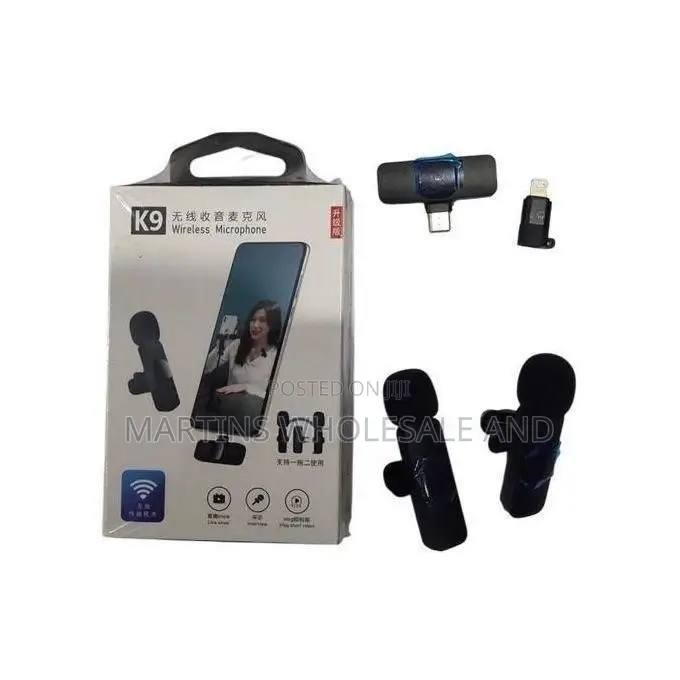
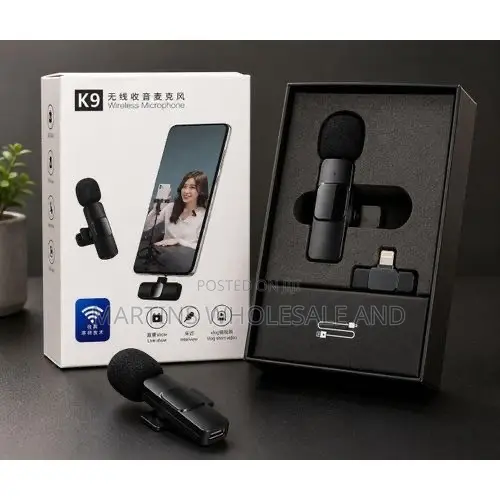
The Wireless Microphone System
Microphones
Type
Brand New
Condition
generic
Brand
Wireless
Form Factor
Omnidirectional
Polar Pattern
16
Microphone Bit Depth
microUSB
Microphone Connectivity
Store address
Edo State • Benin City
Ehondor forestry road benin city
Call or
Closed now
• Mon - Sat, 09:00-18:00
Charge First: Charge the clip-on microphone transmitter using the included USB cable before your first use.Plug the Receiver: Insert the USB-C receiver piece firmly into your smartphone's charging port. If you are using an older iPhone with a Lightning port, attach the small included USB-C to Lightning adapter to the receiver first.Power On: Press and hold the power switch on the back of the microphone until its indicator light turns green. It should pair automatically with the receiver.Troubleshooting Connectivity IssuesIf the light blinks or your phone does not pick up audio, try these common fixes:Enable OTG Settings (Android): Brands like Oppo, Vivo, Realme, or OnePlus require manual power routing. Go to your phone's Settings, search for "OTG", and turn it on.Use a Third-Party Camera App: The default native camera software on certain
Safety tips
- Avoid paying in advance, even for delivery
- Meet with the seller at a safe public place
- Inspect the item and ensure it's exactly what you want
- Make sure that the packed item is the one you've inspected
- Only pay if you're satisfied