1/3
Kano, Nasarawa-Kano, 26/10
43 views
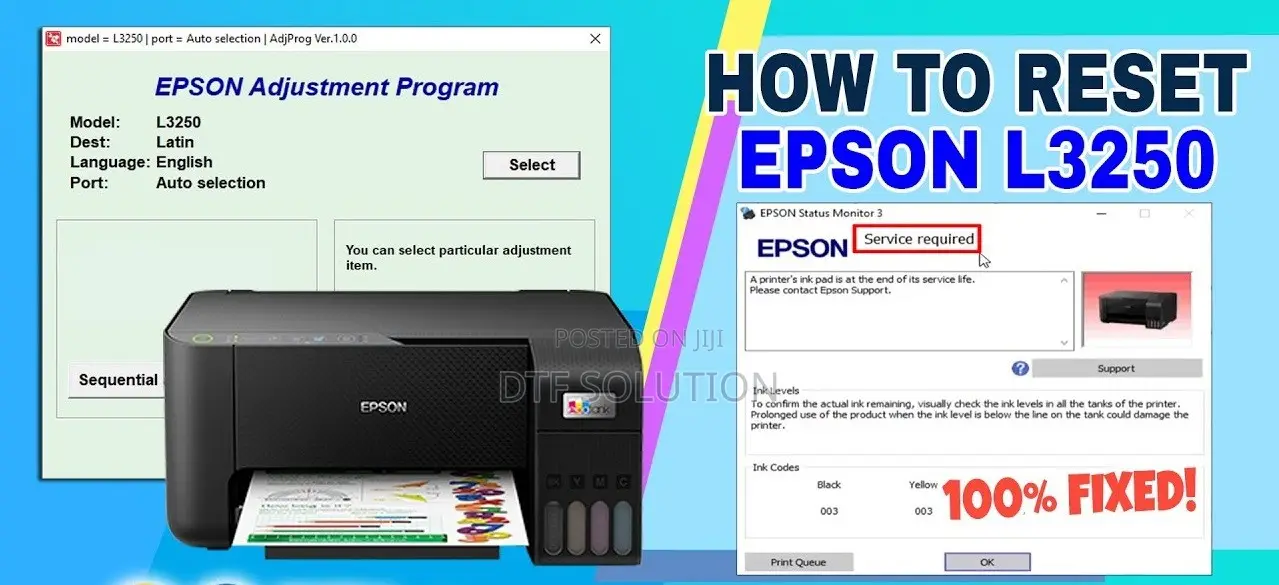
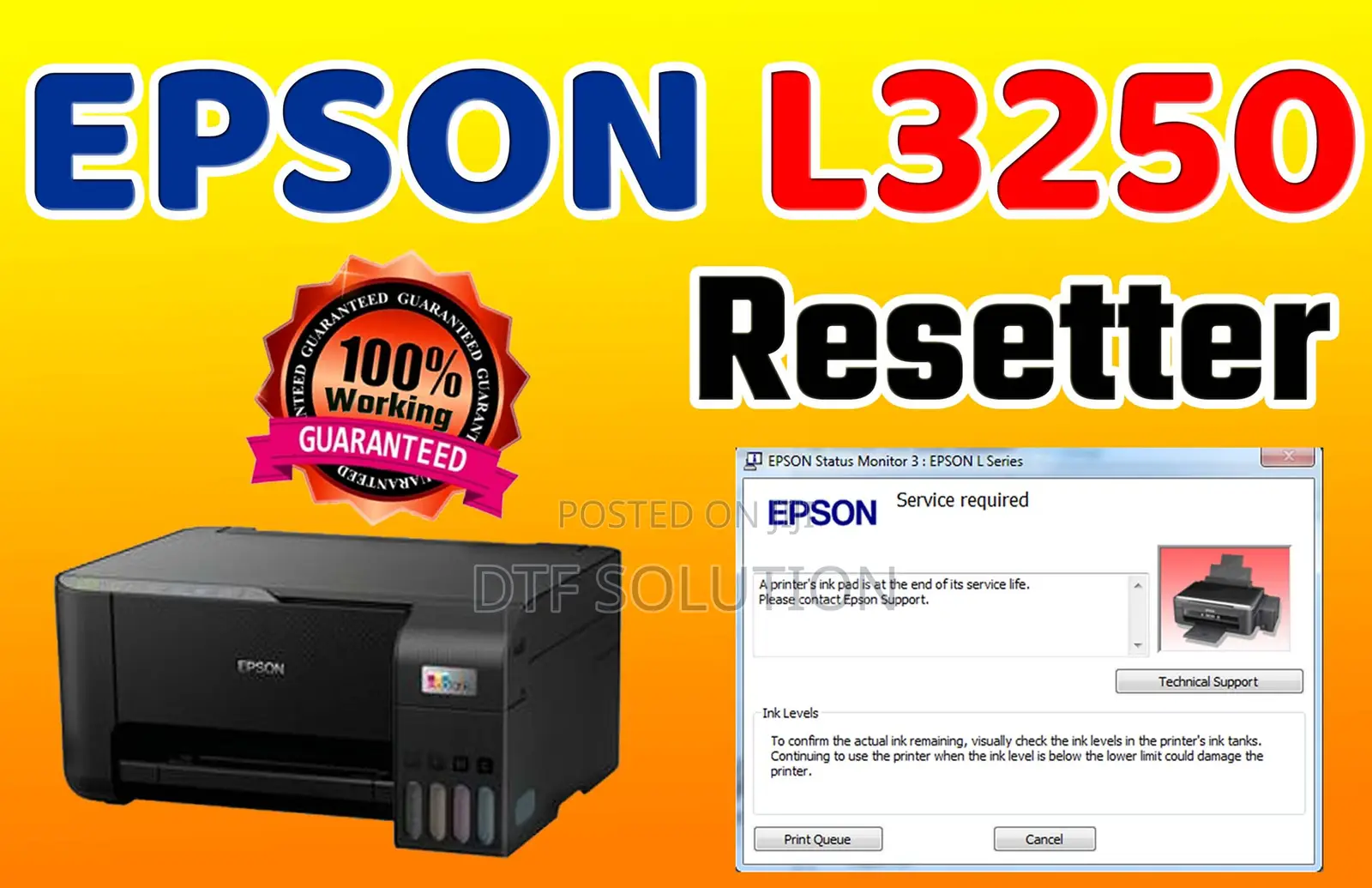
Ink Waste Reset Program for Epson L3210, L3211, L3216, L3250, L3251
EPSON ADJUSTMENT PROGRAM
Software Name
Other
Type
Windows
Platform
Digital Download
Format
1.0.1
Software Version
32 bit
Operating System Bit Version
Other
Usage
Lifetime
License Duration
10GB
Storage Required
1MB
RAM Required
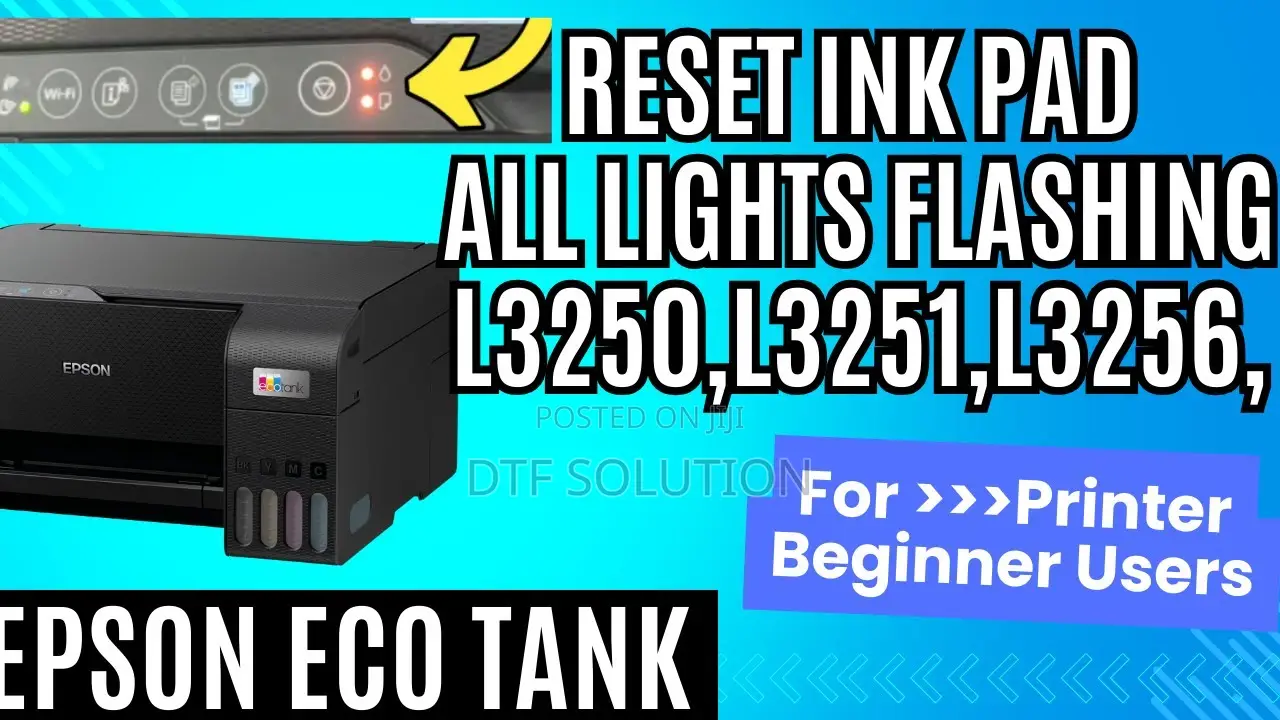
This Epson ink waste reset program can completely clear the waste waste for Epson L1210, L1211, L1216, L1250, L1251, L1256, L3210, L3211, L3216, L3250, L3256, L5290, and L5296 printer models. If you are experiencing problems with your printer having a full ink waste tank, displaying a "full ink waste tank" error, the printer's lights flashing alternately, or the printer not working, you can get this program. This ink waste clearing program can be used. This Epson waste ink pad clearing program is 100% functional. Simply connect the printer to your computer via USB cable, open the program, select your printer model, and choose the USB port Then select " Particular ..." > "waste ink pad " > check " main pad counter " (or multiple options on some models, check them all) and press " initial... ". Turn off the printer and turn it back on

Safety tips
- Avoid paying in advance, even for delivery
- Meet with the seller at a safe public place
- Inspect the item and ensure it's exactly what you want
- Make sure that the packed item is the one you've inspected
- Only pay if you're satisfied