
1/4
Promoted
Lagos, Ikeja, 1 hour ago
42 views
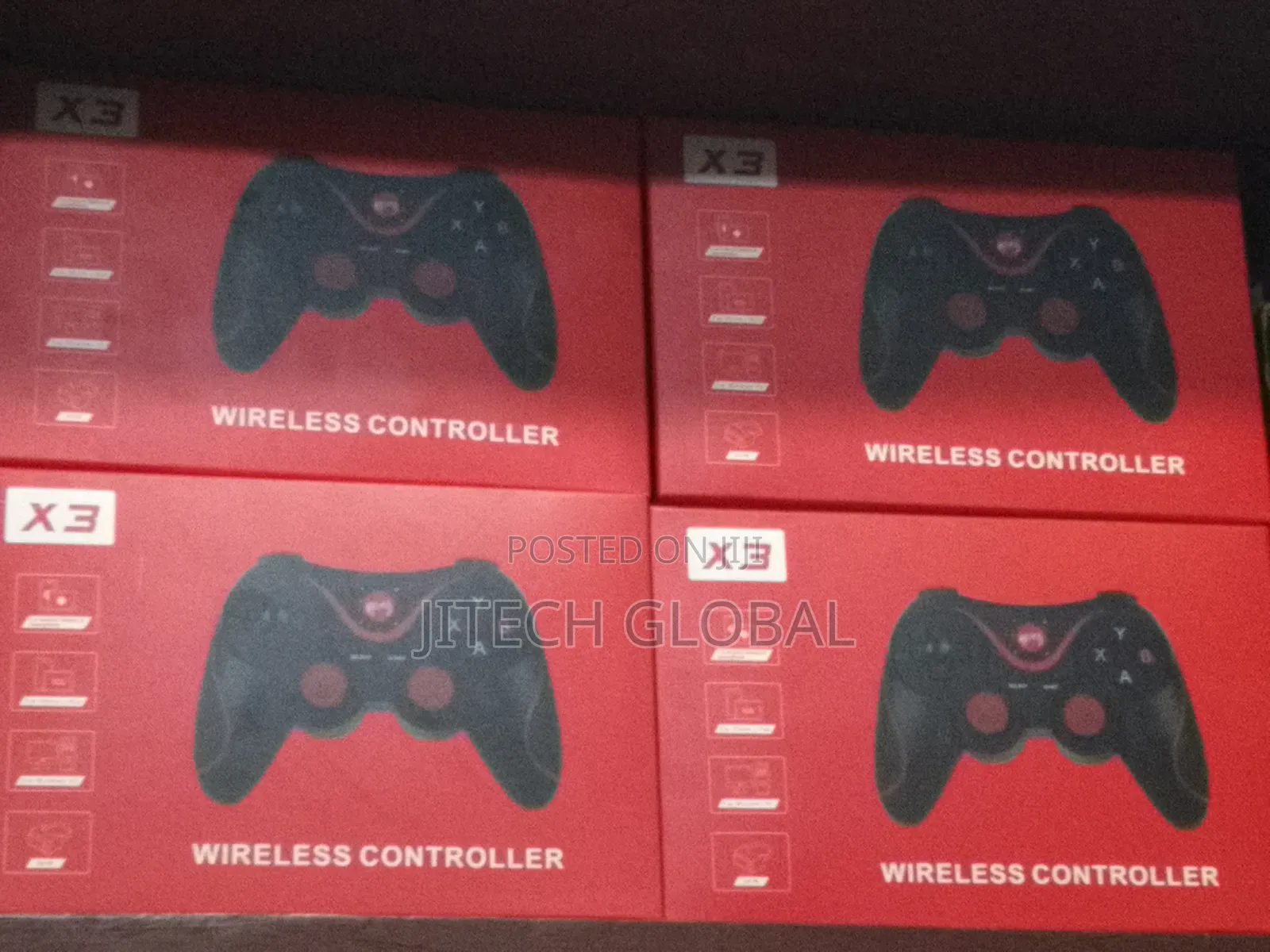
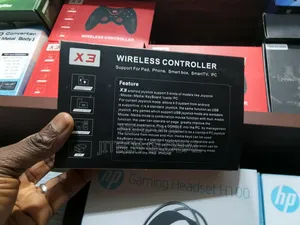
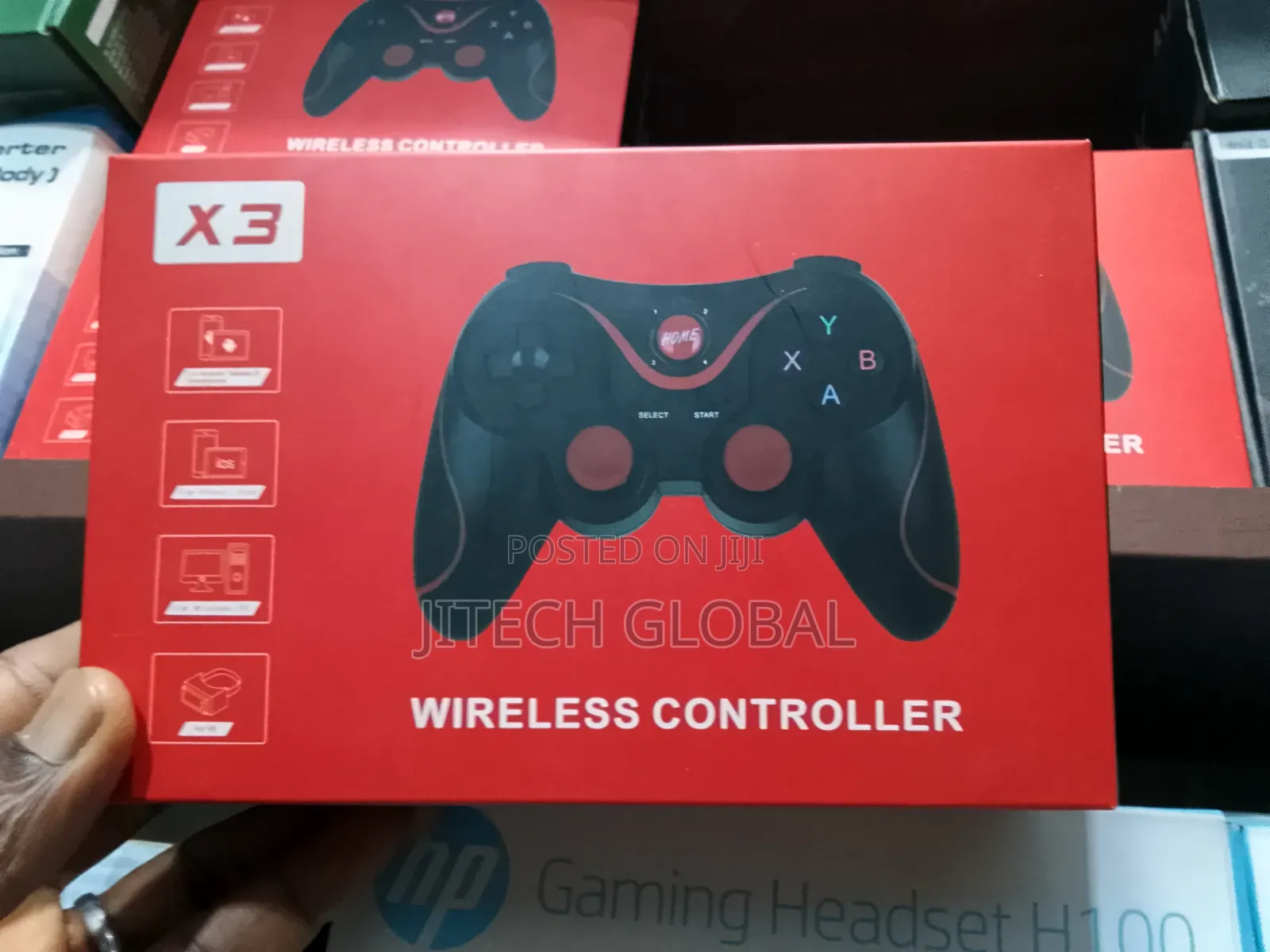
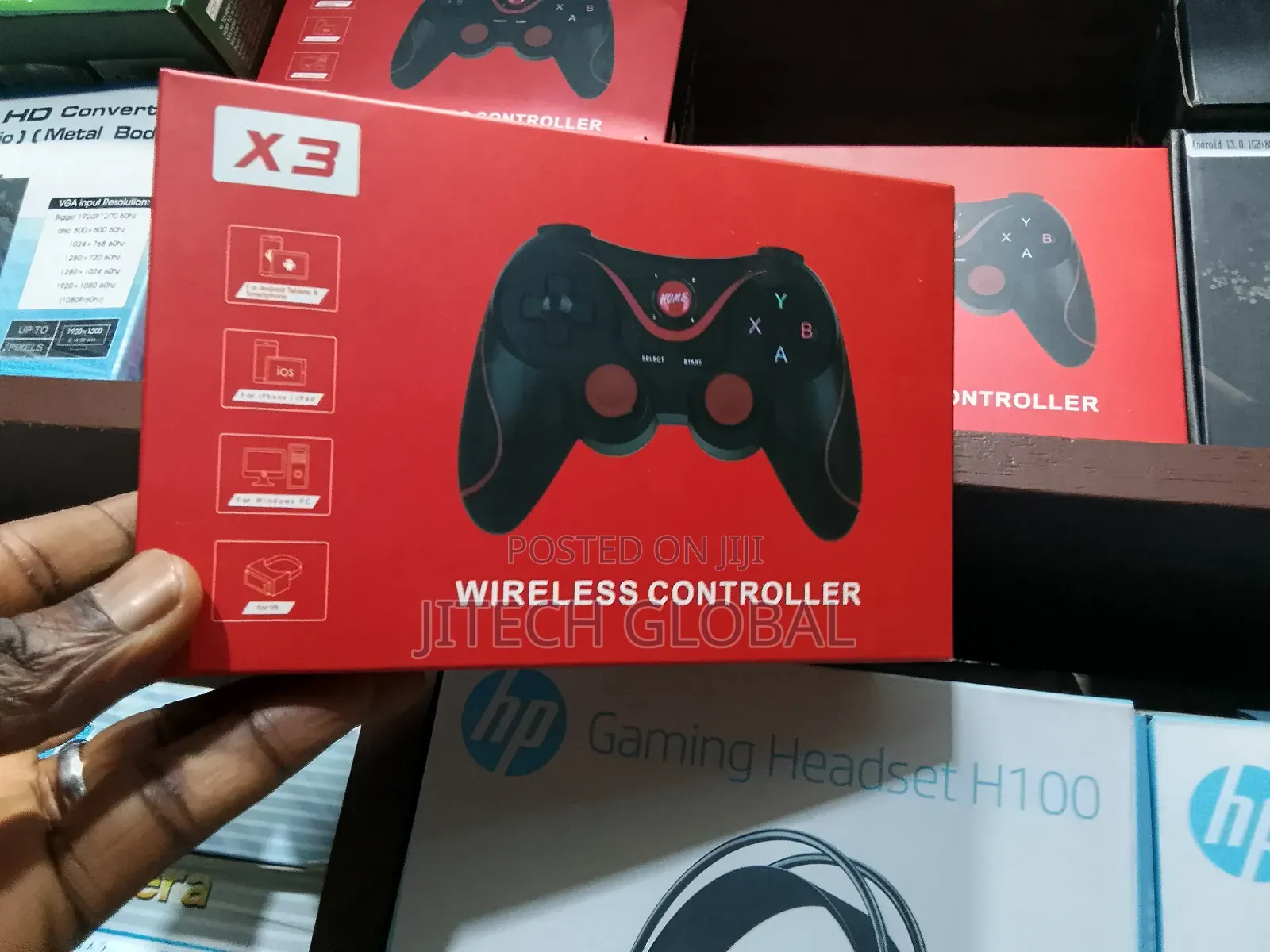
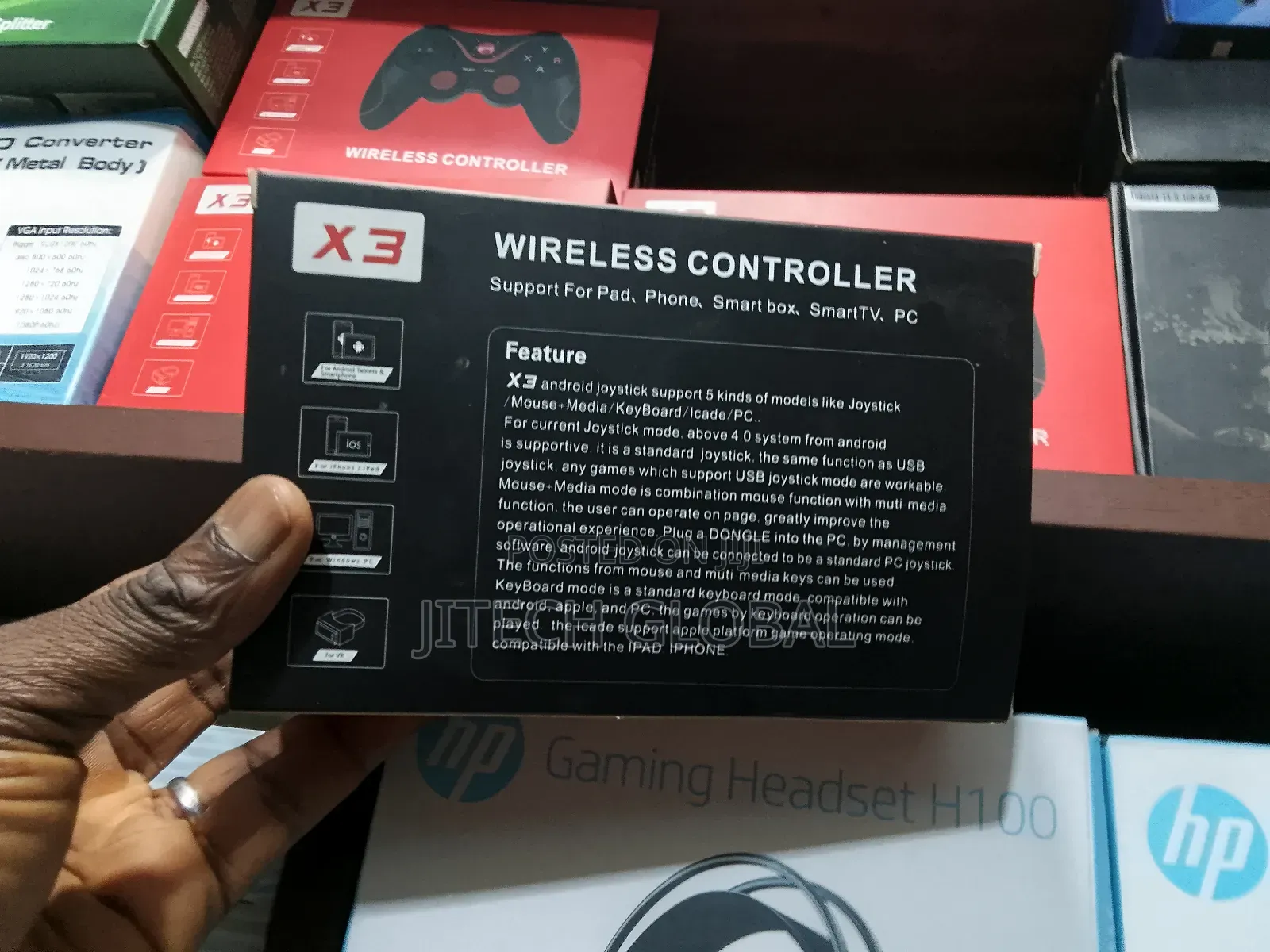
X3 Bluetooth Wireless Gamepad/Controller
Game Controllers
Type
Other
Brand
Brand New
Condition
Joystick
Controller Type
Mobile Phone
Controller Compatibility
Wireless
Controller Connectivity
Store address
Lagos State • Ikeja
8b otigba Street computer village ikeja
Opposite Micro station plaza
Open
• Mon, Sat, 09:00-18:00
Description
Bluetooth connection function operation:
Android phone: Press and hold the X button + HOME button for 5 seconds , enter the "handle mode" code connection, search for the device name Gamepad;
for IOS mobile phone: Press and hold the Y button + HOME button for 5 seconds , enter the "handle mode" code connection, search for the device name NEWGAMEPAD; (you need to purchase a new QR code to download)
MediaTek quad-core CPU phone is not supported, VIVO X5 X6 PULS, OPPO R9 PULS, red rice NOTE3 is not supported.
First, the most compatible platform on the market
1, Android platform (no ROOT) can be used on mobile phones, tablets, set-top boxes and smart TVs
2, easy to operate Directly with a Bluetooth connection can be used.
3, full-featured. There are a variety of modes to choose from, different modes for different games, and .
Safety tips
- Avoid paying in advance, even for delivery
- Meet with the seller at a safe public place
- Inspect the item and ensure it's exactly what you want
- Make sure that the packed item is the one you've inspected
- Only pay if you're satisfied





