1/2
Promoted
Lagos, Ikeja, 1 hour ago
9 views
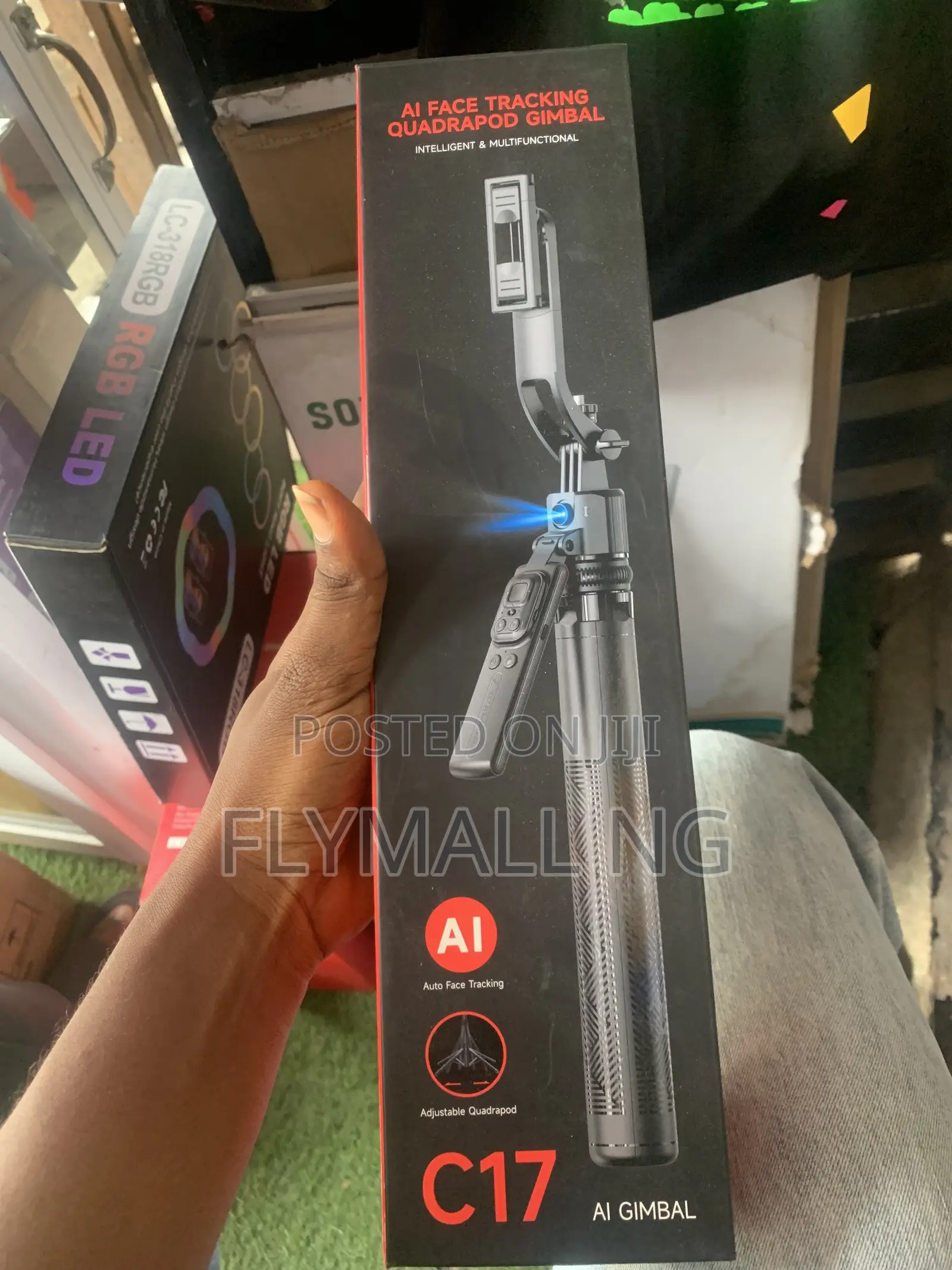
C17 AI Face Tracking Quadrapod Gimbal
Store address
Verified
Verified
4
Lagos State • Kosofe
No1 pepple street, Ikeja computer village, Lagos State
Closed now
• Mon - Sat, 09:00-18:00
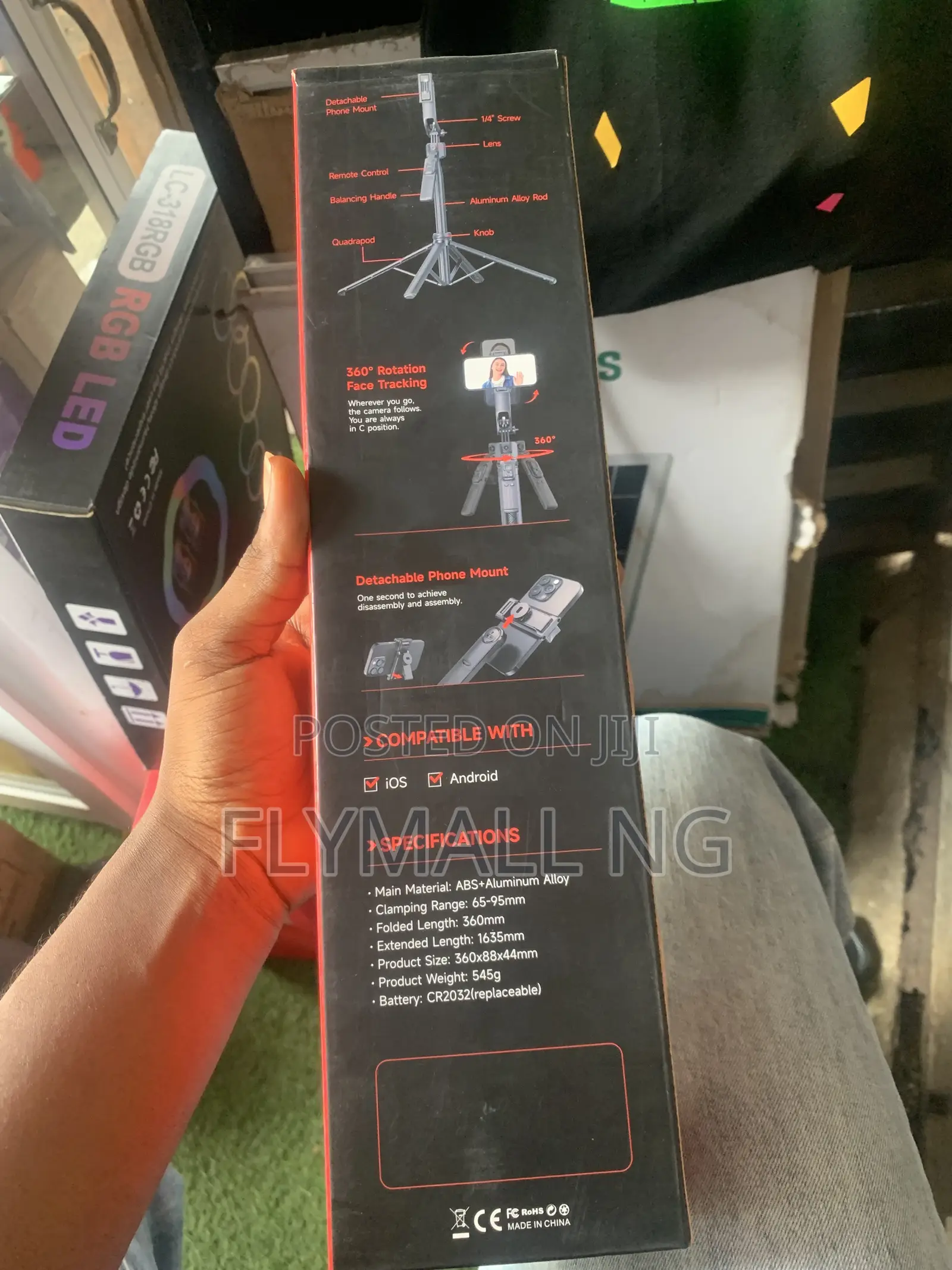
Setting Up the Base & MountingUnfold the base: Twist or loosen the knob at the bottom to release the quadrapod legs. Spread all four legs outwards on a flat surface and tighten the knob securely to lock them in place.Extend the height: Pull the aluminum alloy rod upward to achieve your desired recording height (it can expand up to 1.63 meters).Mount your phone: Pull open the sides of the spring-loaded phone clip and securely clamp your smartphone into place. You can manually rotate the mount to record in horizontal (landscape) or vertical (portrait) orientations.2. Using the AI Face TrackingTurn on the tracking unit: Press and hold the power button located on the central gimbal body for roughly 3 seconds. The built-in sensor lens will light up, indicating that the tracking feature is active.

Safety tips
- Avoid paying in advance, even for delivery
- Meet with the seller at a safe public place
- Inspect the item and ensure it's exactly what you want
- Make sure that the packed item is the one you've inspected
- Only pay if you're satisfied