
Promoted
Lagos, Ikeja, 6 hours ago
5 views
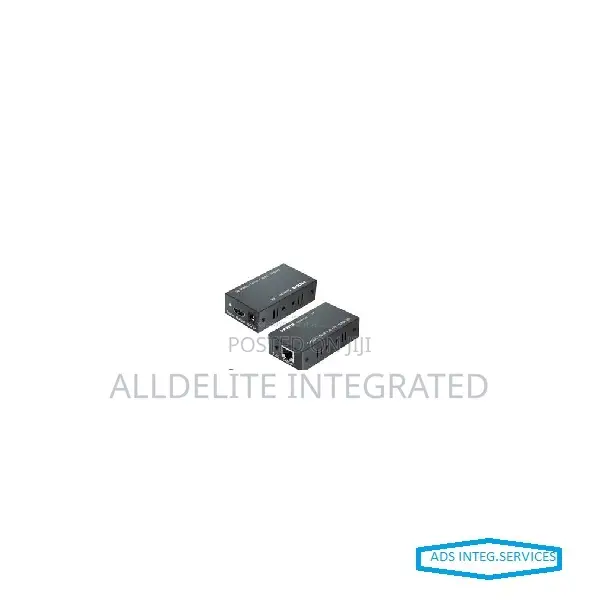
Hdmi Extender
Store address
Verified
Verified
4
Lagos State • Ikeja
No; 42 Olowu street Ikeja Off Toyin Road, Ikeja Lagos.
Closed now
• Mon - Fri, 08:00-16:00
Operating and Connecting:
1. Connect one HDMI cable between source device and TX Extender, the max cable distance is 15 meters
2. Connect one HDMI cable between display device and RX Extender, the max cable distance is 20 meters
3. Connect single cat-5 or cat-(recommended) cables instead of HDMI cables between
TX and RX Extender, the max cable distance is 60 meters
4. Connect 5V power supply to the TX and RX.
5. LED indicater light
TX LED indicator light: When there is no signal input, it turns blue; When there is signal input, it turns red.
RX LED indicator light:When there is no signal input, it turns blue; When there is signal input, it turns red.
6. EDID button:The button can support the switch of DID between 2D and 3D. (3D is the default EDID when the power is on).
Safety tips
- Avoid paying in advance, even for delivery
- Meet with the seller at a safe public place
- Inspect the item and ensure it's exactly what you want
- Make sure that the packed item is the one you've inspected
- Only pay if you're satisfied





