1/9
+ 4
images
Oyo, Ibadan, 9 hours ago
12 views
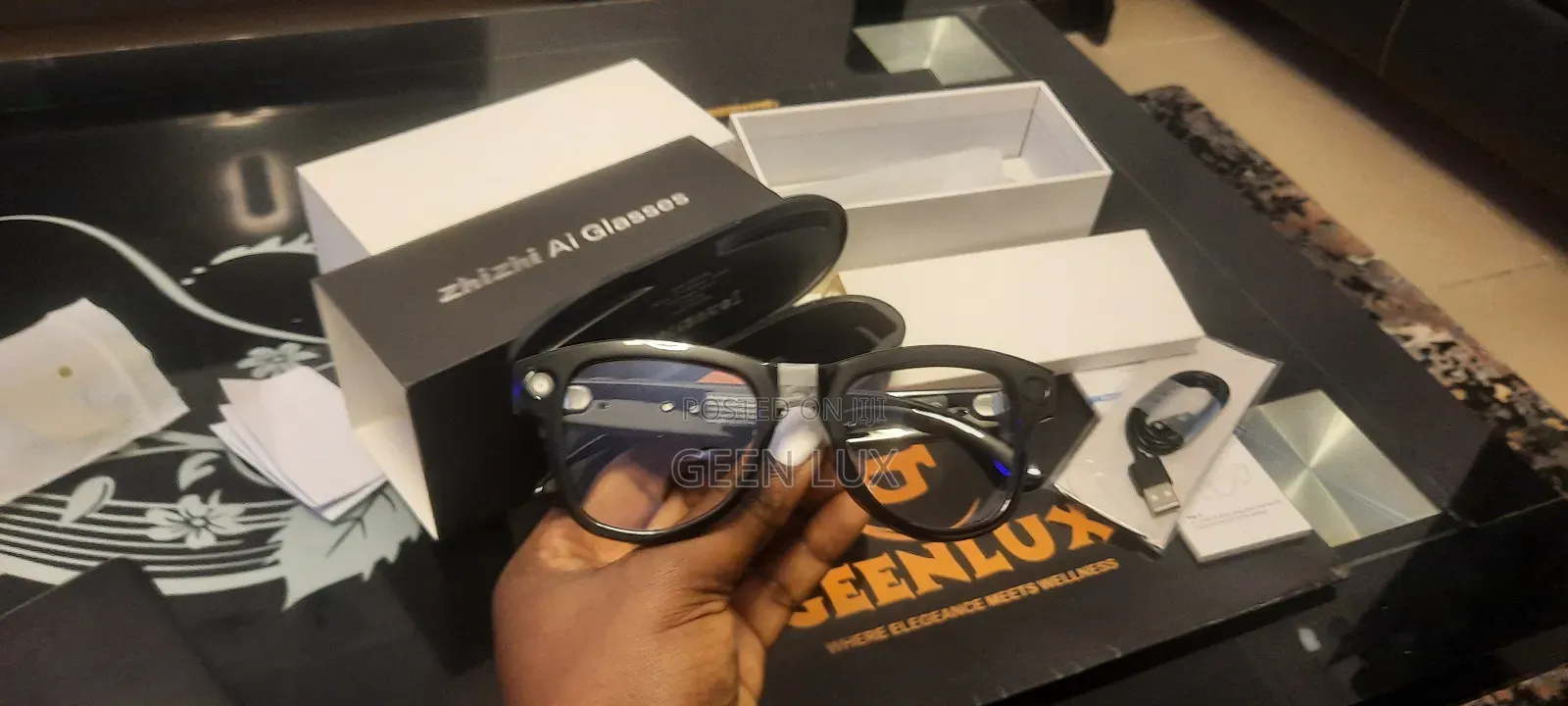
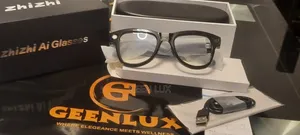
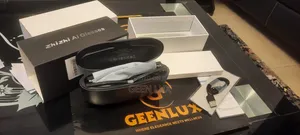
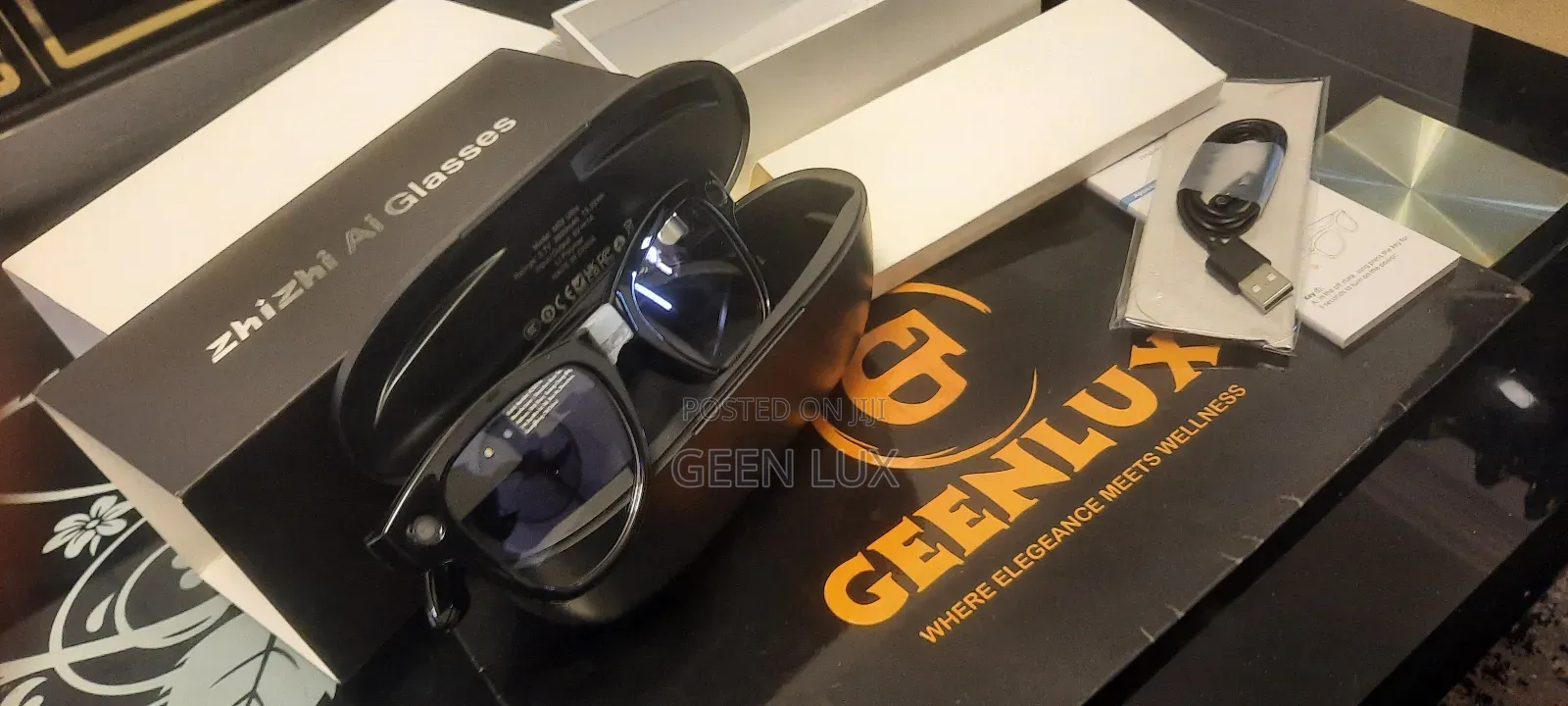
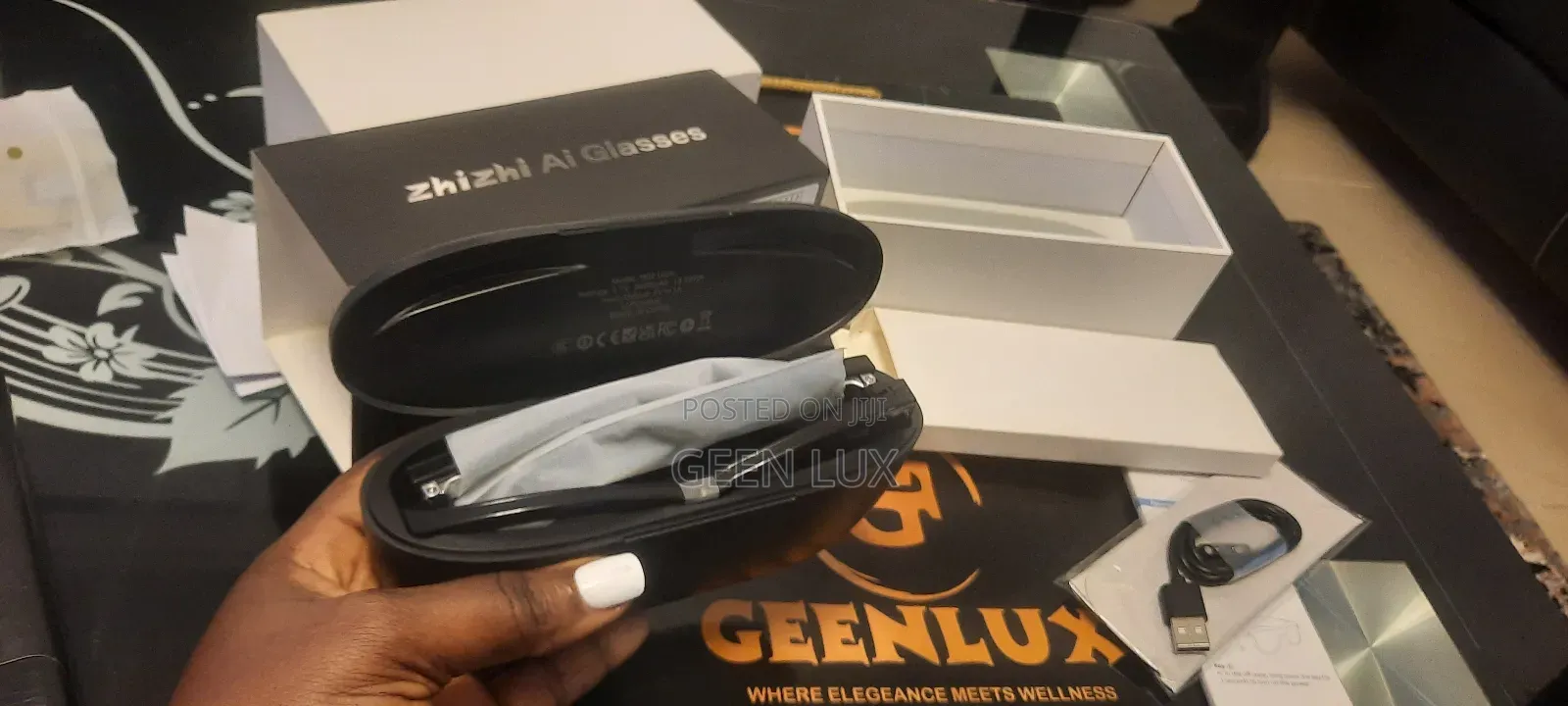
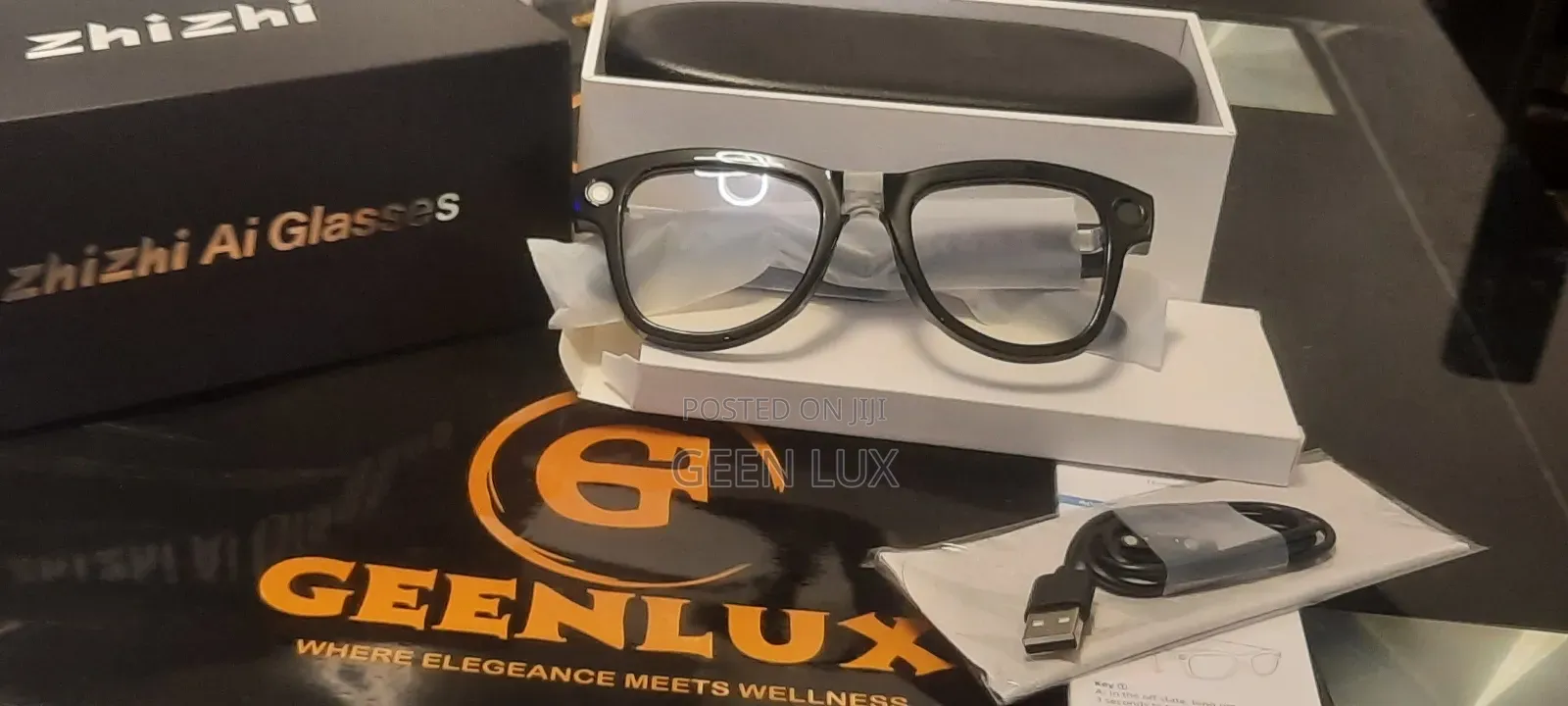
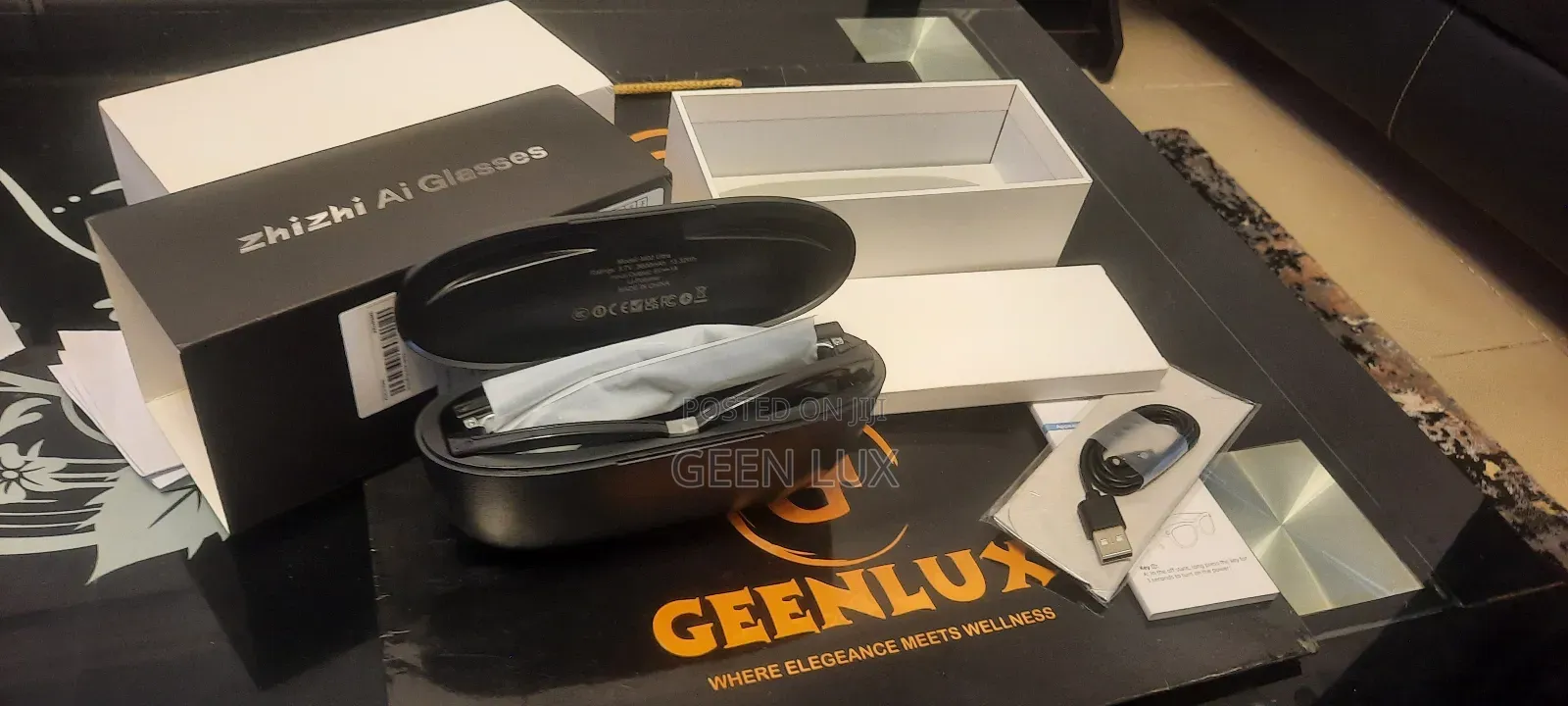
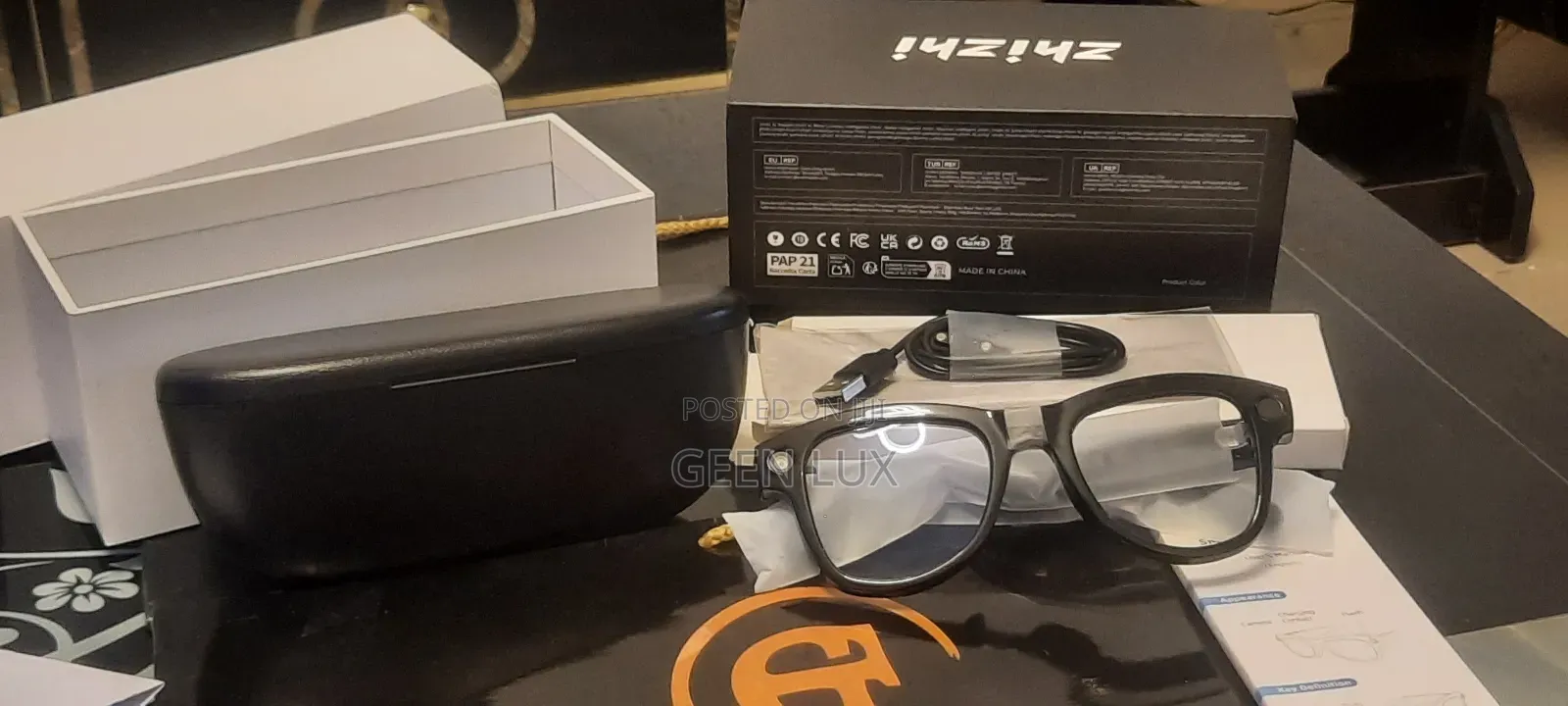
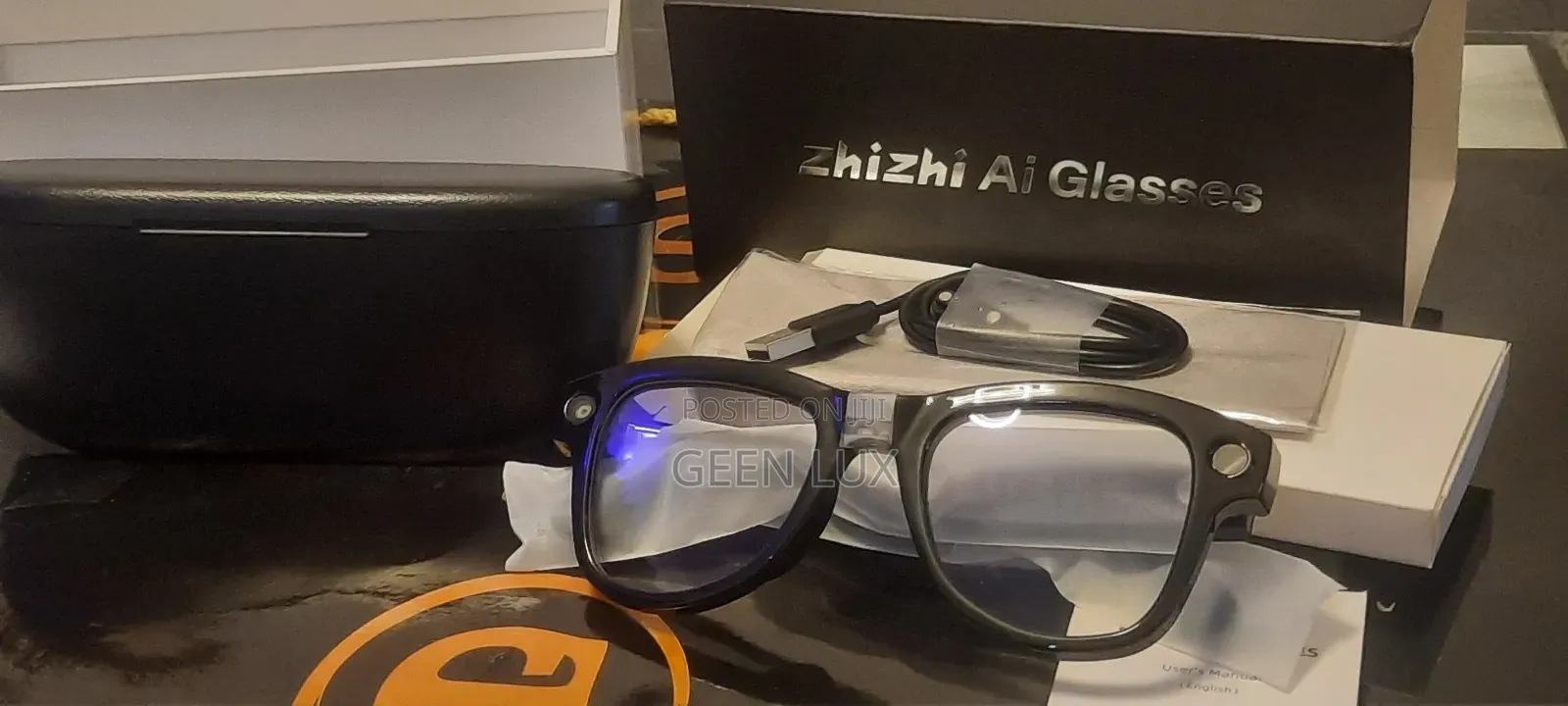
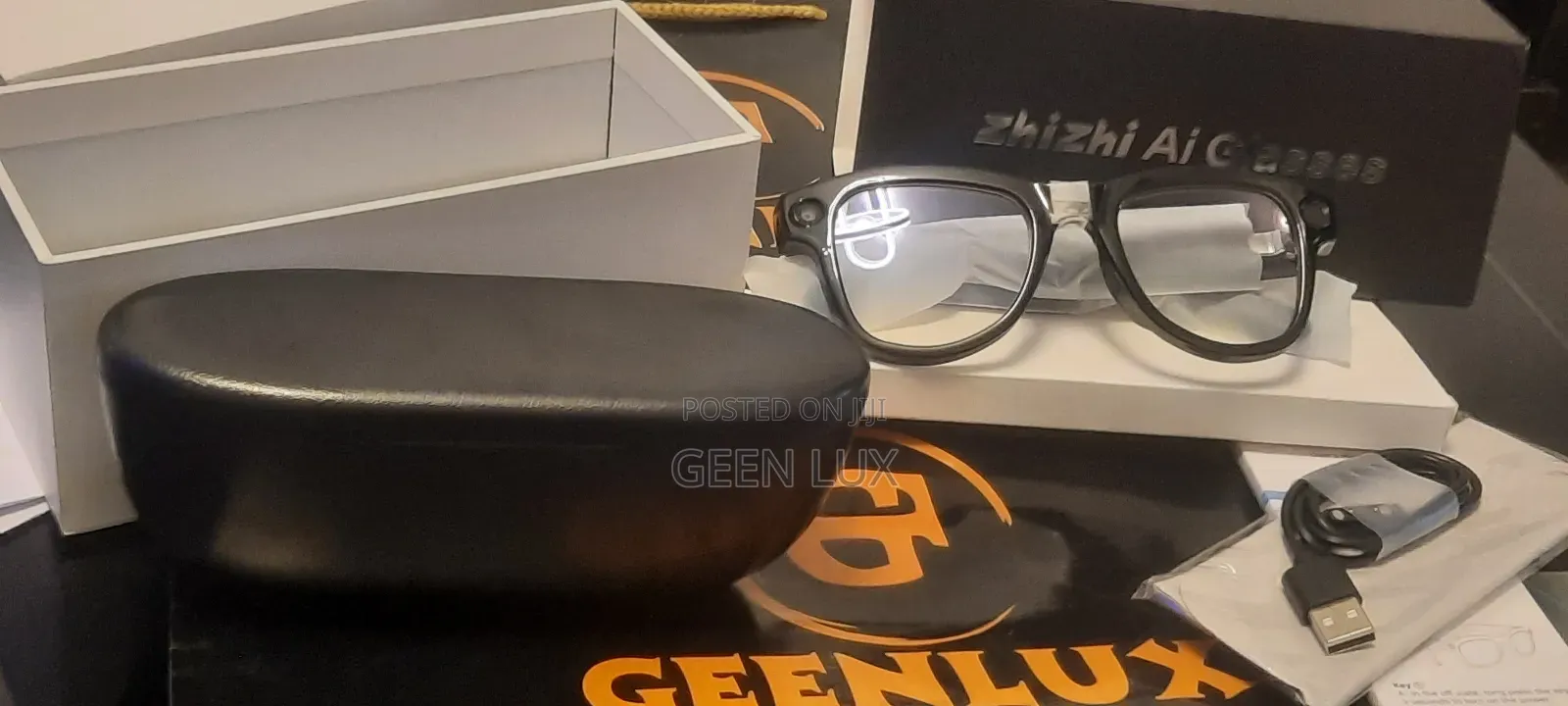
Ai Smart Glasses With Charging Case
Delivery
Across country
1-2 days
₦ 1,000 - 5,000
Store address
Oyo State • Ibadan
Ring Road Ibadan
Closed now
• Mon - Sun, 06:00-09:00
Smart Glasses with
Camera for Men and Women, Featuring 8MP Video Recording
Answering Calls, ChatGPT Real-Time Translation, Viewing
Videos and Photos, Listening to Music, and Dual Microphone
Noise Cancellation
AI smart glasses pair through the HeyCyan companion app.
Here's the general setup process:
1. Charge the glasses first — put them in the charging case for a bit before first use.
2. Download the app — search "HeyCyan" in the App Store (iPhone) or Google Play (Android) and install it.
The app is free to use — no purchase or subscription is required to pair and operate the glasses.
3. Turn on Bluetooth on your phone.
Power on the glasses — usually a long-press on a button on the arm/temple of the glasses; you should hear a confirmation sound. Open the Heycyan app and follow the pairing prompt

Safety tips
- Avoid paying in advance, even for delivery
- Meet with the seller at a safe public place
- Inspect the item and ensure it's exactly what you want
- Make sure that the packed item is the one you've inspected
- Only pay if you're satisfied