
Lu'u-lu'u
1/2
Wanda aka yada
Abuja, Wuse, 41 min ago
18 adadin kallo
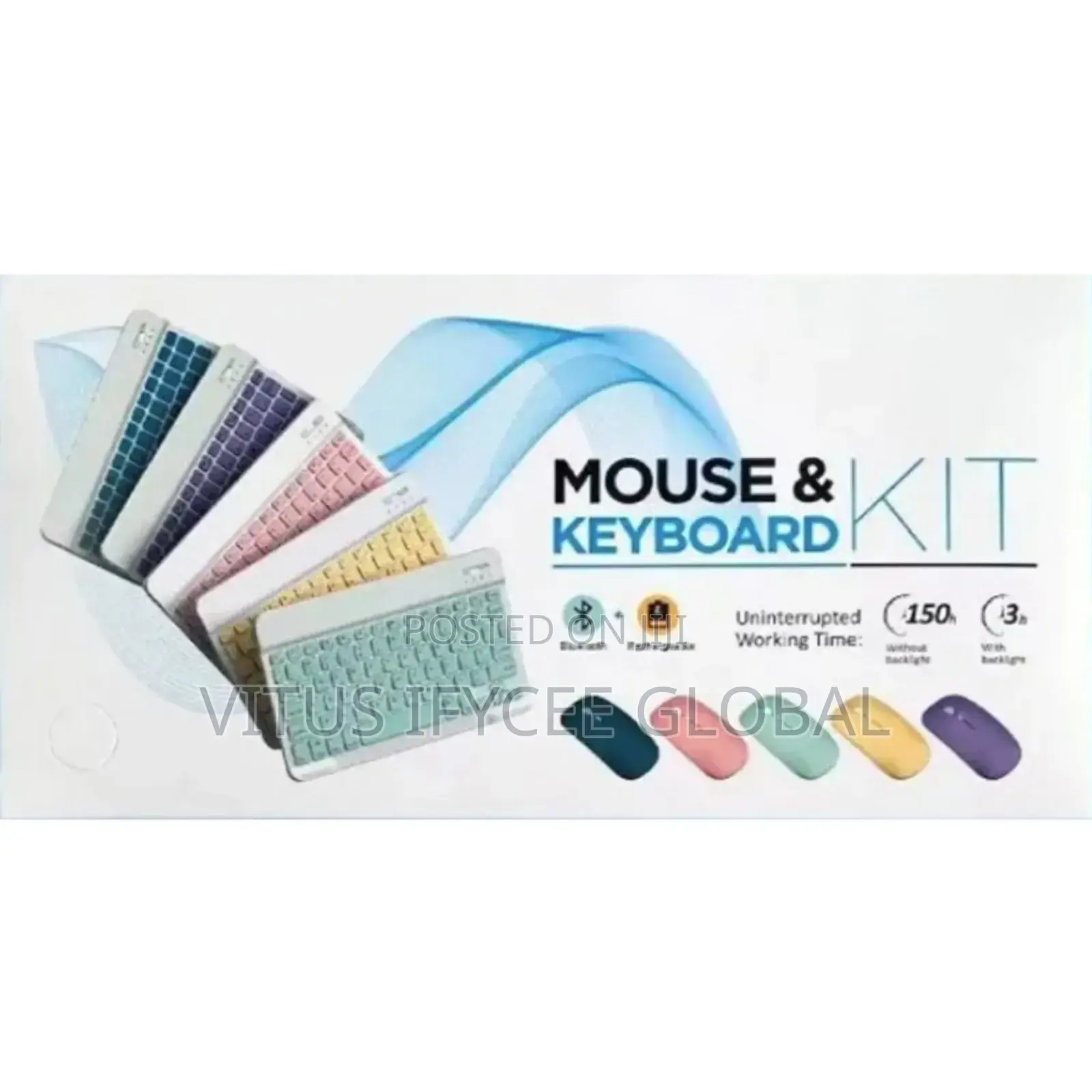
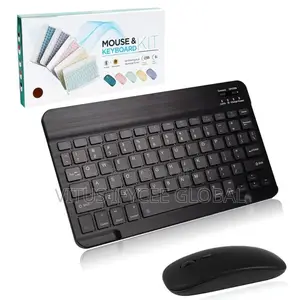
Kit Rechargeable Keyboard and Mouse
Adireshin dakin ajiya
Abuja (FCT) • Wuse
B01A, Intercontinental Shopping Plaza, Wuse Zone 3, Abuja
Bude yanzu
• Lit - Asa, 09:00-18:00
Jiha Lagos • Ikeja
D8, UNITY PLAZA, 12B OTIGBA STREET IKEJA, LAGOS.
Bude yanzu
• Lit - Asa, 09:00-18:00
Jiha Lagos • Ikeja
Shop 13, N0 1, Olayeni Street, Off medical road Ikeja, Lagos.
Call or address
Bude yanzu
• Lit - Asa, 09:00-18:00
The keyboard only supports Bluetooth connection
How to connect keyboard:
1: Turn on power ON/OFF switch.
2: Press CONNECT, the Bluetooth indicator will blinking.
3: Then turn on the Bluetooth switch of your tablet or mobile phone, and search for Bluetooth keyboard, the Bluetooth name of the keyboard is Bluetooth 3.0 Keyboard.
4: Choose the Bluetooth 3.0 Keyboard on tablet phone or other devices, then press the Enter to connect.
The mouse supports Bluetooth and 2.4GHz USB connection
Note: The Bluetooth Mouse only compatible with iPad OS/iOS 13 and Above. So you need to update the system of your ipad and iphone to iPad OS/iOS 13 and above, and turn on “Assistive Touch”: Setting> Accessibility> Touch> Assistive Touch, then connect the mouse.
Sirrin bada kariya
- Ka da a biya kudi kafin isowar kaya, ko da kudin sallawu
- A hadu da mai kaya a amintaccen wuri a fili
- A duba kayan, a tabbata shi ne ainihin abin da ake bukata
- A tabbatar cewa abin da aka kunshe shi ne wanda aka duba
- Ka da a biya sai an gamsu





