1/3

Wanda aka yada
Lagos, Ikeja, 4 awanni da suka gabata
12 adadin kallo
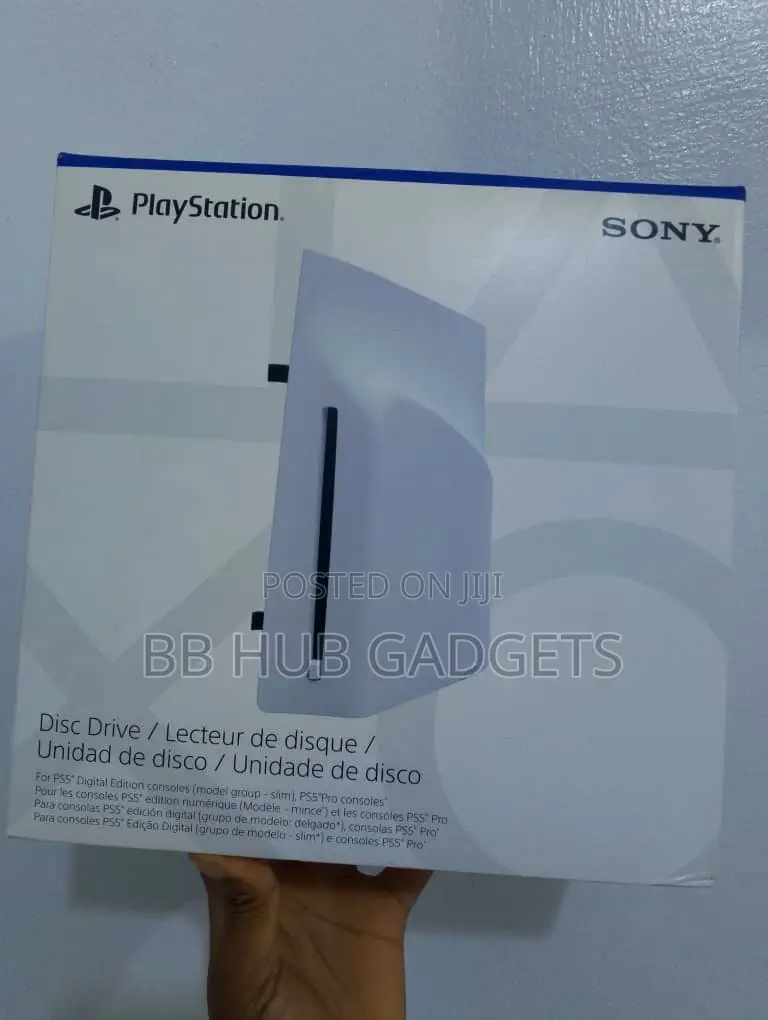
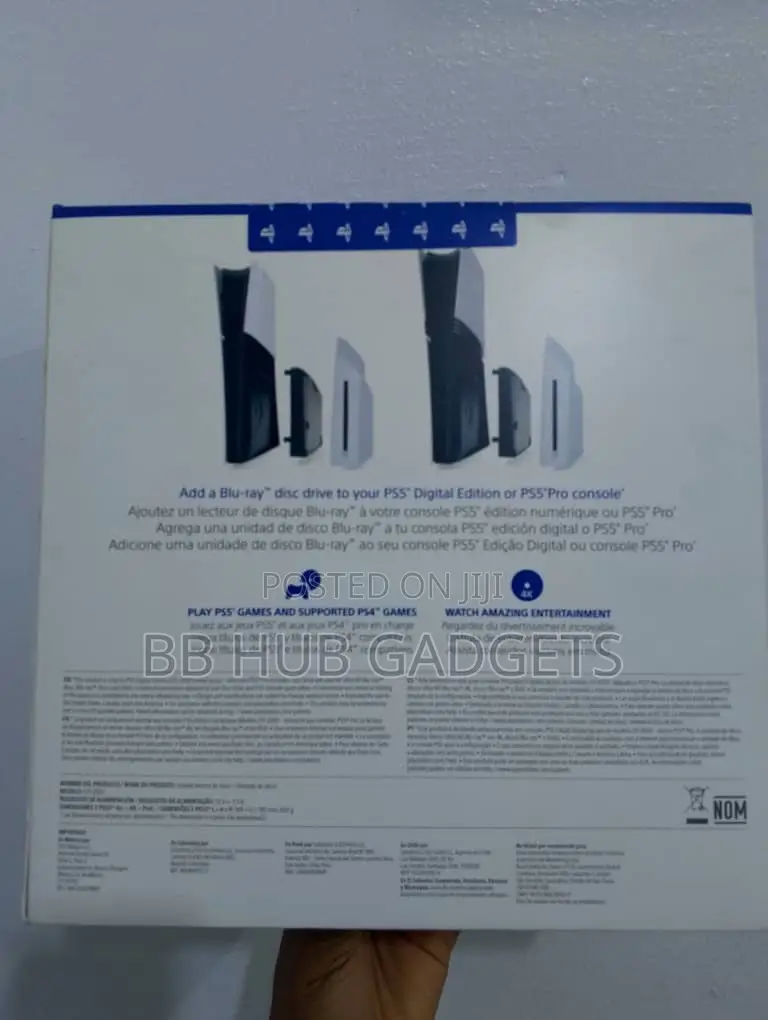
Ps5 Disc Drive
Abin buga wasan bidiyo
Nau'i
Sabo Fil
Yanayi
Step 1: Go to the control centre and select Power > Turn Off PS5.
Step 2: Remove the AC power cord and cables.
Step 3: Place the console with the bottom facing up and the front side facing you, and then remove the horizontal stand feet (short).
Step 4: Slightly lift the circle cover away from the console to detach its clips and remove it.
Step 5: Align the disc drive’s clips with the 2 holes (marked with an upside-down triangle), then firmly push in until you hear a “click”
Step 6: Attach the circle cover and horizontal stand feet (long) included with your disc drive. Align the cover’s clips with the corresponding holes on the console and push in until you hear a “click”.
Step 7: Connect the AC power cord and cables, and then turn on the power.
Internet connection required to pair disc drive and PS5 console upon set up.


Sirrin bada kariya
- Ka da a biya kudi kafin isowar kaya, ko da kudin sallawu
- A hadu da mai kaya a amintaccen wuri a fili
- A duba kayan, a tabbata shi ne ainihin abin da ake bukata
- A tabbatar cewa abin da aka kunshe shi ne wanda aka duba
- Ka da a biya sai an gamsu