Tsarin Enterprise
1/3
Wanda aka yada
Lagos, Ikeja, awoyi 1 da suka wuce
61 adadin kallo
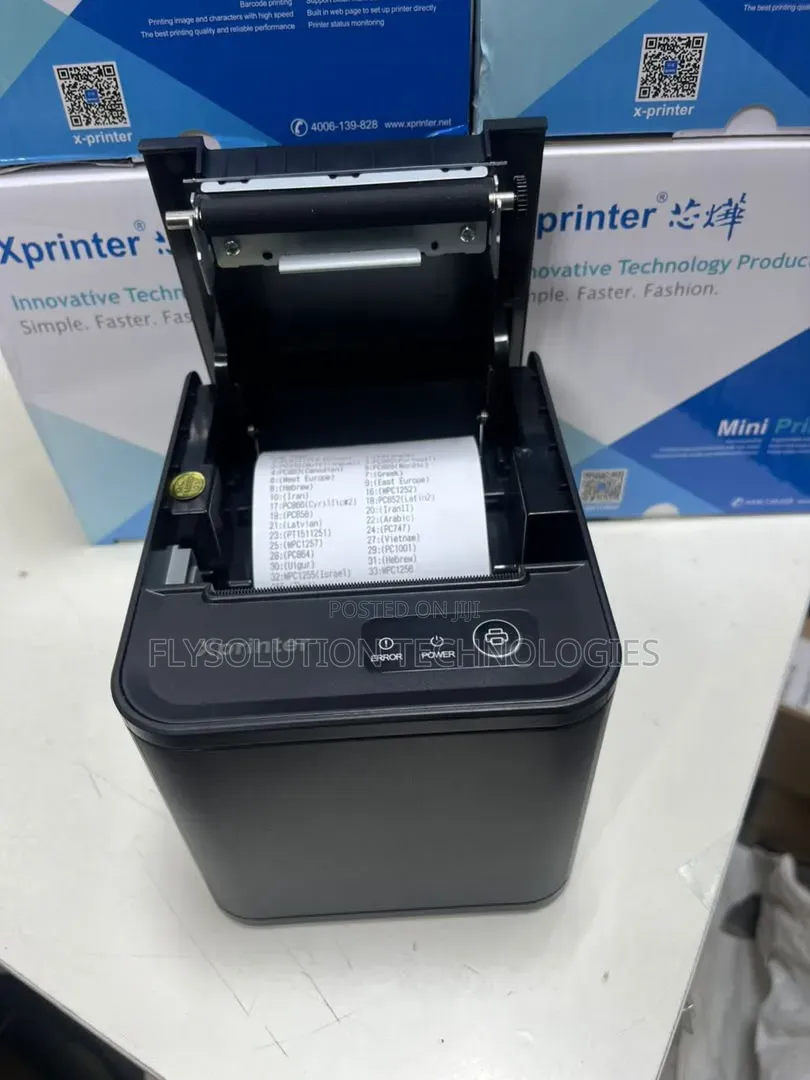
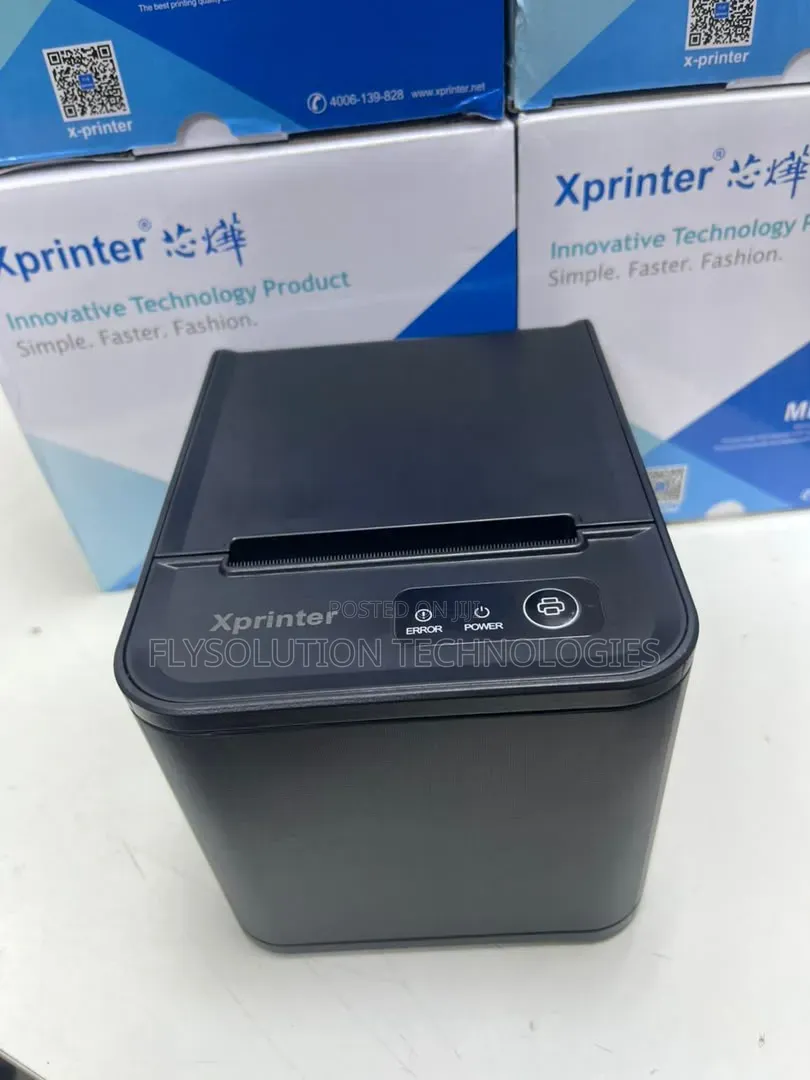
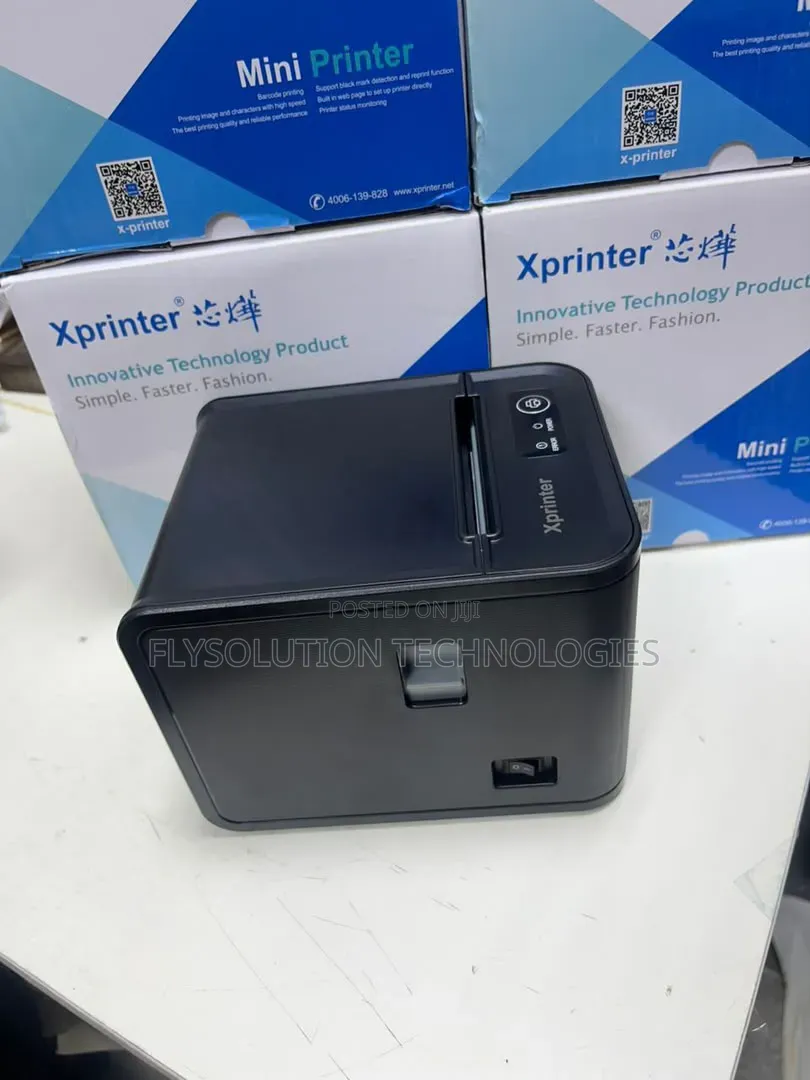
Xprinter 80mm Usb Thermal Receipt Pos Printer
Adireshin shago
Jiha Lagos • Ikeja
No1 pepple street, Ikeja computer village, Lagos State
Once you get to No1 pepple junction computer village, give me a call 📞 I will direct you to my shop
A rufe yanzu
• Lit - Asa, 09:00-18:00
To set up or use your Xprinter thermal receipt printer via USB, follow these standard configuration steps:Physical SetupConnect the Cables: Connect the square end of the USB cable to the back panel of the printer, and the rectangular end into an open USB port on your PC or point-of-sale terminal.Load Paper: Open the top cover and place a 80mm thermal paper roll inside. Ensure the paper feeds from the bottom of the roll, then close the lid securely.Power On: Flip the power switch. The blue POWER indicator light should turn on steady.
₦ 55,000

Flysolution Technologies
5+ shekaru a kan Jiji
Wanda aka tantance
CAC Tabbatarwa
Yana amsawa cikin mintuna
Sirrin bada kariya
- Ka da a biya kudi kafin isowar kaya, ko da kudin sallawu
- A hadu da mai kaya a amintaccen wuri a fili
- A duba kayan, a tabbata shi ne ainihin abin da ake bukata
- A tabbatar cewa abin da aka kunshe shi ne wanda aka duba
- Ka da a biya sai an gamsu