
Wanda aka yada
Lagos, Ikeja, 2 awanni da suka gabata
178 adadin kallo
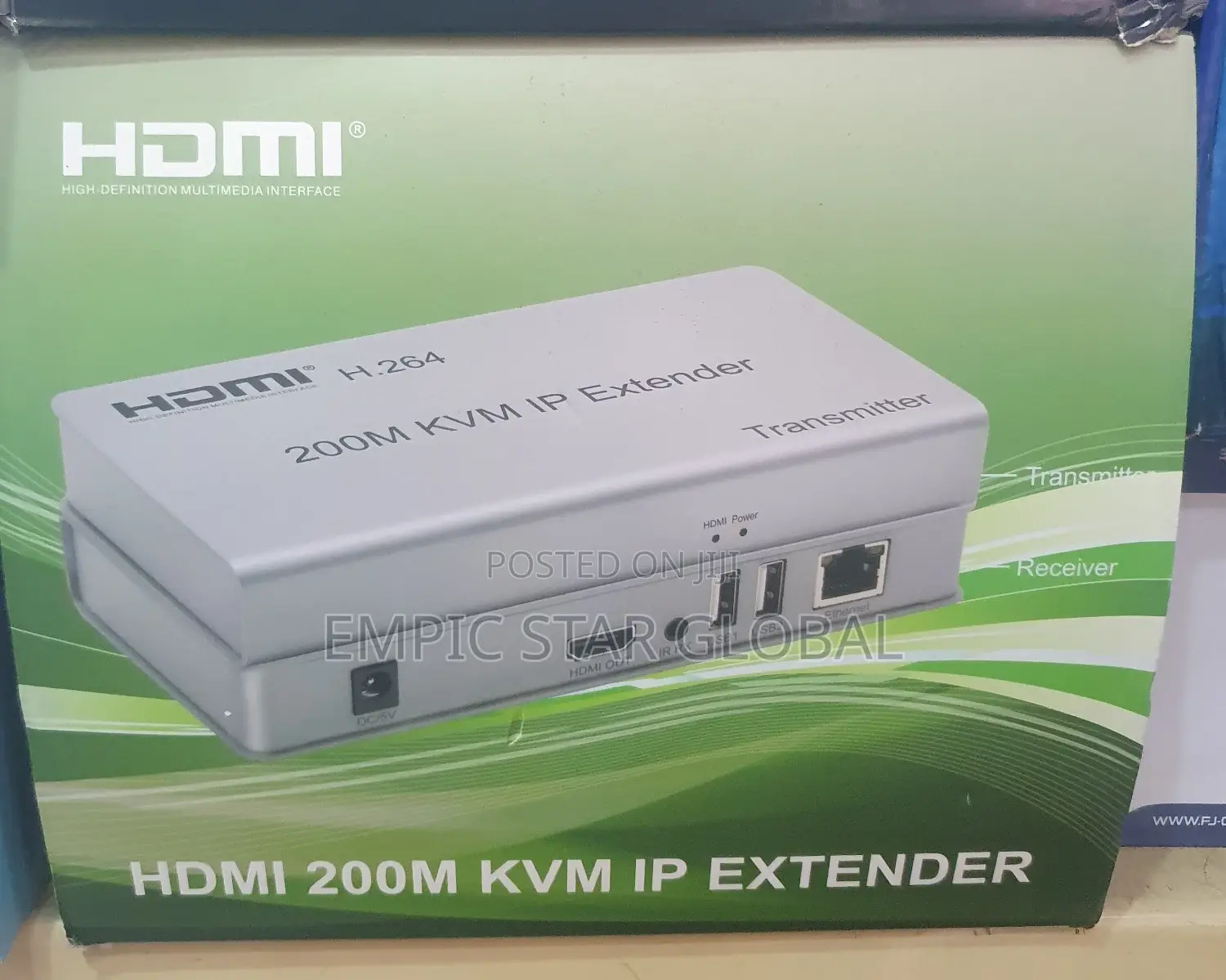
Hdmi 200m Kvm IP Extender
Na'urar shiga yanar gizo
Nau'i
Kaya
200m
Samfuri
5200 Mbps & Above
Iyakar Saurin LAN
4
Adadin wuraren zura LAN
Sabo Fil
Yanayi
Adireshin dakin ajiya
An tabbatar
An tabbatar
4
Jiha Lagos • Ikeja
15a oremeji street, off medical Road computer village ikeja
A rufe yanzu
• Lit - Asa, 08:00-17:00
Jiha Lagos • Ikeja
2 Pepple street computer village ikeja
M Square plaza
A rufe yanzu
• Lit - Asa, 08:00-18:00
Connection and operation
1) connect the hdmi source (such as dvd, ps3, stb ) to the “hdmi in” of transmitter by hdmi
cable.
2) connect the “hdmi out” of receiver to hdtv display by hdmi cable.
3) connect the transmitter and receiver with one cat5e/6 cable (recommend).the furthest
distance is 200m.
4) connect the “ir receiver “into “ir-rx” port on receiver, and “ir transmitter ” into the “ir-tx”
on transmitter, and make sure the ir transmitter aim at ir port of the source.
5) plug the mouse and keyboard into the usb port of the receiver, and connect the usb port of the
transmitter with the computer if you need the kvm control function.
6) connect two pieces of 5v power supply to the transmitter and receiver, and power on the
hdtv display and hdmi source
₦ 63,000
Empic star global
8+ shekaru a kan Jiji
Wanda aka tantance
CAC Tabbatarwa
Ganin karshe kwanaki 2 da suka wuce
Sirrin bada kariya
- Ka da a biya kudi kafin isowar kaya, ko da kudin sallawu
- A hadu da mai kaya a amintaccen wuri a fili
- A duba kayan, a tabbata shi ne ainihin abin da ake bukata
- A tabbatar cewa abin da aka kunshe shi ne wanda aka duba
- Ka da a biya sai an gamsu





