
1/3
Wanda aka yada
Lagos, Ikeja, awoyi 1 da suka wuce
63 adadin kallo
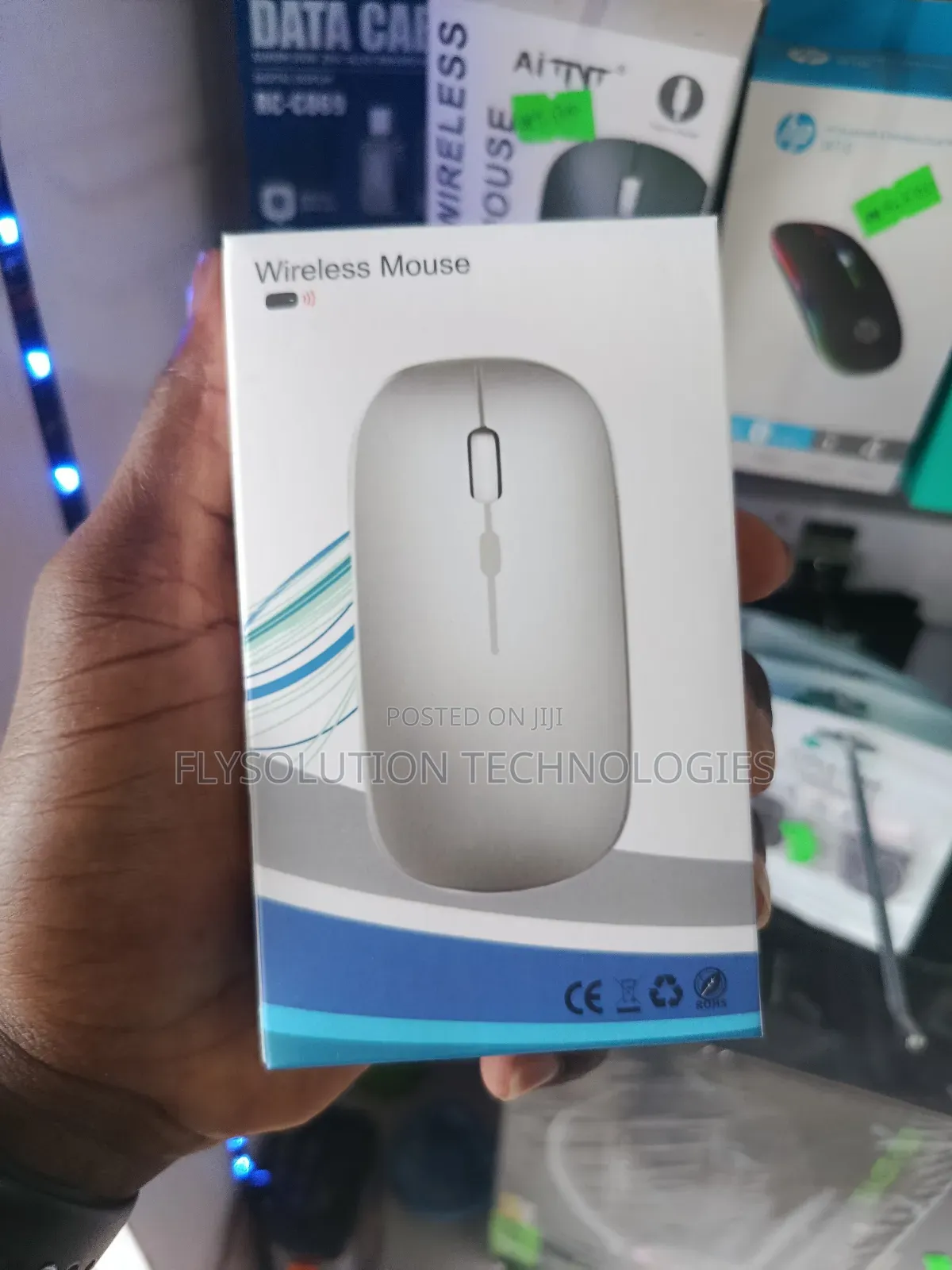
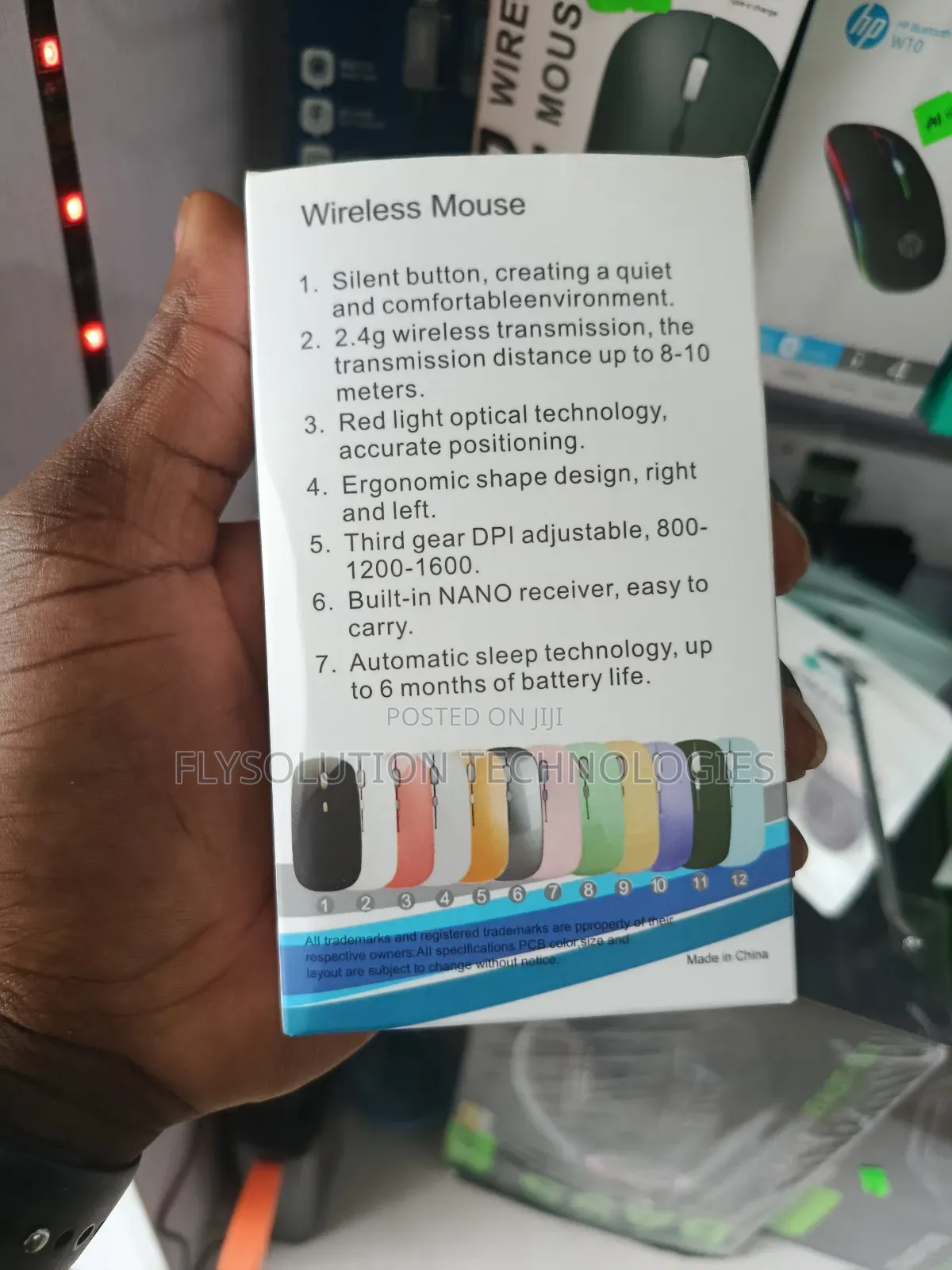
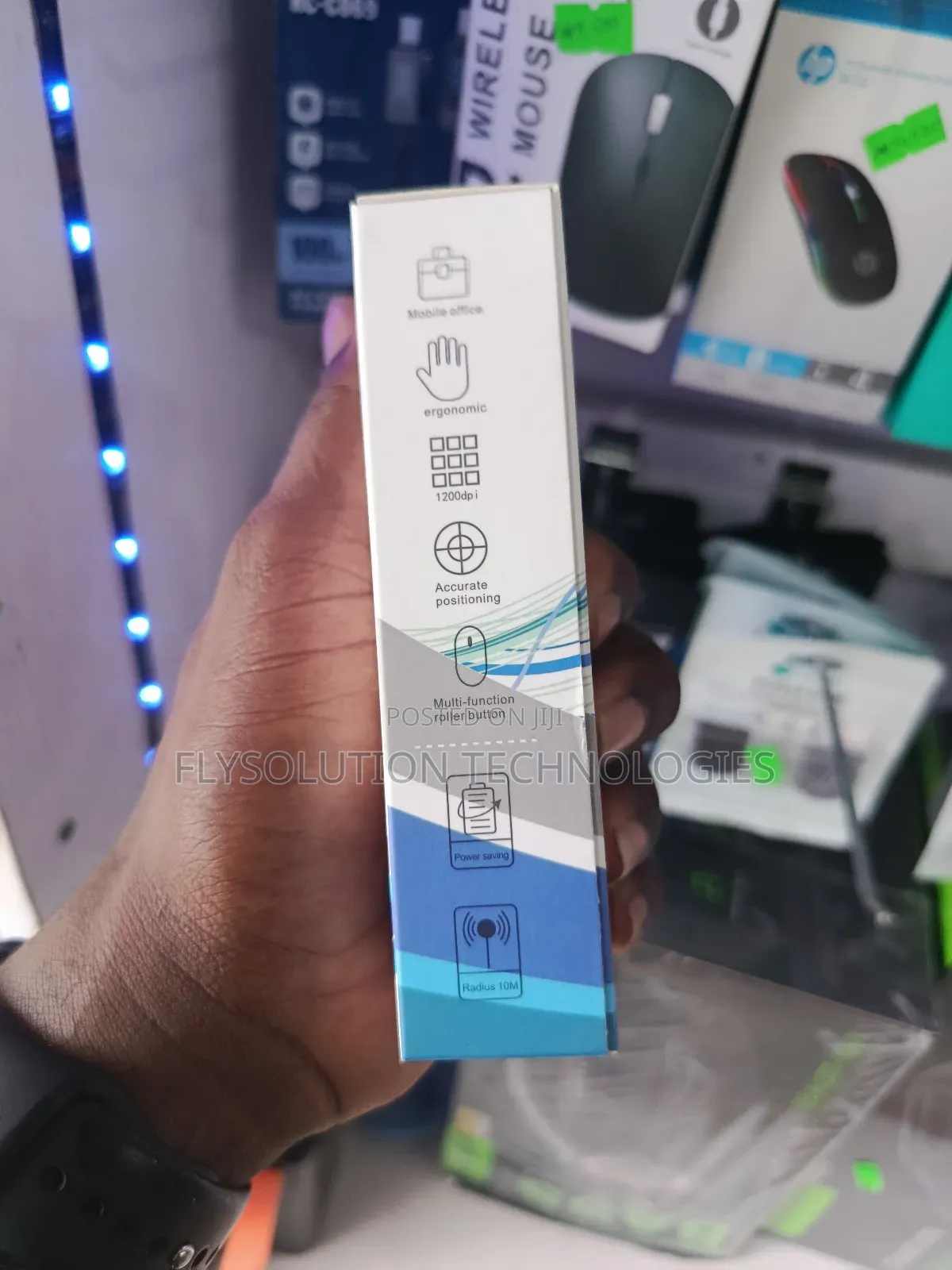
Wireless Rechargeable RGB Bluetooth 2.4ghz Mouse Usb Dongle
Linzamin komfuta
Nau'i
Other
Kaya
Sabo Fil
Yanayi
Bluetooth
Nau'in Haɗin Linzamin Kwamfuta
2m
Tsawon kebur
1600dpi
Mafi yawan Dpi
Bluetooth
Kafar Linzamin komfuta
Mai haske, Ba tare da waya ba
Siffofin Linzamin komfuta
Adireshin shago
Jiha Lagos • Ikeja
No1 pepple street, Ikeja computer village, Lagos State
Once you get to No1 pepple junction computer village, give me a call 📞 I will direct you to my shop
A rufe yanzu
• Lit - Asa, 09:00-18:00
Connectivity:
Wireless mice typically connect via a USB receiver (2.4GHz wireless) or Bluetooth. Bluetooth mice are convenient as they don't require a USB port, while 2.4GHz wireless mice offer a strong, reliable connection.
Design & Ergonomics:
Consider the size and shape of the mouse to ensure it fits comfortably in your hand, especially if you plan to use it for extended periods.
Features:
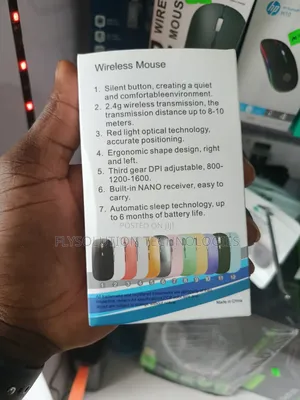
Some wireless mice offer additional features like adjustable DPI for sensitivity control, programmable buttons, or silent click technology.
Power Source:
Wireless mice are powered rechargeable.
Compatibility:
Ensure the mouse is compatible with your device's operating system (e.g., Windows, macOS, iPadOS).
₦ 8,500

Flysolution Technologies
5+ shekaru a kan Jiji
Wanda aka tantance
CAC Tabbatarwa
Yana amsawa cikin mintuna
Sirrin bada kariya
- Ka da a biya kudi kafin isowar kaya, ko da kudin sallawu
- A hadu da mai kaya a amintaccen wuri a fili
- A duba kayan, a tabbata shi ne ainihin abin da ake bukata
- A tabbatar cewa abin da aka kunshe shi ne wanda aka duba
- Ka da a biya sai an gamsu





