
Wanda aka yada
Lagos, Ikeja, 3 awanni da suka gabata
26 adadin kallo
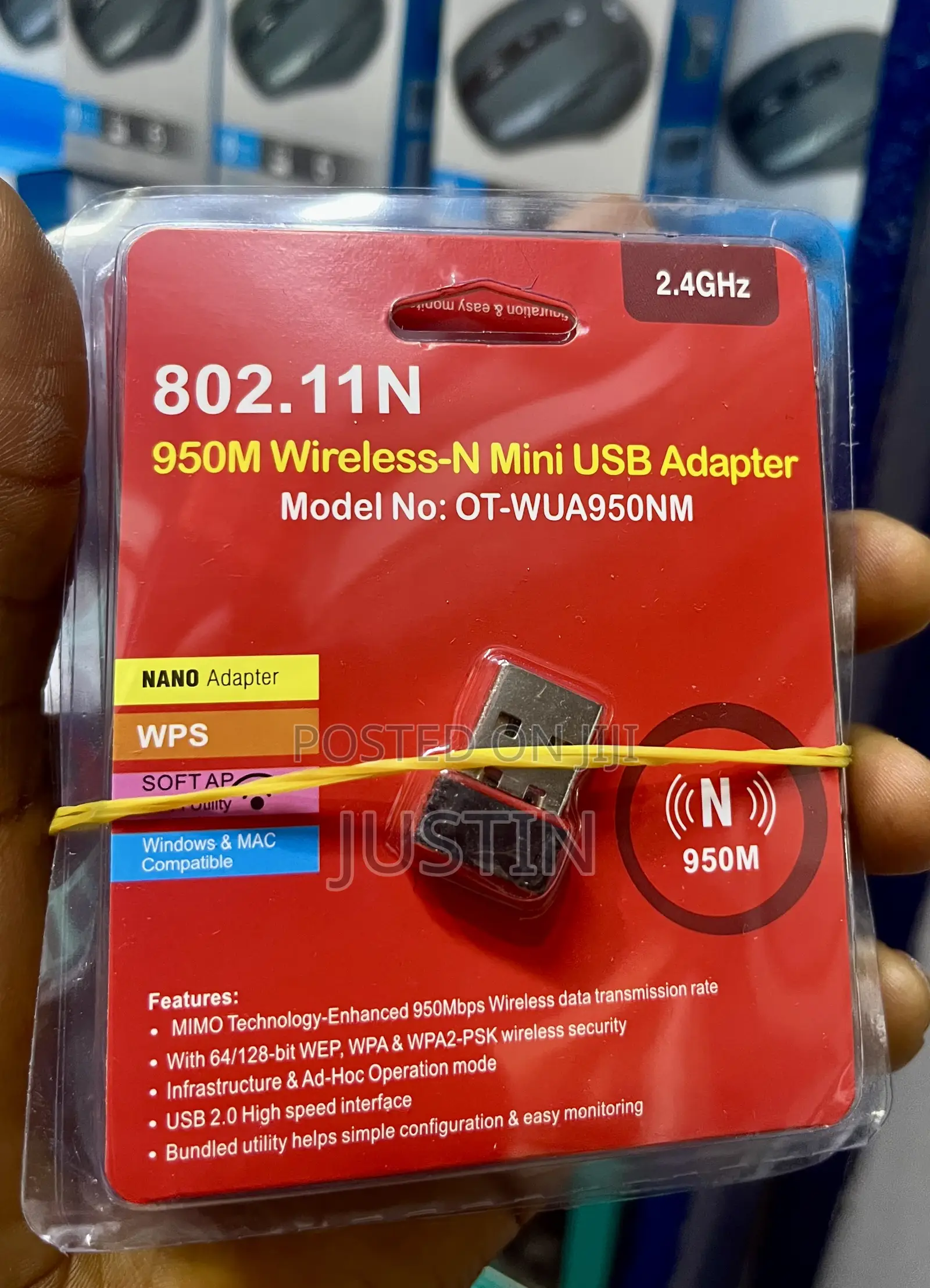
Wireless Adapter
Adireshin shago
Jiha Lagos • Ikeja
No 2 Pepple street computer village Ikeja Lagos
A rufe yanzu
• Lit, Asa, 08:00-18:00
A USB wireless adapter is essentially a wireless network card that is used to access a network through a USB port on your computer . Wireless adapters allow your computer to connect to a wireless network for internet in the absence of an internal network card.A Wi-Fi adapter allows your wired device to pick up WIFI signals . So if you have a desktop computer, you can connect it to a network wirelessly. A Wi-Fi adapter can also serve as a hardware upgrade to your laptop, strengthening its wireless reception or updating it to the latest Wi-Fi generation.Connecting a Wi-Fi Dongle to Your PC: Step-by-Step Guide
Step 1: Plug the USB Hub into your laptop. Begin by inserting the USB hub into an available USB port on your laptop. ...
Step 2: Insert the Wi-Fi Dongle into the USB Hub. ...
Step 3: Install the Required Drivers (if applicable) ...
₦ 3,000
Za a iya rangwame
Sirrin bada kariya
- Ka da a biya kudi kafin isowar kaya, ko da kudin sallawu
- A hadu da mai kaya a amintaccen wuri a fili
- A duba kayan, a tabbata shi ne ainihin abin da ake bukata
- A tabbatar cewa abin da aka kunshe shi ne wanda aka duba
- Ka da a biya sai an gamsu





