
Wanda aka yada
Lagos, Ikeja, awoyi 1 da suka wuce
12 adadin kallo
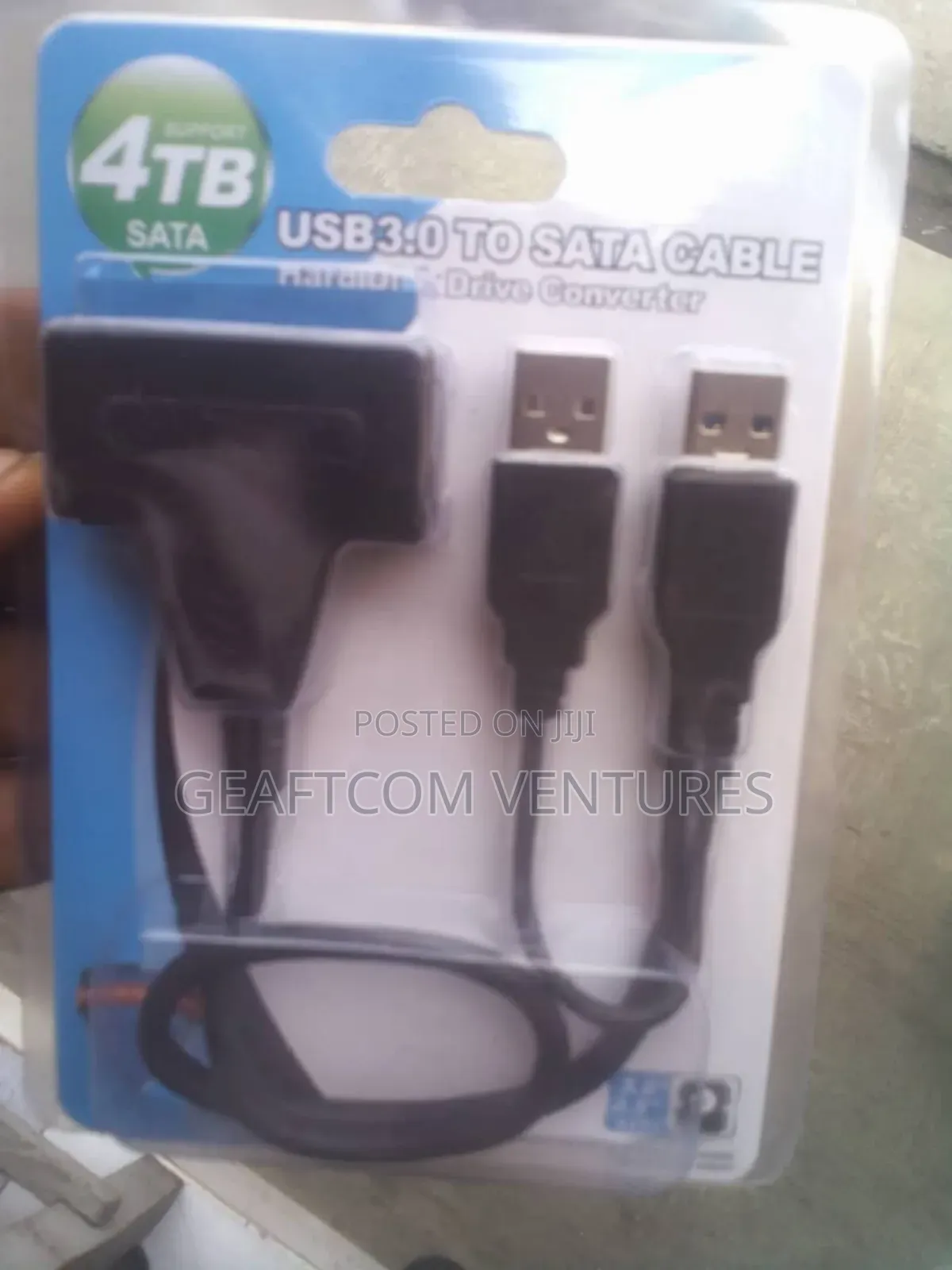
Sata to USB
Adireshin dakin ajiya
An tabbatar
An tabbatar
4
Jiha Lagos • Kosofe
Plaza A, Metro Quarter, Beside Mega City, 17 Francis Oremeji St, Ikeja
A rufe yanzu
• Lit - Asa, 09:00-18:00
"Data to USB" refers to the process of transferring digital files from a computer, smartphone, or other device onto a USB flash drive or external USB storage device. This process is commonly used for data backup, file sharing, and portability.
To transfer data to a USB drive:
1. Insert the USB Drive – Plug the USB flash drive into an available USB port on your device.
2. Locate the USB Drive – Open File Explorer (Windows) or Finder (Mac) to find the USB drive under "This PC" or "Devices."
3. Copy or Move Files – Drag and drop files, or use the "Copy" and "Paste" commands.
4. Eject Safely – Use the "Eject" option before removing the USB to prevent data corruption.
Would you like a more detailed guide for a specific operating system?
₦ 5,000
Za a iya rangwame
Sirrin bada kariya
- Ka da a biya kudi kafin isowar kaya, ko da kudin sallawu
- A hadu da mai kaya a amintaccen wuri a fili
- A duba kayan, a tabbata shi ne ainihin abin da ake bukata
- A tabbatar cewa abin da aka kunshe shi ne wanda aka duba
- Ka da a biya sai an gamsu





