
1/3
Wanda aka yada
Lagos, Ikeja, 2 awanni da suka gabata
3 adadin kallo
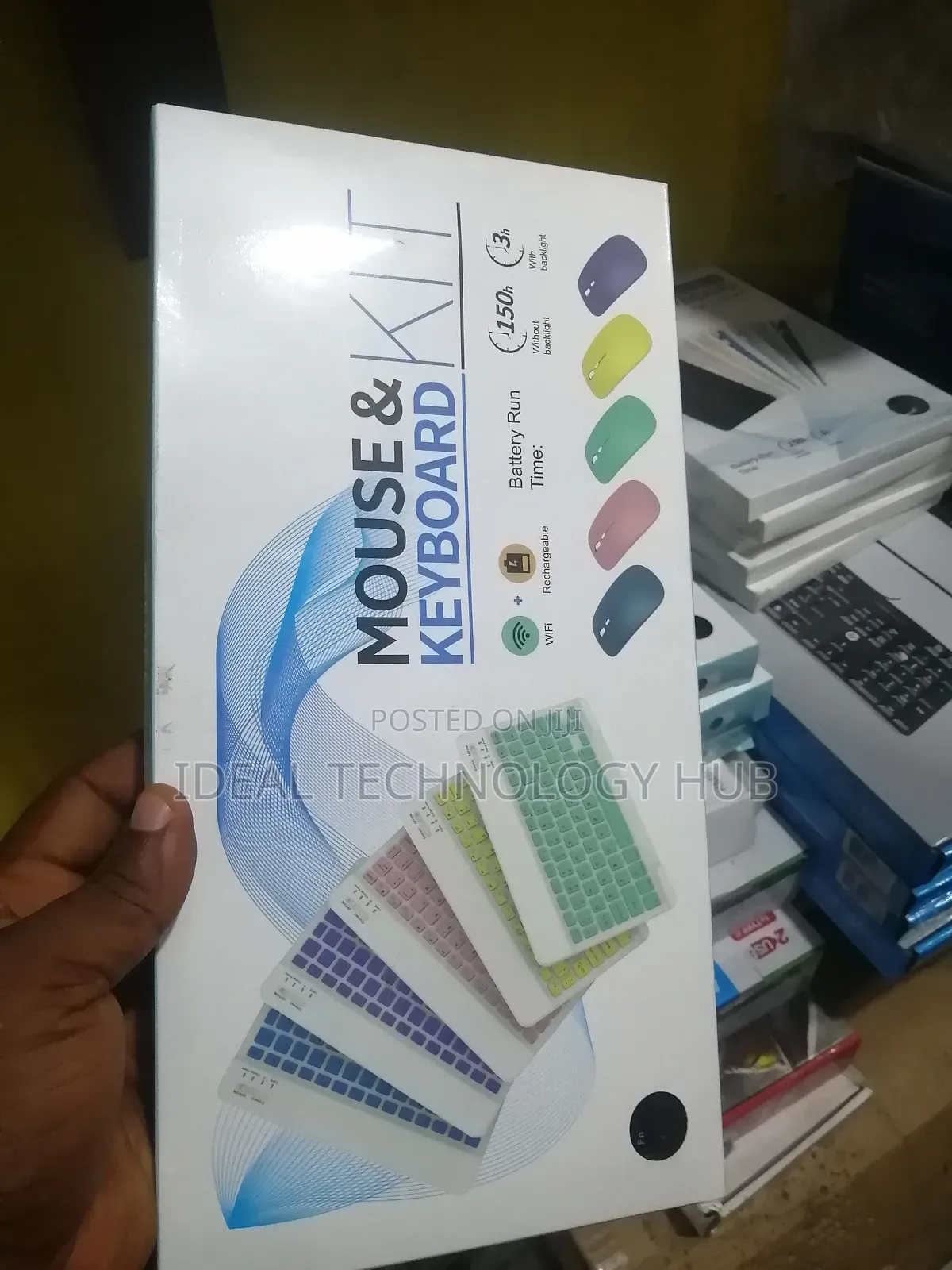
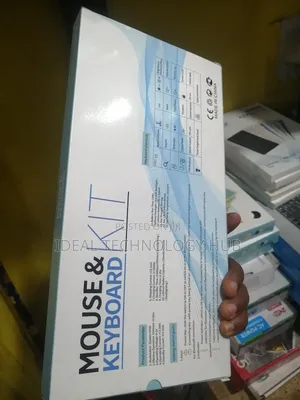
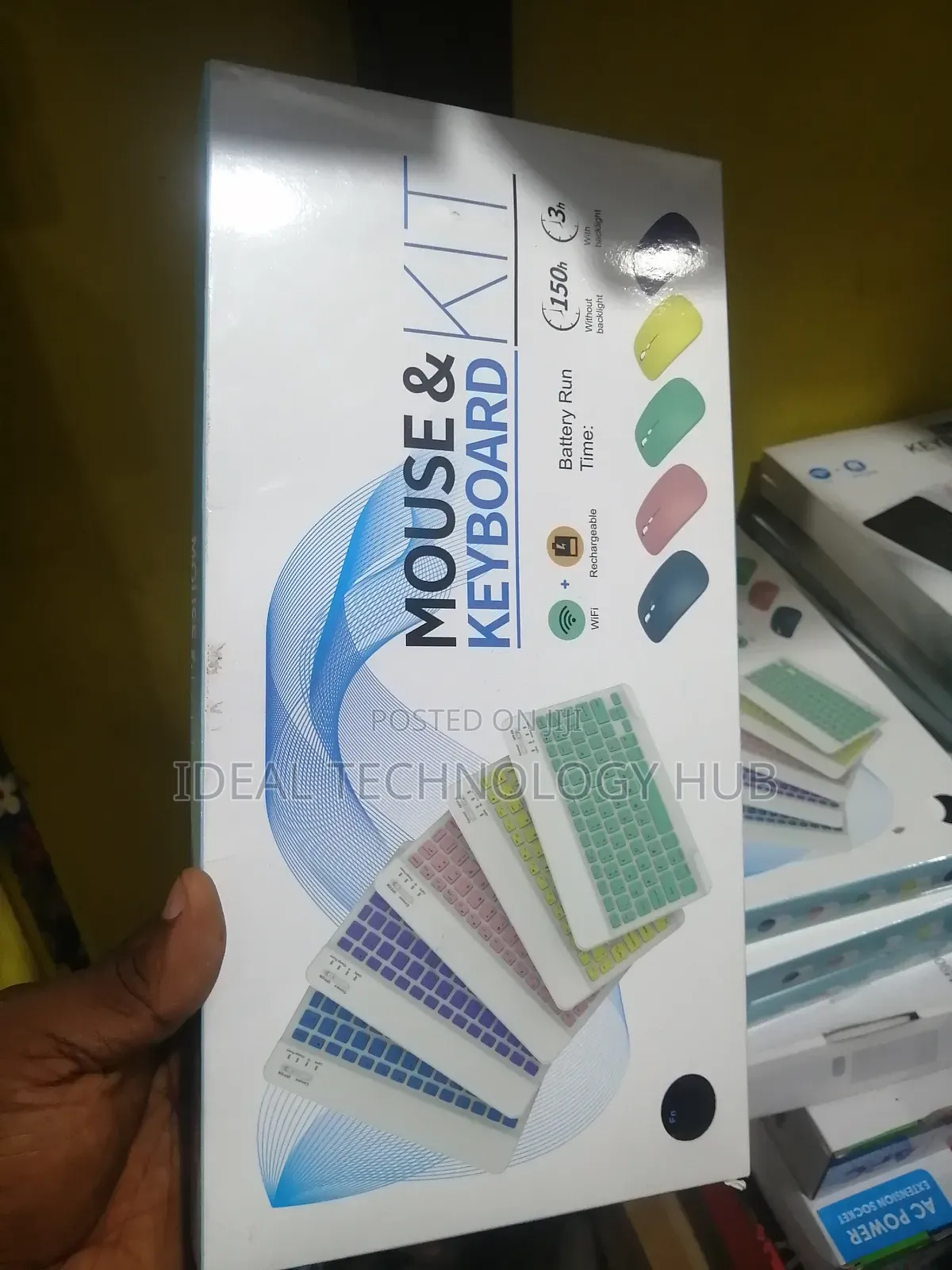
Mouse and Keyboard Kits
Allon rubutu
Nau'i
Kaya
Sabo Fil
Yanayi
2m
Tsawon kebur
Mai launuka daban-daban
Launi
Ba tare da waya ba
Siffofin Allon rubutu
Adireshin dakin ajiya
Jiha Lagos • Ikeja
8B otigba street computer village ikeja lagos
A rufe yanzu
• Lit - Asa, 09:30-18:00
Bluetooth Keyboard Edition: Bluetooth 3.0
Bluetooth Mouse Edition: Bluetooth 5.2
Keyboard Dimensions: 9.75 X 5.91 X 0.25 inch
Keyboard Weight: 6.56 ounces
Mouse Dimensions: 4.53 X 2.36 X 1.14 inch
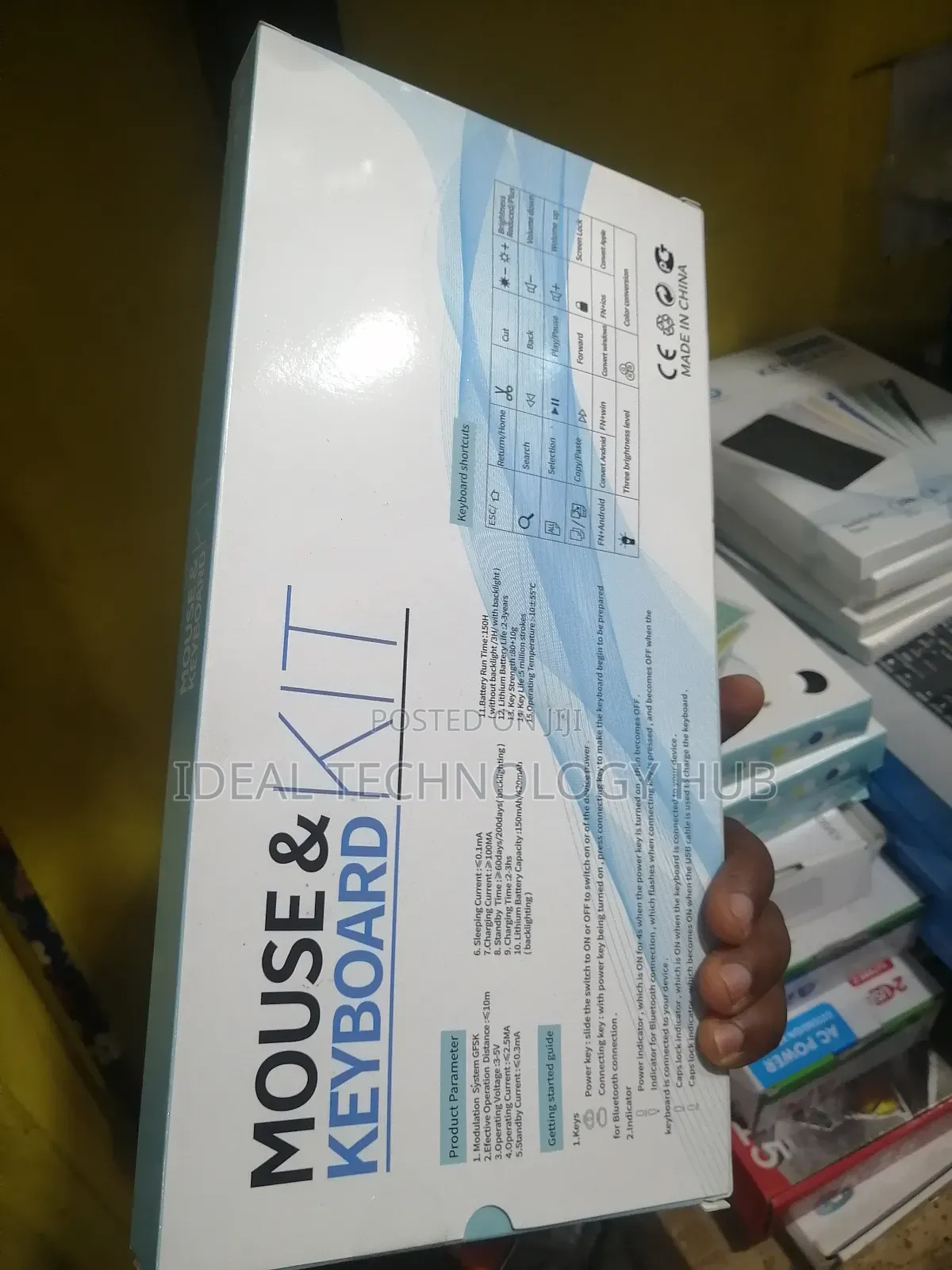
Operating Range: Up to 33 ft/ 10 meters
Charging Time: 2-3 hours
The keyboard only supports Bluetooth connection
How to connect keyboard:
1: Turn on power ON/OFF switch.
2: Press CONNECT, the Bluetooth indicator will blinking.
3: Then turn on the Bluetooth switch of your tablet or mobile phone, and search for Bluetooth keyboard, the Bluetooth name of the keyboard is Bluetooth 3.0 Keyboard.
4: Choose the Bluetooth 3.0 Keyboard on tablet phone or other devices, then press the Enter to connect.
The mouse supports Bluetooth and 2.4GHz USB connection
Note: The Bluetooth Mouse only compatible with iPad OS/iOS 13 and Above.
Sirrin bada kariya
- Ka da a biya kudi kafin isowar kaya, ko da kudin sallawu
- A hadu da mai kaya a amintaccen wuri a fili
- A duba kayan, a tabbata shi ne ainihin abin da ake bukata
- A tabbatar cewa abin da aka kunshe shi ne wanda aka duba
- Ka da a biya sai an gamsu





