
1/2
Wanda aka yada
Lagos, Ikeja, 3 awanni da suka gabata
7 adadin kallo
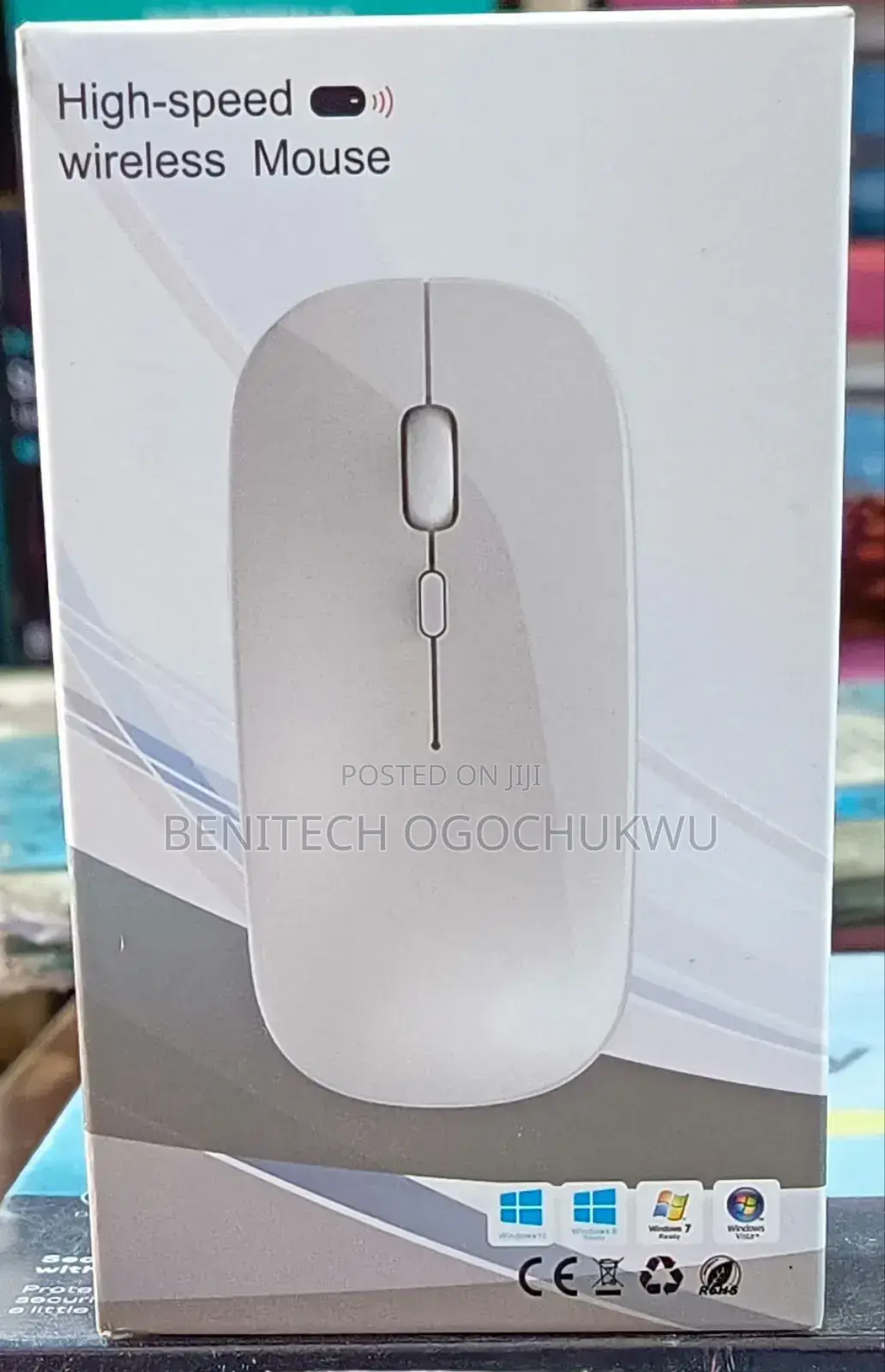
High Speed Wireless Mouse
Universal
Kaya
Linzamin komfuta
Nau'i
Sabo Fil
Yanayi
1m
Tsawon kebur
Wireless
Siffofin Linzamin komfuta
Adireshin dakin ajiya
Jiha Lagos • Ikeja
No 4 Adepele street, off medical road computer village ikeja Lagos
A rufe yanzu
• Lit - Asa, 08:30-17:30
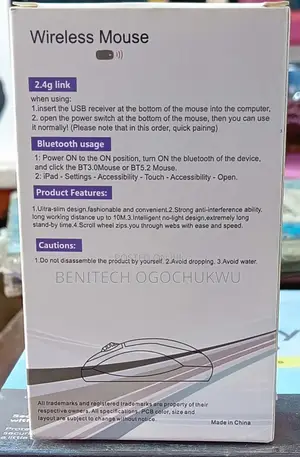
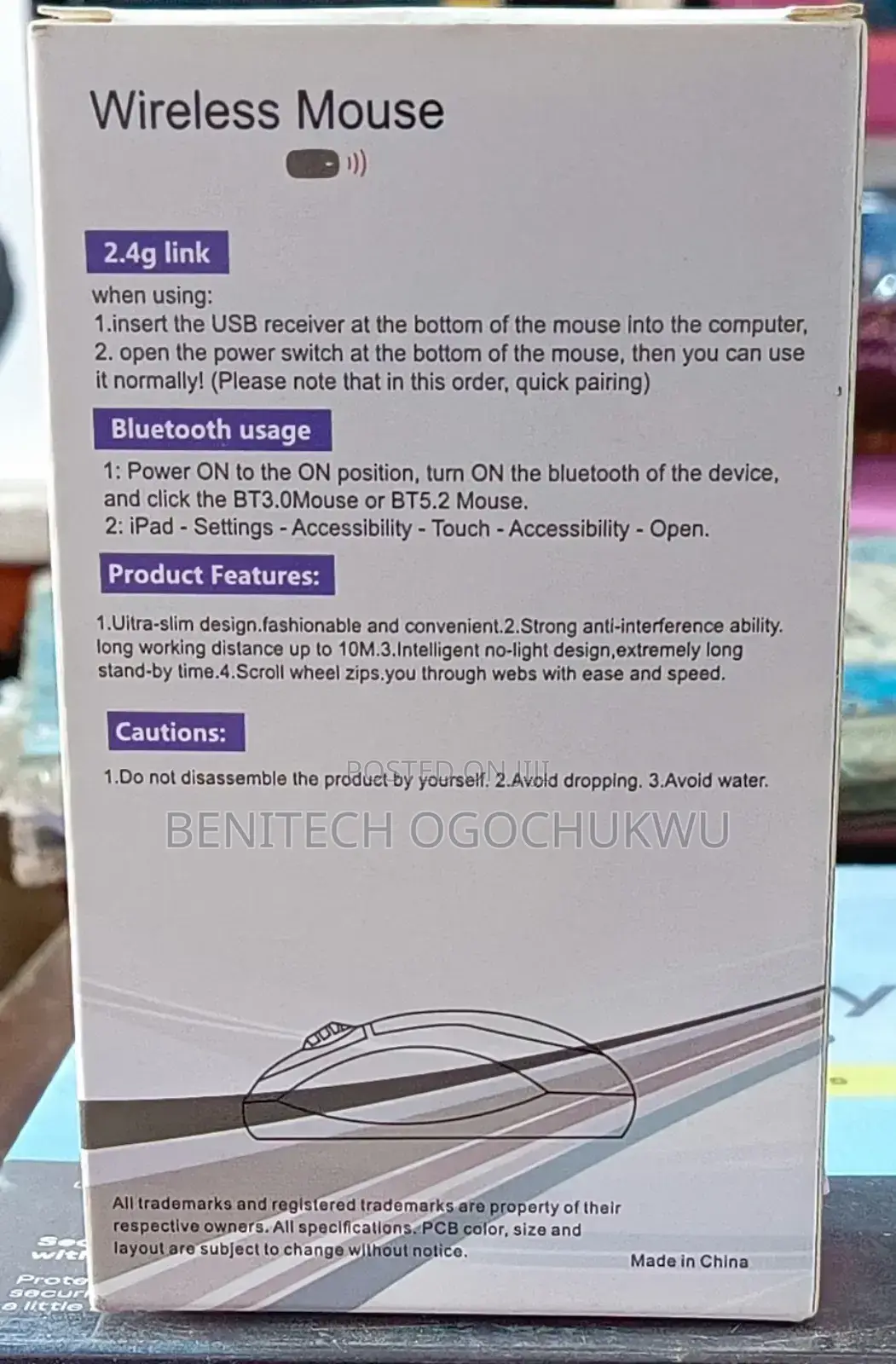
Wireless Mouse
(1))
2.4g link
when using:
1.insert the USB receiver at the bottom of the mouse into the computer,
2. open the power switch at the bottom of the mouse, then you can use it normally! (Please note that in this order, quick pairing)
Bluetooth usage
1: Power ON to the ON position, turn ON the bluetooth of the device, and click the BT3.0Mouse or BT5.2 Mouse.
2: iPad - Settings - Accessibility - Touch - Accessibility - Open.
Product Features:
1.Uitra-slim design.fashionable and convenient.2.Strong anti-interference ability. long working distance up to 10M.3.Intelligent no-light design, extremely long stand-by time.4.Scroll wheel zips.you through webs with ease and speed.
Cautions:
1.Do not disassemble the product by yourself.
2.Avoid dropping.
3.Avoid water.
₦ 6,000

Sirrin bada kariya
- Ka da a biya kudi kafin isowar kaya, ko da kudin sallawu
- A hadu da mai kaya a amintaccen wuri a fili
- A duba kayan, a tabbata shi ne ainihin abin da ake bukata
- A tabbatar cewa abin da aka kunshe shi ne wanda aka duba
- Ka da a biya sai an gamsu





