1/10
+ 5
hotuna
Wanda aka yada
Lagos, Ikeja, awoyi 1 da suka wuce
4 adadin kallo
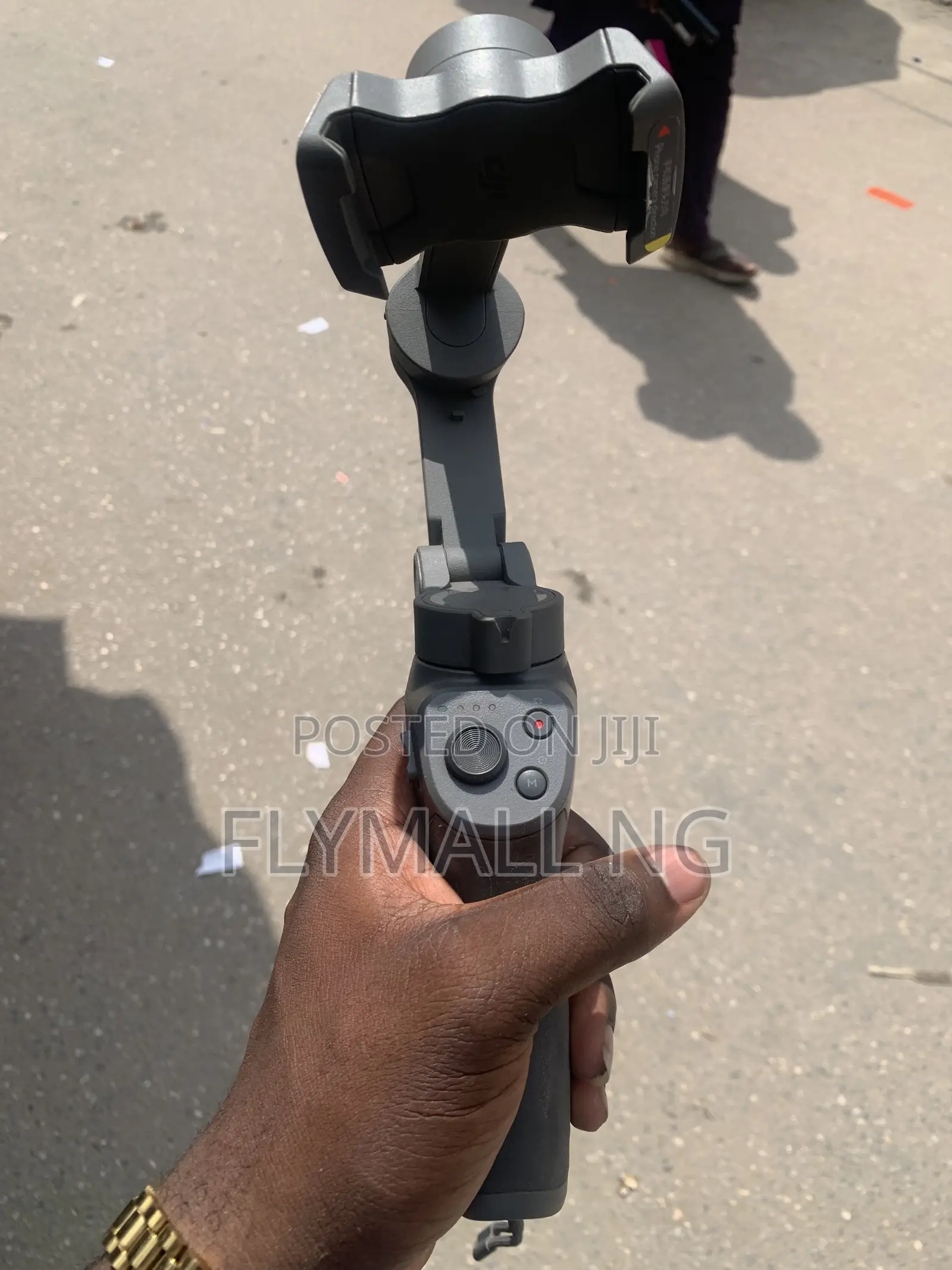
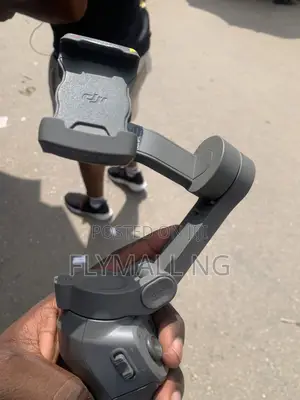
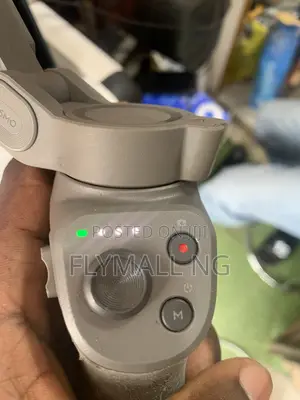
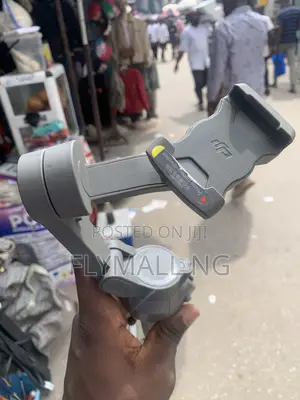
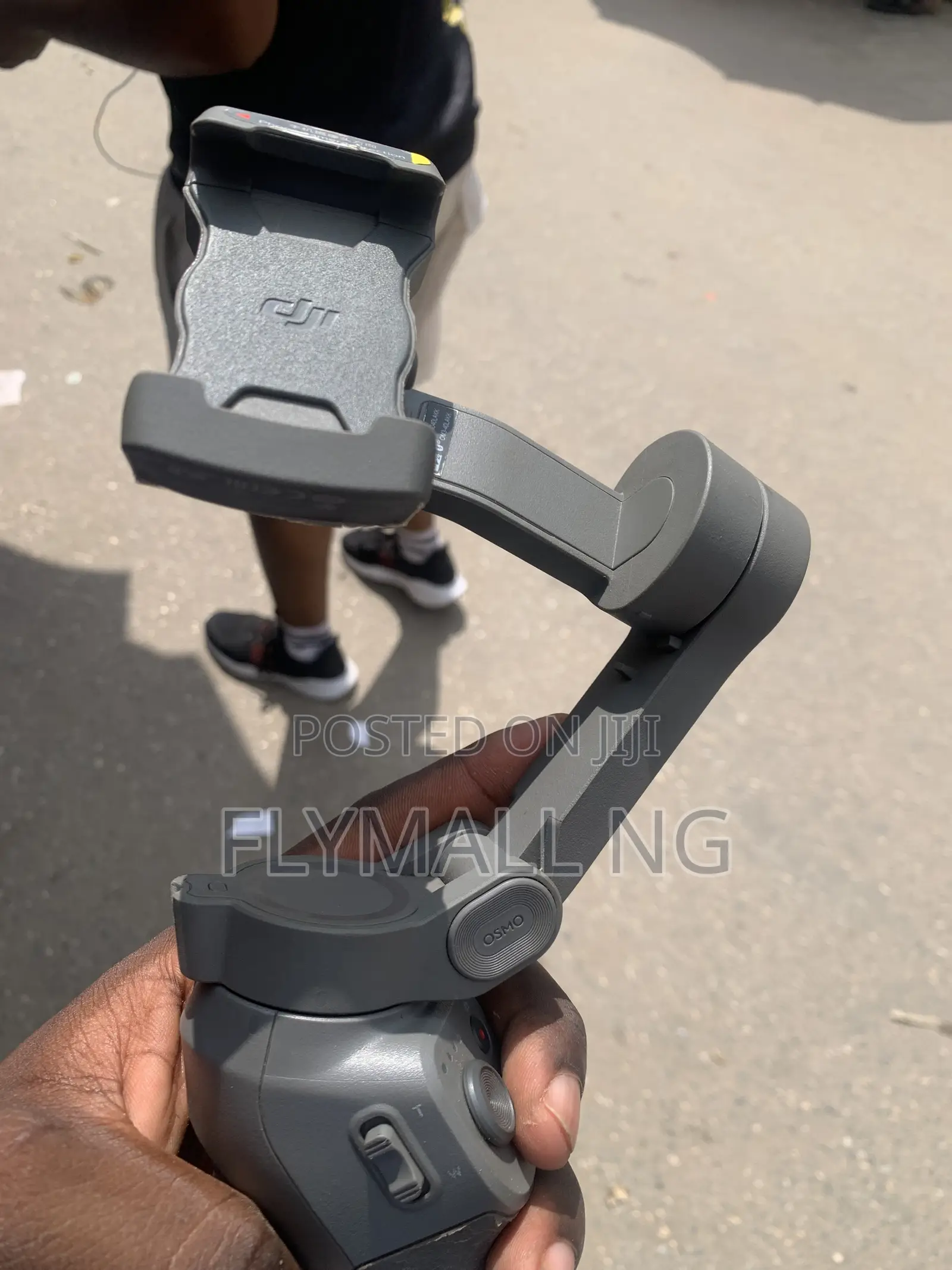
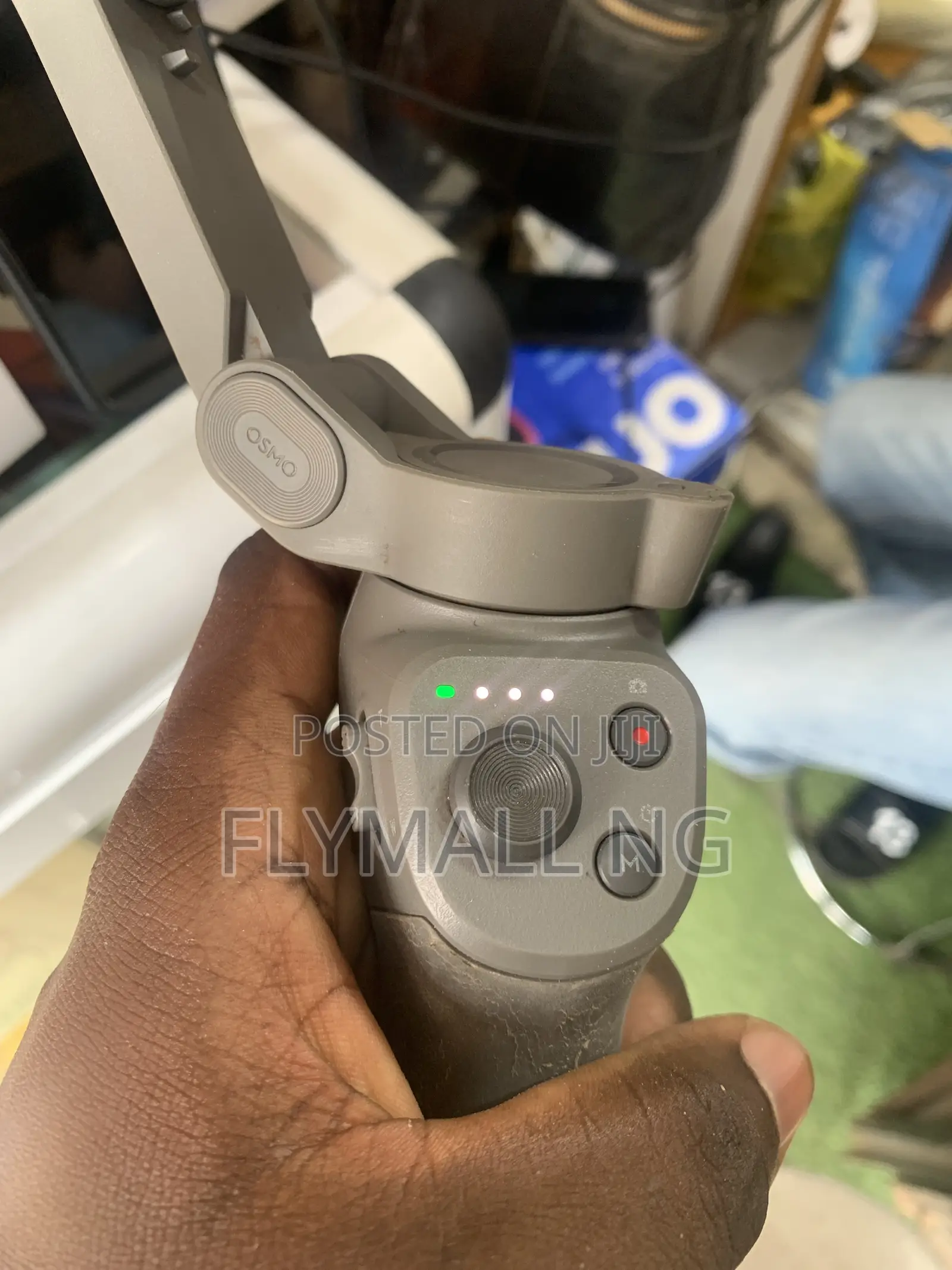
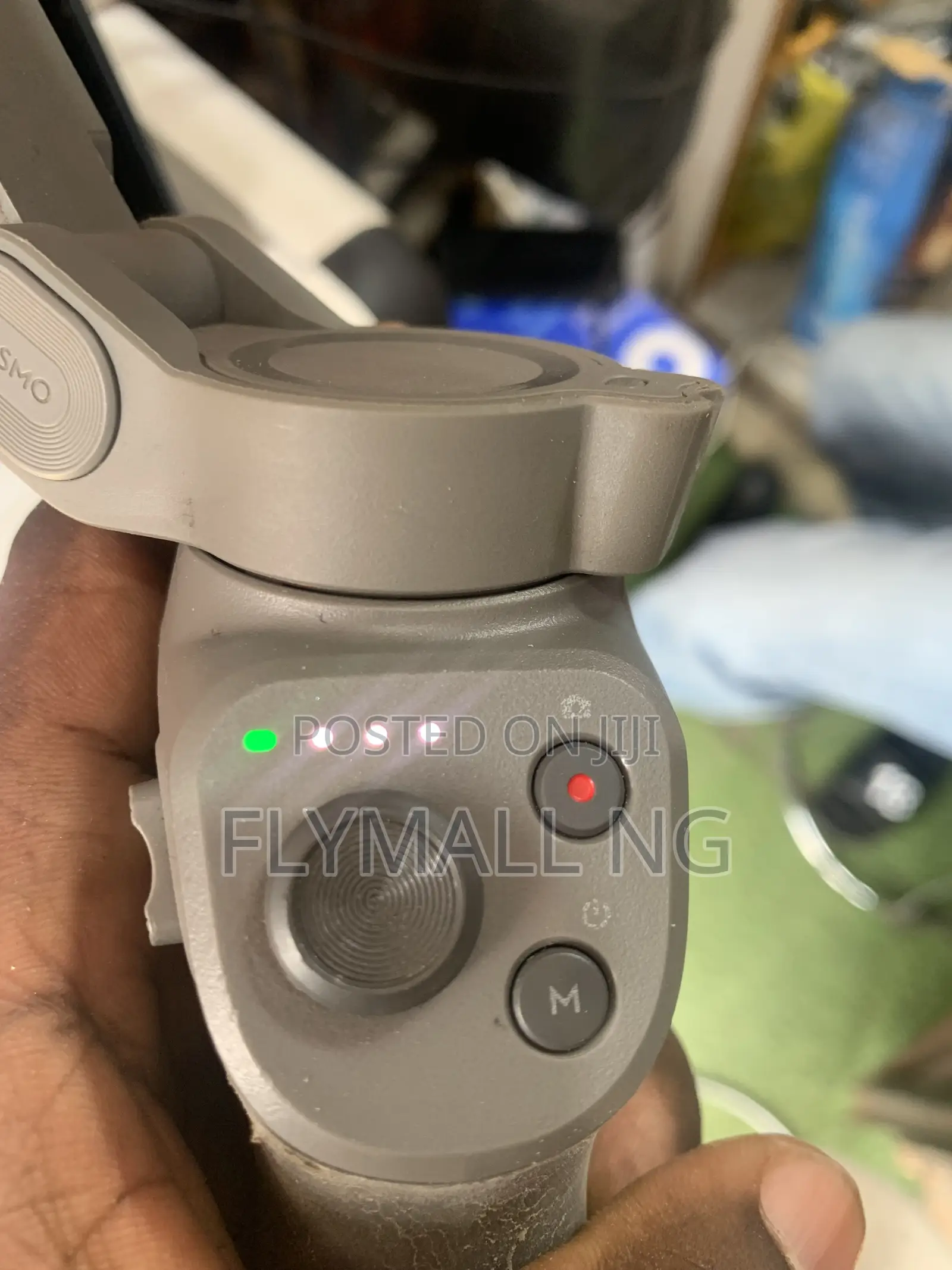
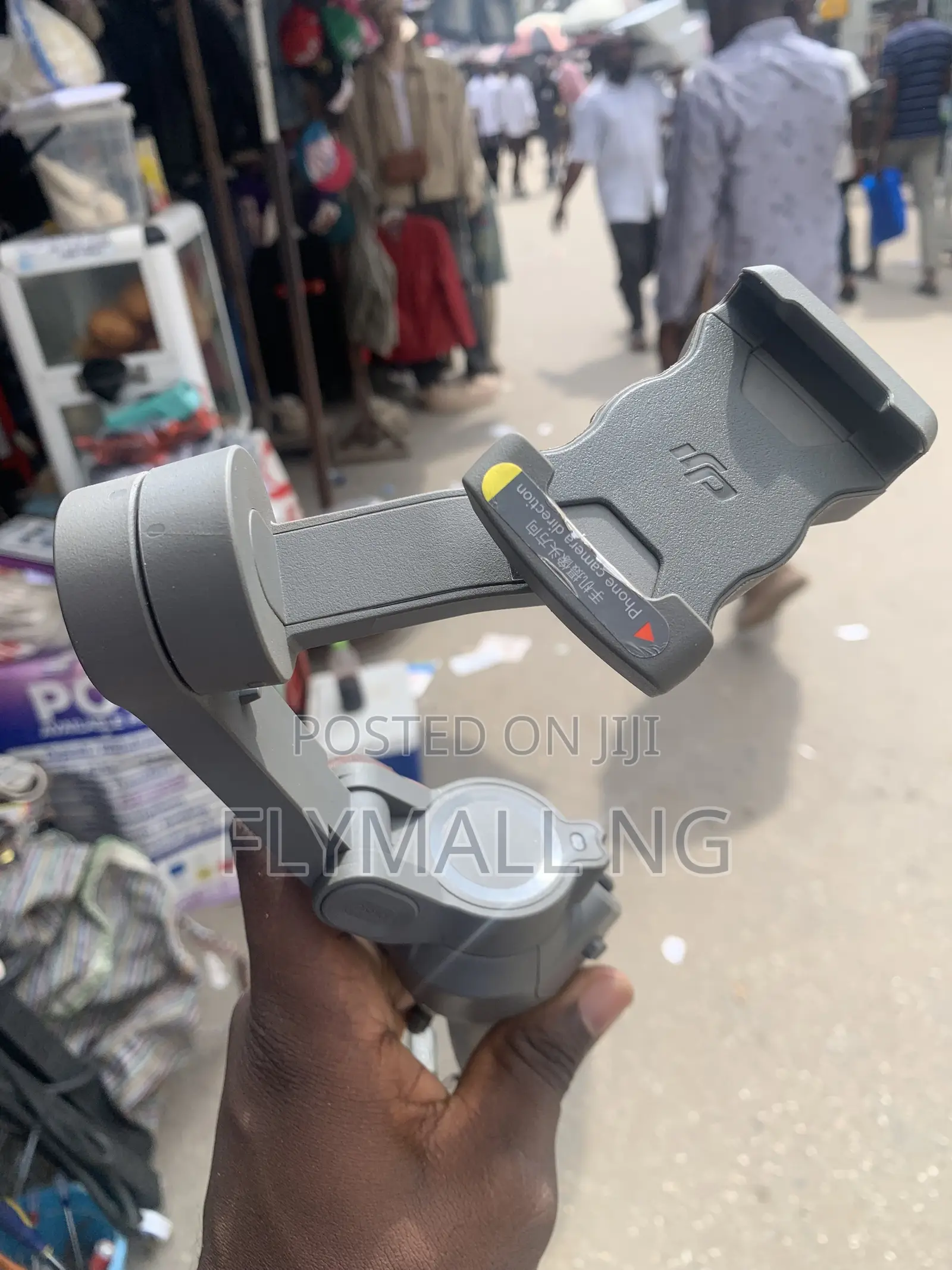
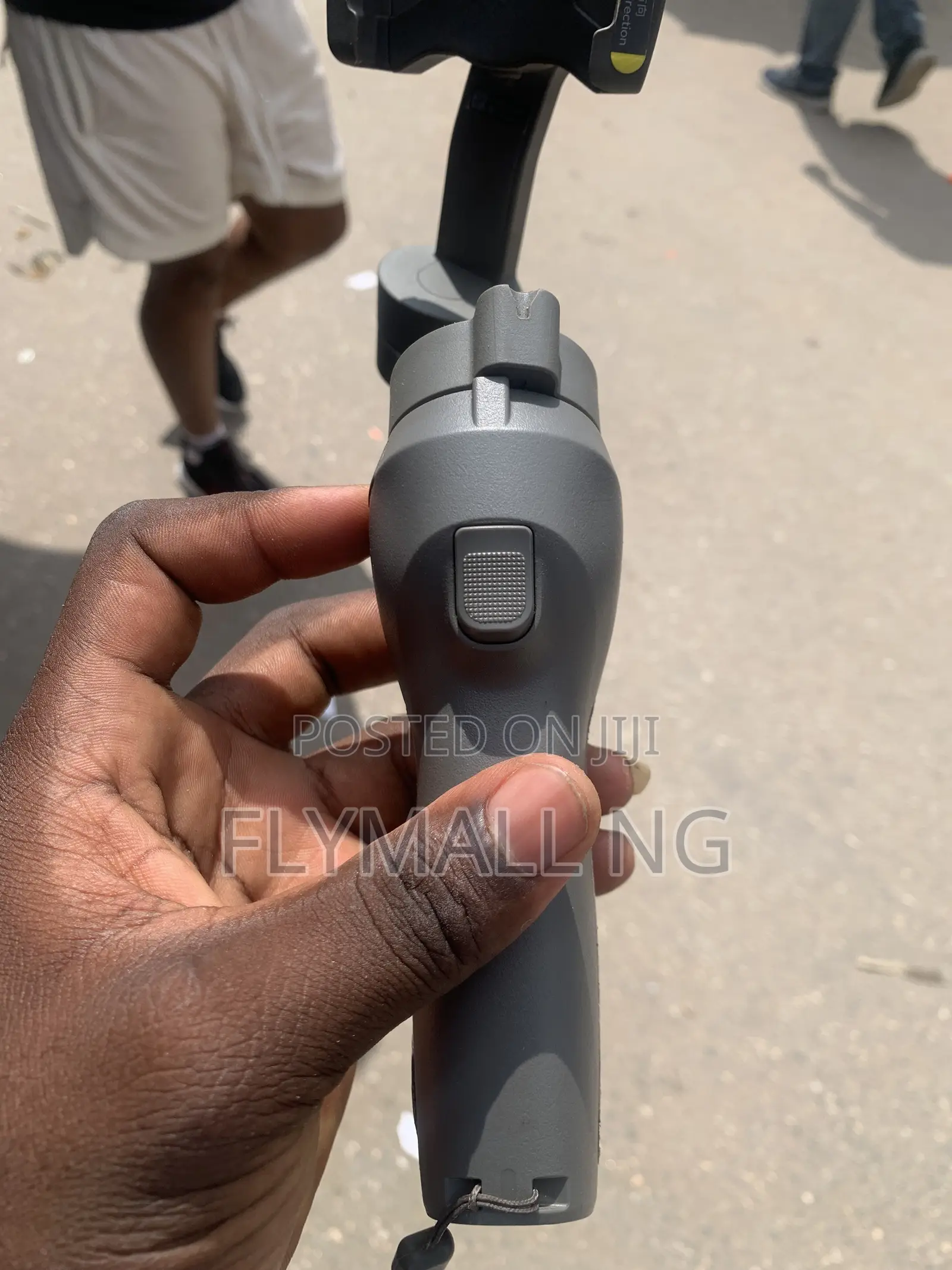
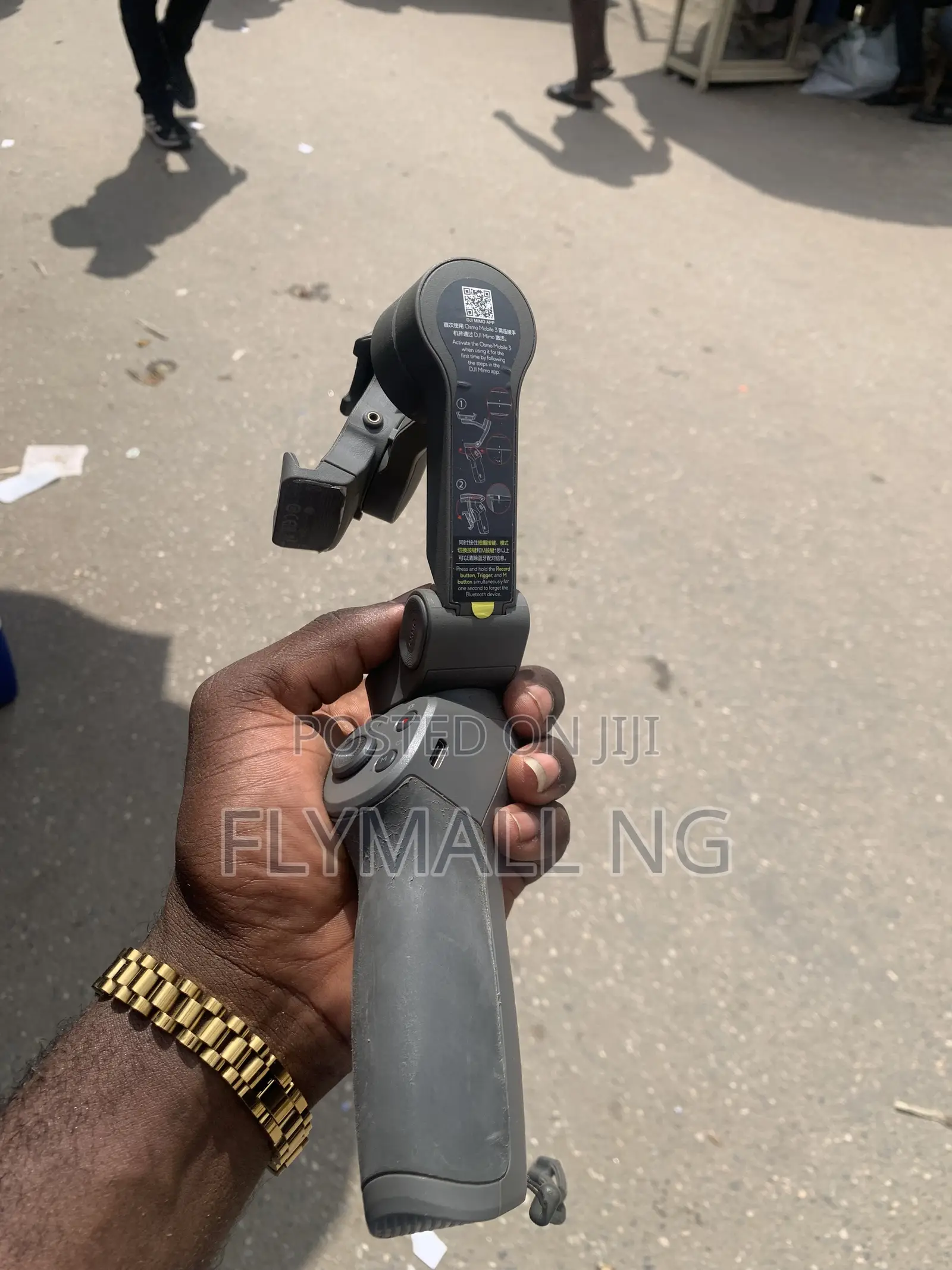
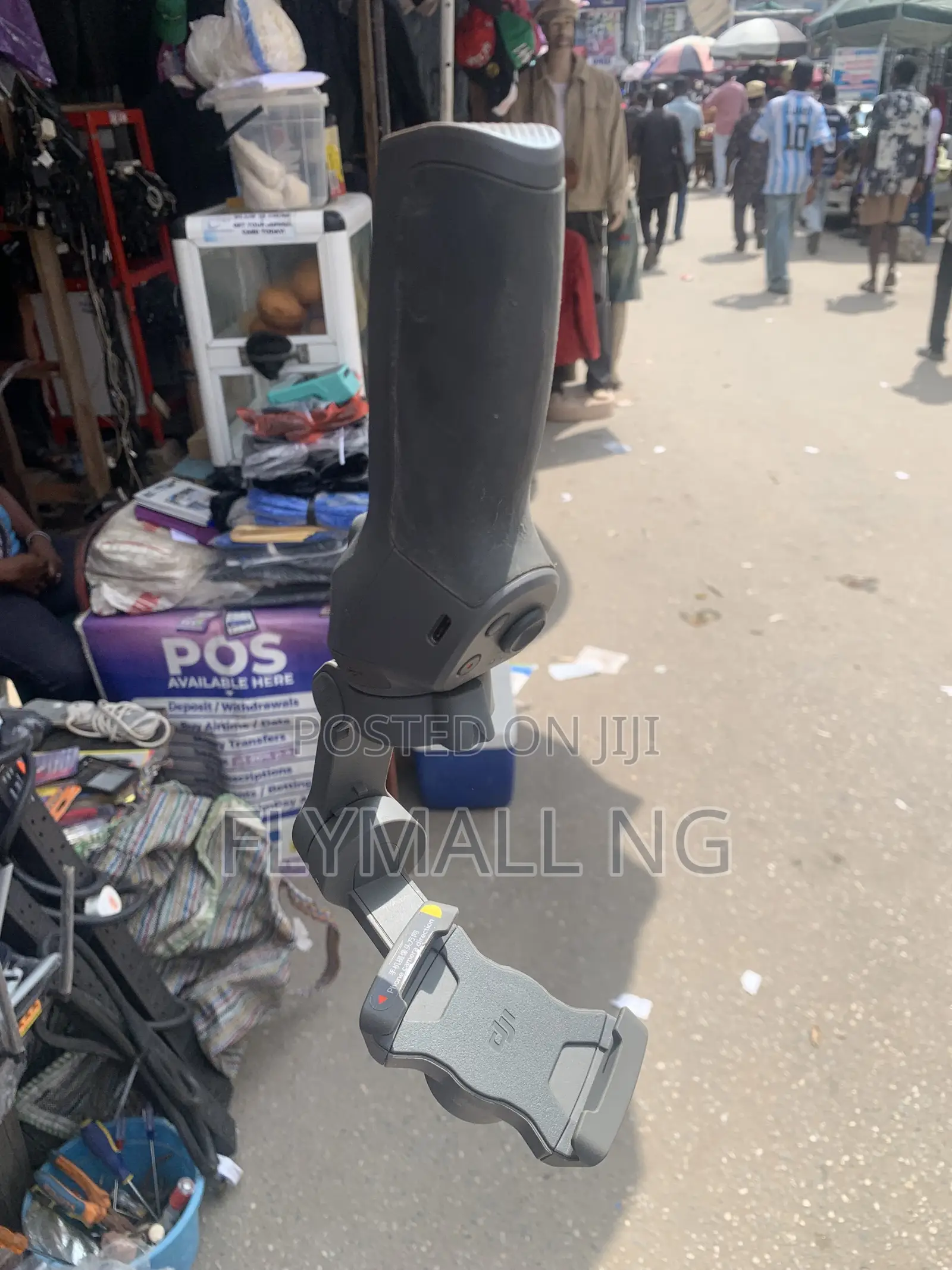
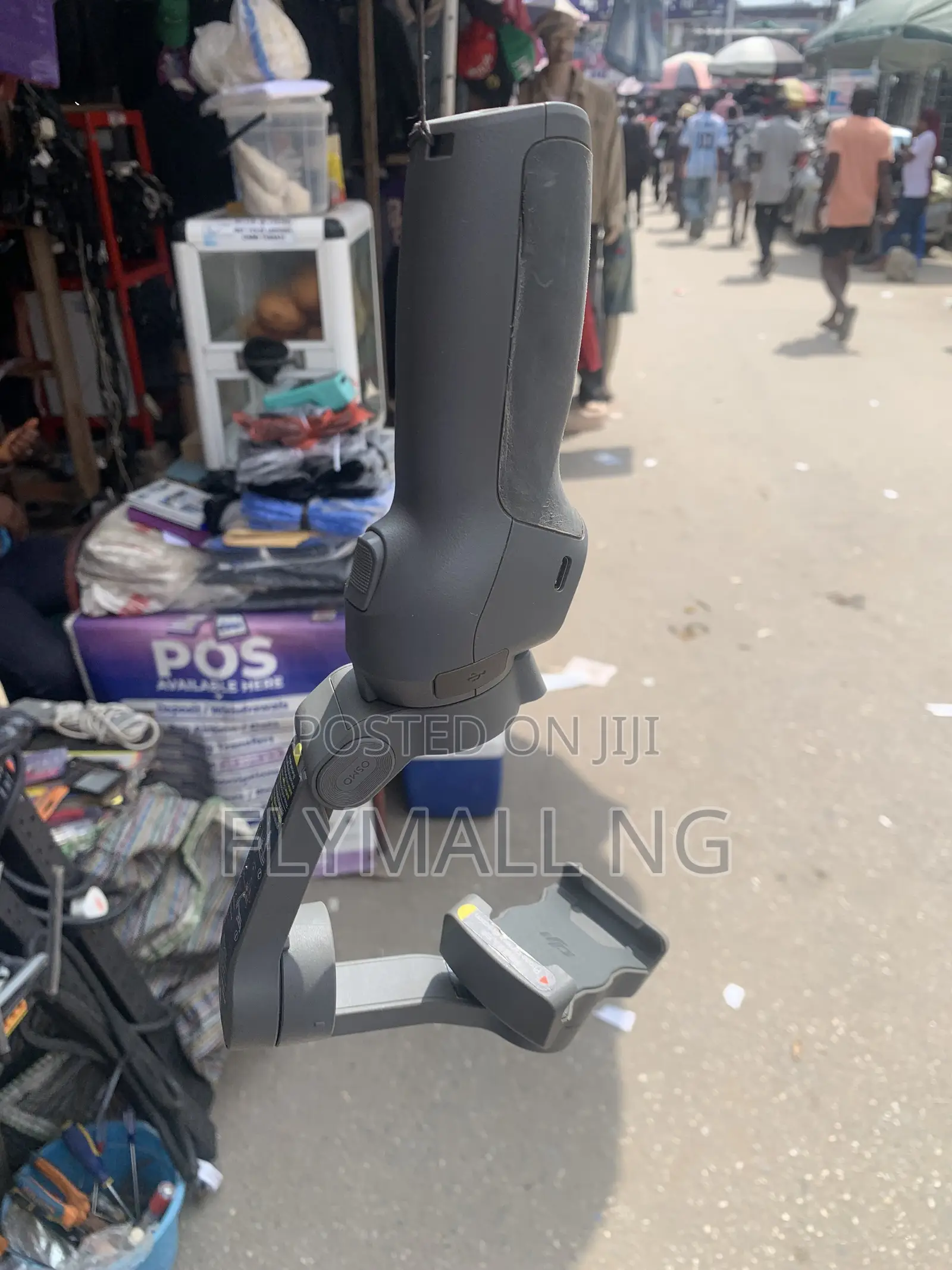
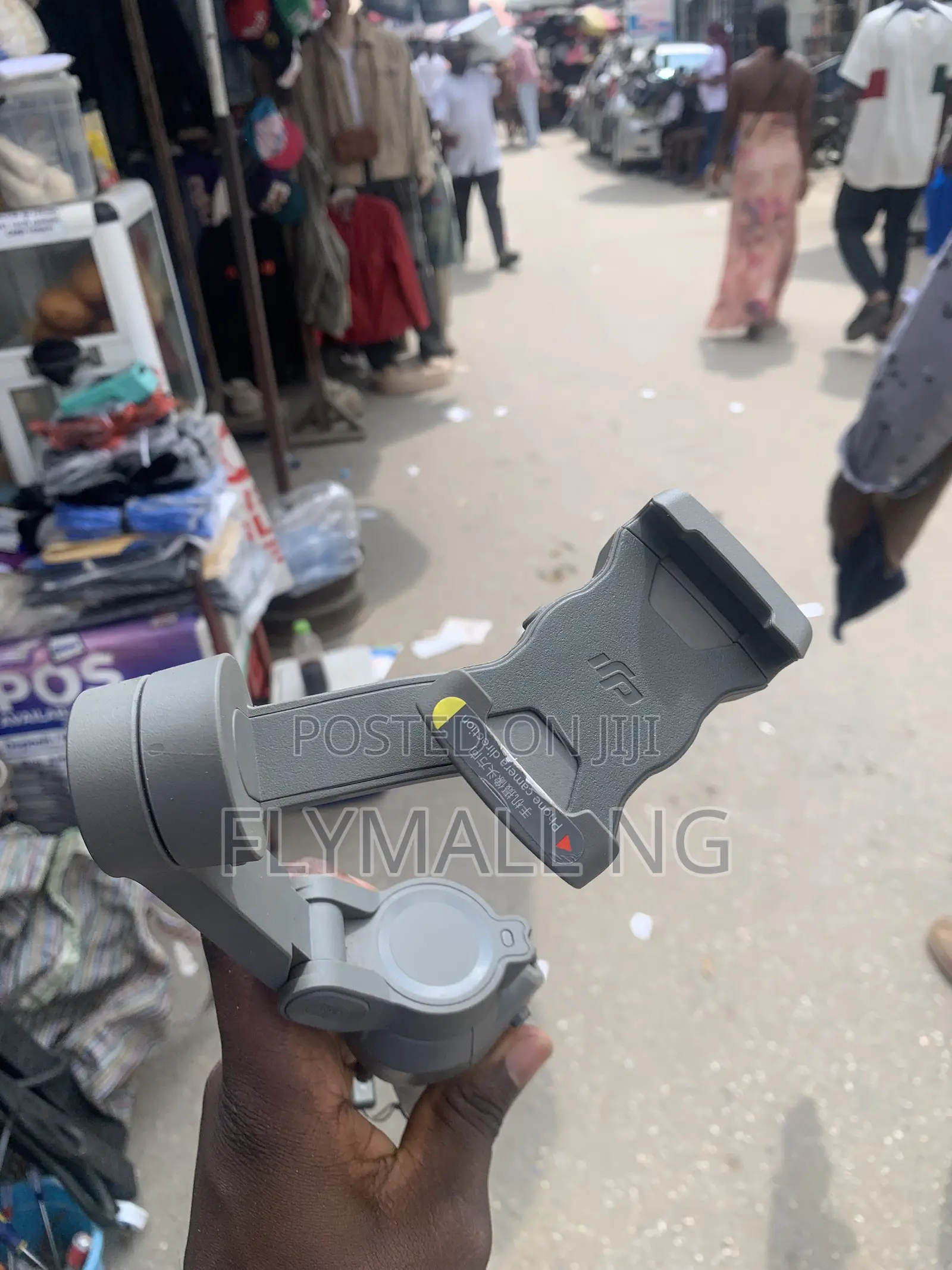
DJI Osmo Mobile 3
Adireshin dakin ajiya
An tabbatar
An tabbatar
4
Jiha Lagos • Kosofe
No1 pepple street, Ikeja computer village, Lagos State
A rufe yanzu
• Lit - Asa, 09:00-18:00
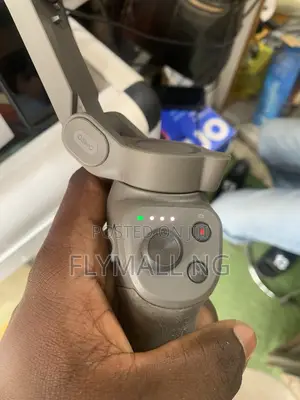
Control Panel GuideJoystick: Move it up, down, left, or right to control the pan and tilt direction of your phone.Shutter / Record Button (Red Dot): Press once to take a photo or start/stop recording a video. Press and hold during photo mode to capture a burst of shots.M (Mode) Button: Powers the unit on/off when held down. While turned on, press it once to switch between photo and video mode, or double-press it to toggle your smartphone between portrait and landscape orientations.Battery Level Indicators (LEDs): The four LED lights indicate the current battery status.

Sirrin bada kariya
- Ka da a biya kudi kafin isowar kaya, ko da kudin sallawu
- A hadu da mai kaya a amintaccen wuri a fili
- A duba kayan, a tabbata shi ne ainihin abin da ake bukata
- A tabbatar cewa abin da aka kunshe shi ne wanda aka duba
- Ka da a biya sai an gamsu