
1/10
+ 5
hotuna
Wanda aka yada
Oyo, Ibadan, 24 min ago
17 adadin kallo
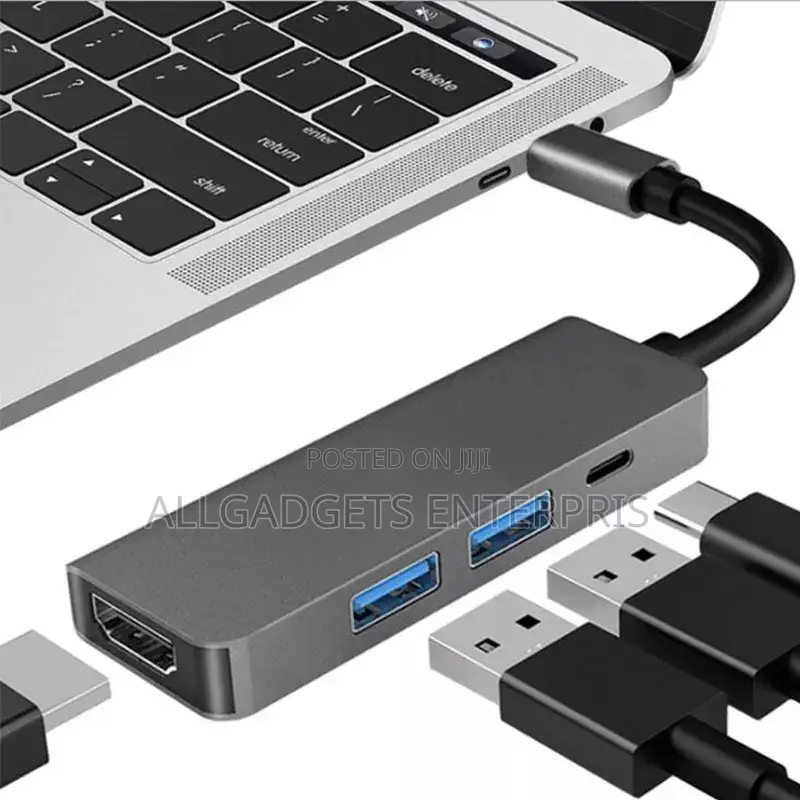
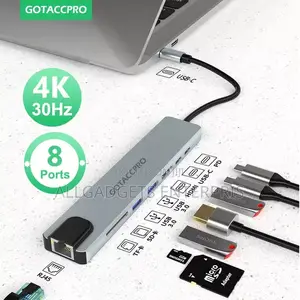
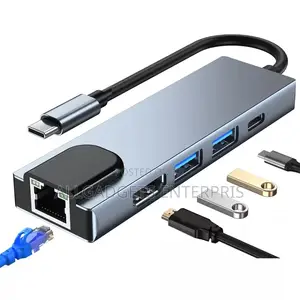
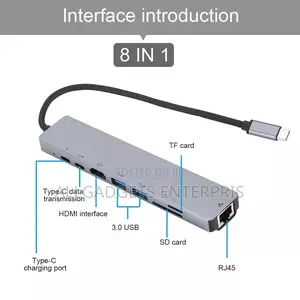
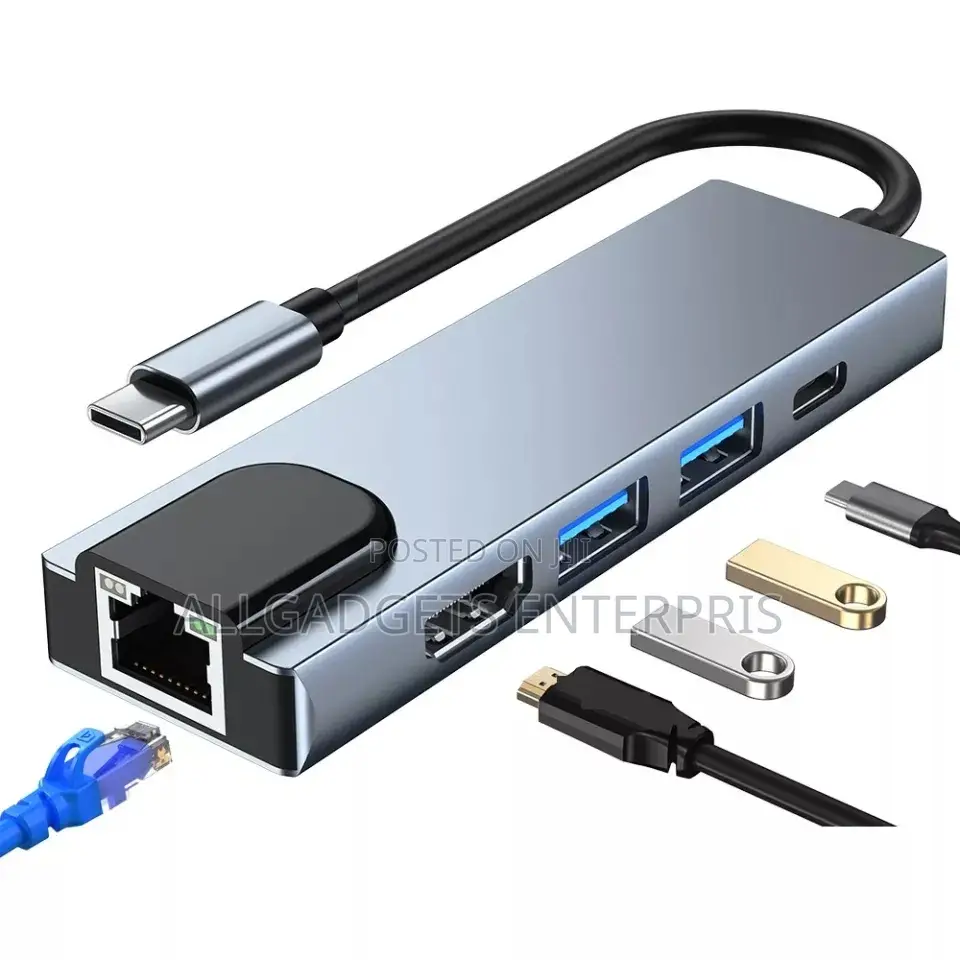
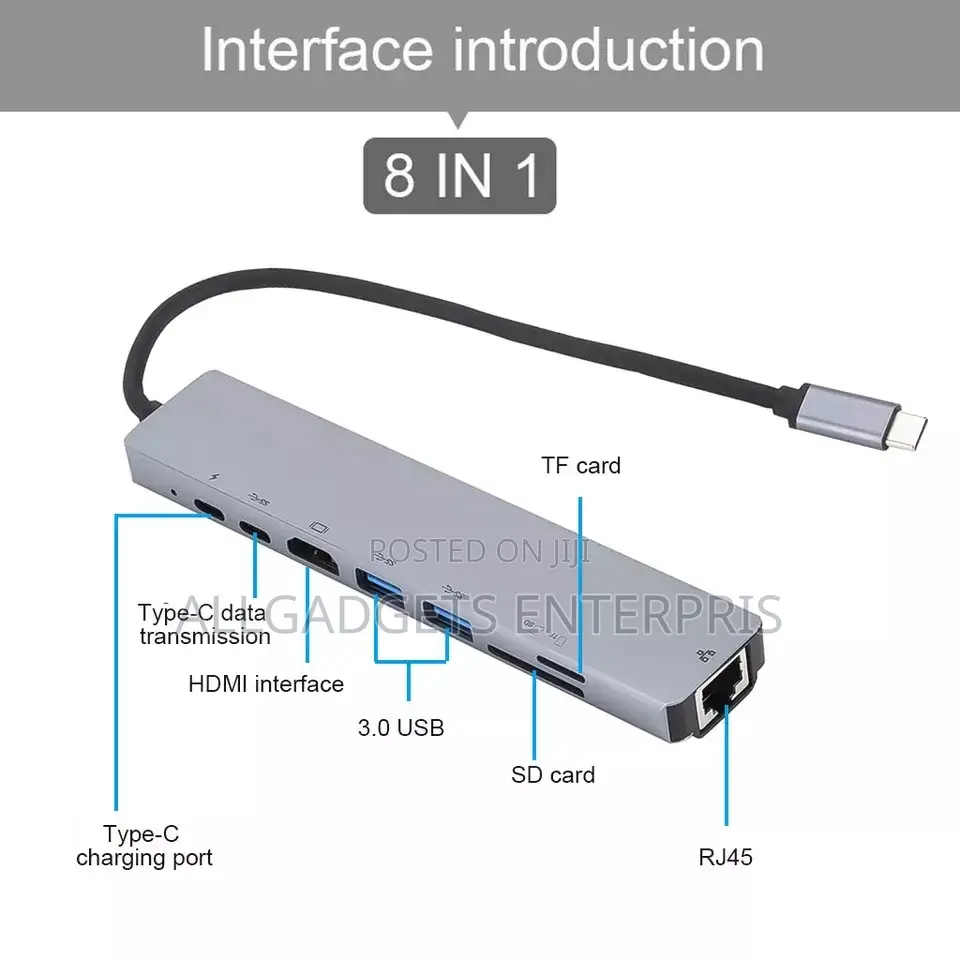
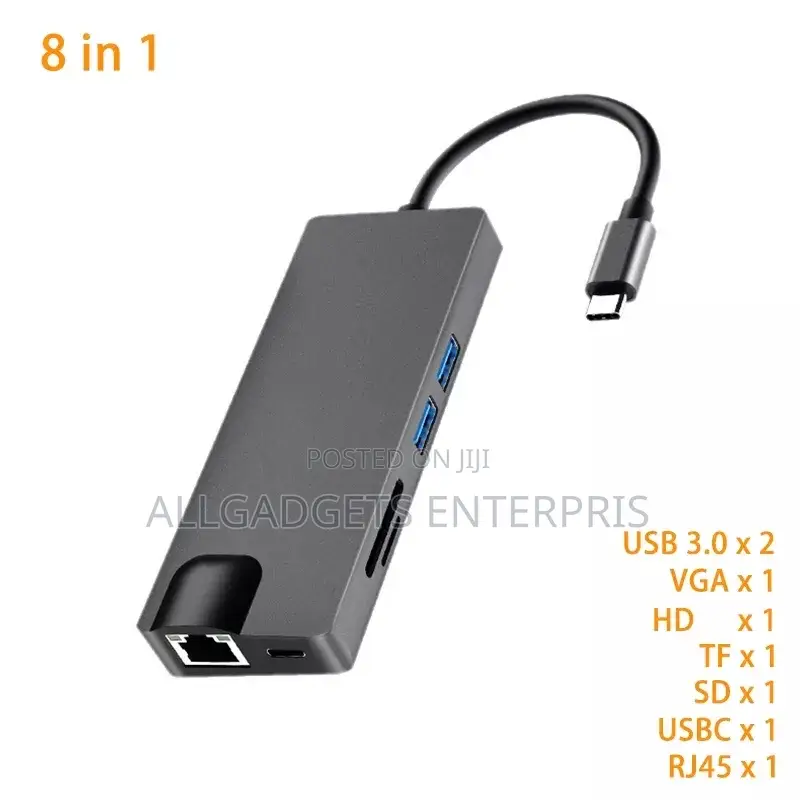
Type C to HD 8 in 1
Kaya
Adafta
Nau'i
Sabo Fil
Yanayi
USB Type C, USB, HDMI, VGA, RJ-45
Nau'in Connector 1
USB Type C, HDMI, RJ-45, VGA
Nau'in Connector 2
Other
Adadin Wuraren Shiga
Aiko kaya
Jiha Oyo • Ibadan
1 rana
₦ 1,000 - 2,000
A fadin Kasa
1-3 ranaku
₦ 1,000 - 4,000
Adireshin dakin ajiya
Jiha Oyo • Ibadan
ALLGADGETS ENTERPRISES Tolaf Wemabod shopping mall, suite B1,Queen cinema Dugbe ibadan. And Lagos
Jiha Oyo • Ibadan
ALLGADGETS ENTERPRISES Tolaf Wemabod shopping mall, suite B1,Queen cinema Dugbe ib
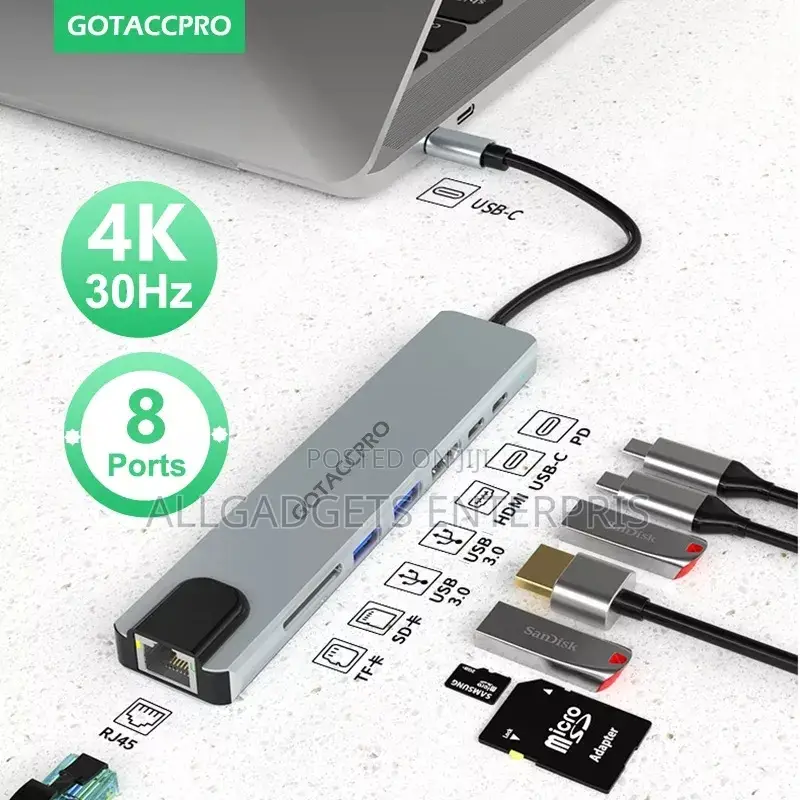
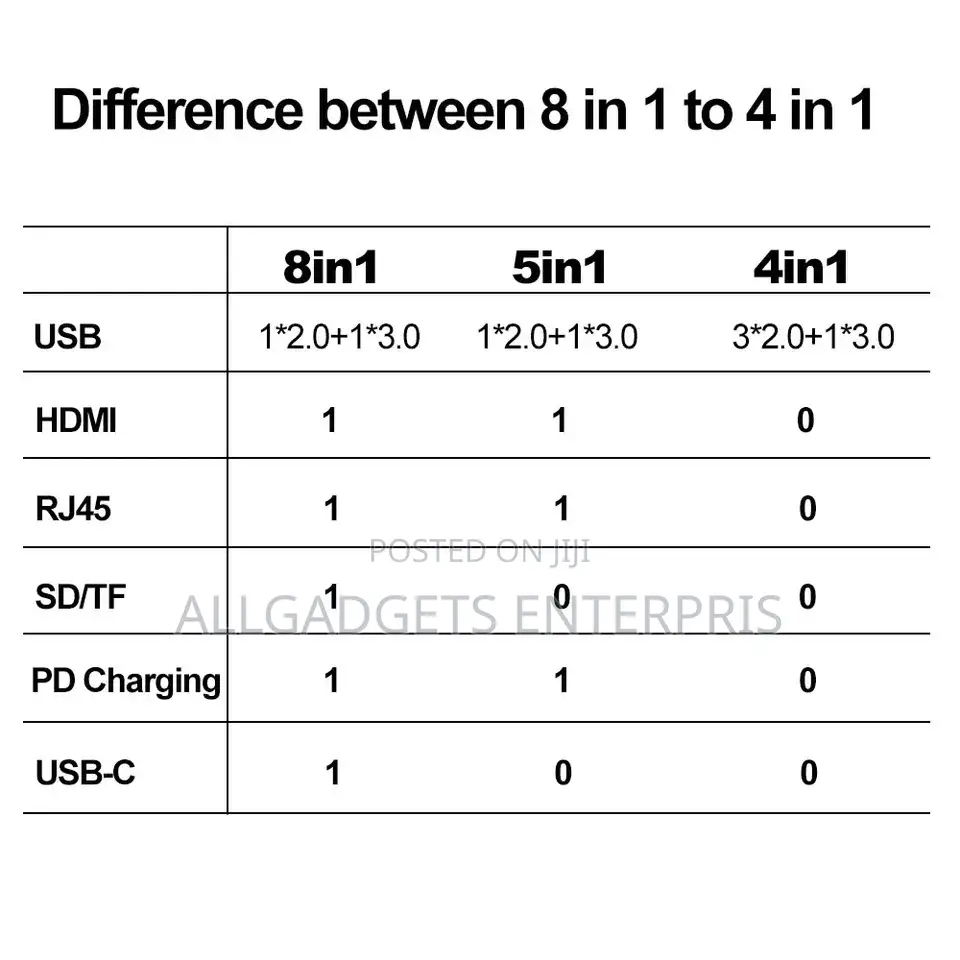
How to use the hub?here is user manual for each port
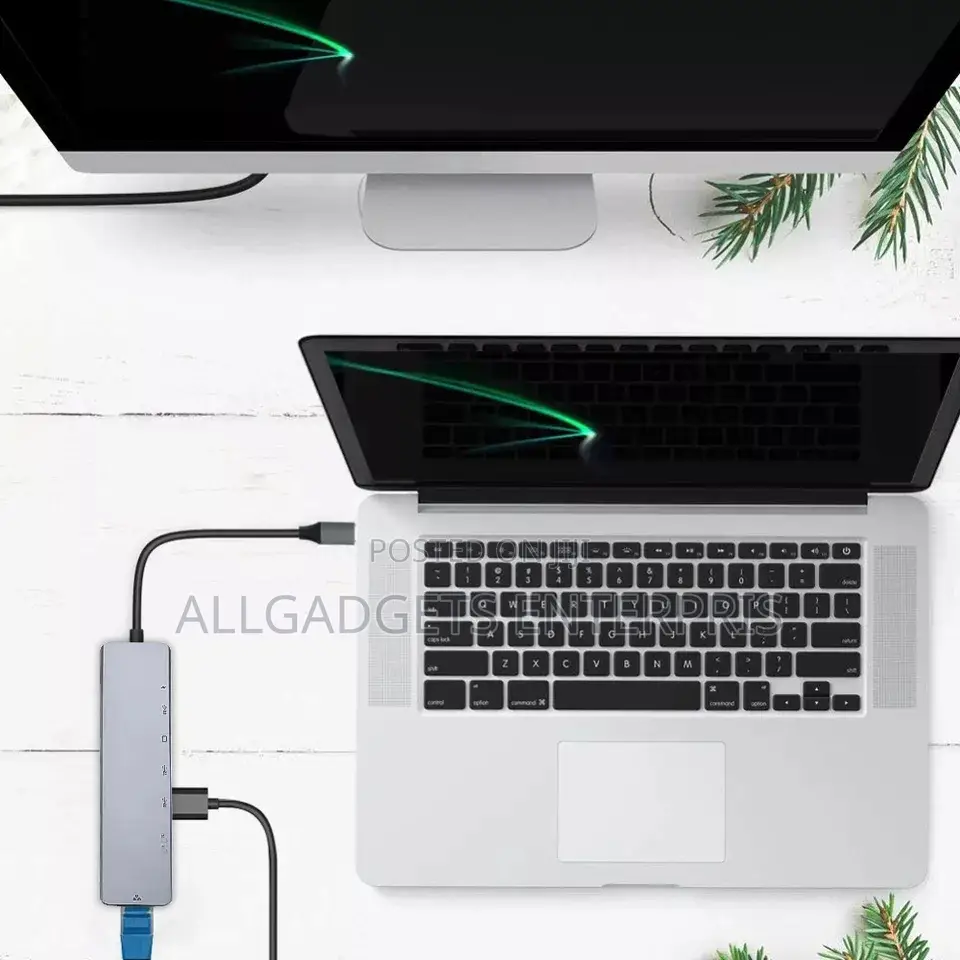
Step 1: plug the main Type-C interface into your computer or your phone.
USB and type C port: connect USB device via USB /type C port, like your USB mouse,keyboard,U disk and etc.
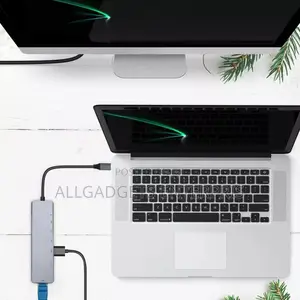
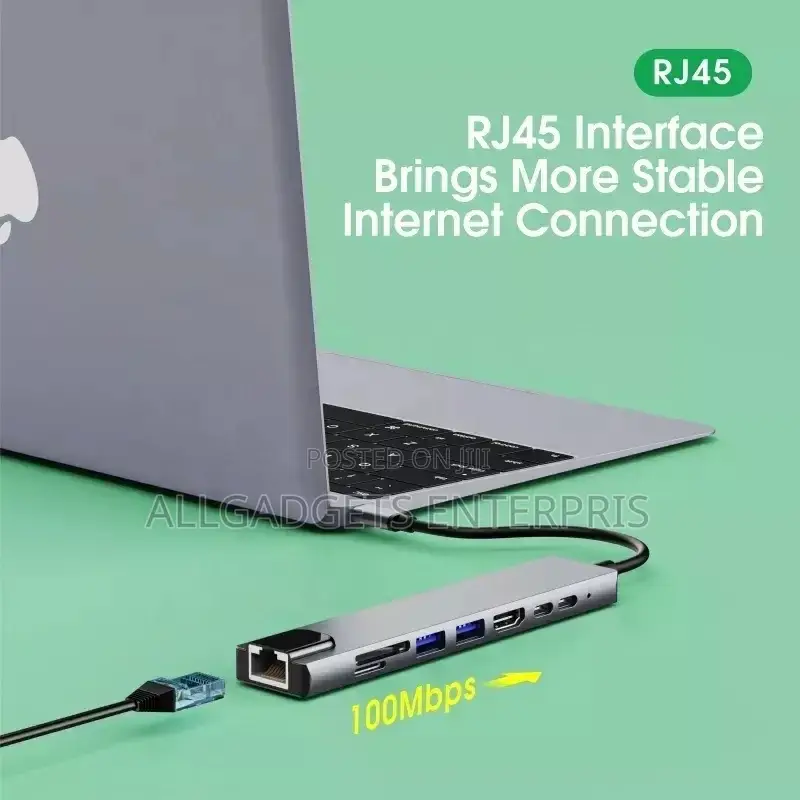
rj45 port:plug network cable via rj45 port,then use the internet.(For system above windows 10, it may need the driver, please contact us about the driver if need )
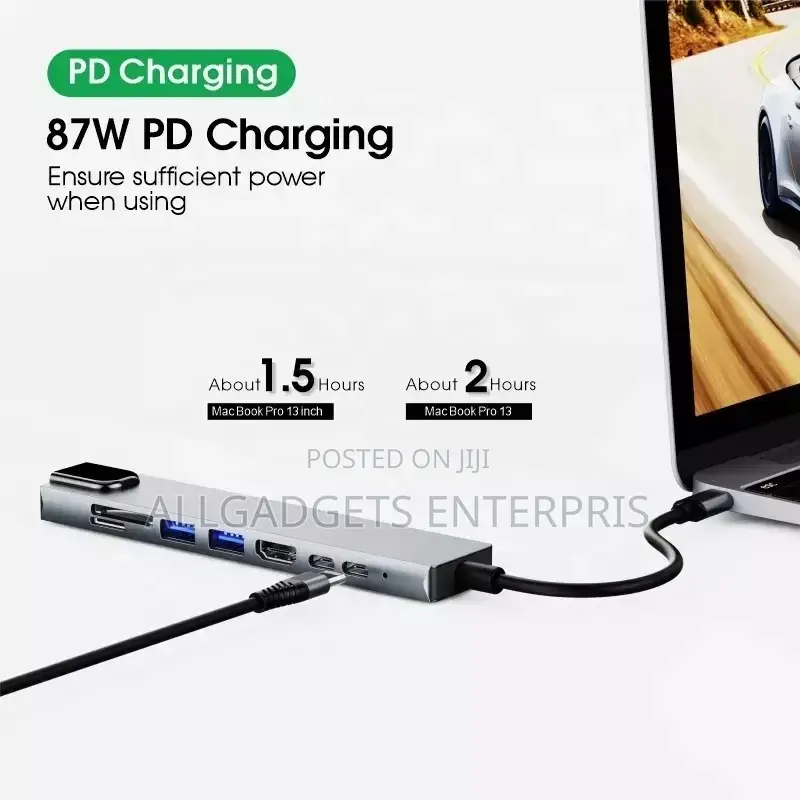
PD port:Use adapter to connect the power supply, then connect the PD port, then can charge the computer, if want to charge the phone at the same time, use the USB port to connect to the phone.
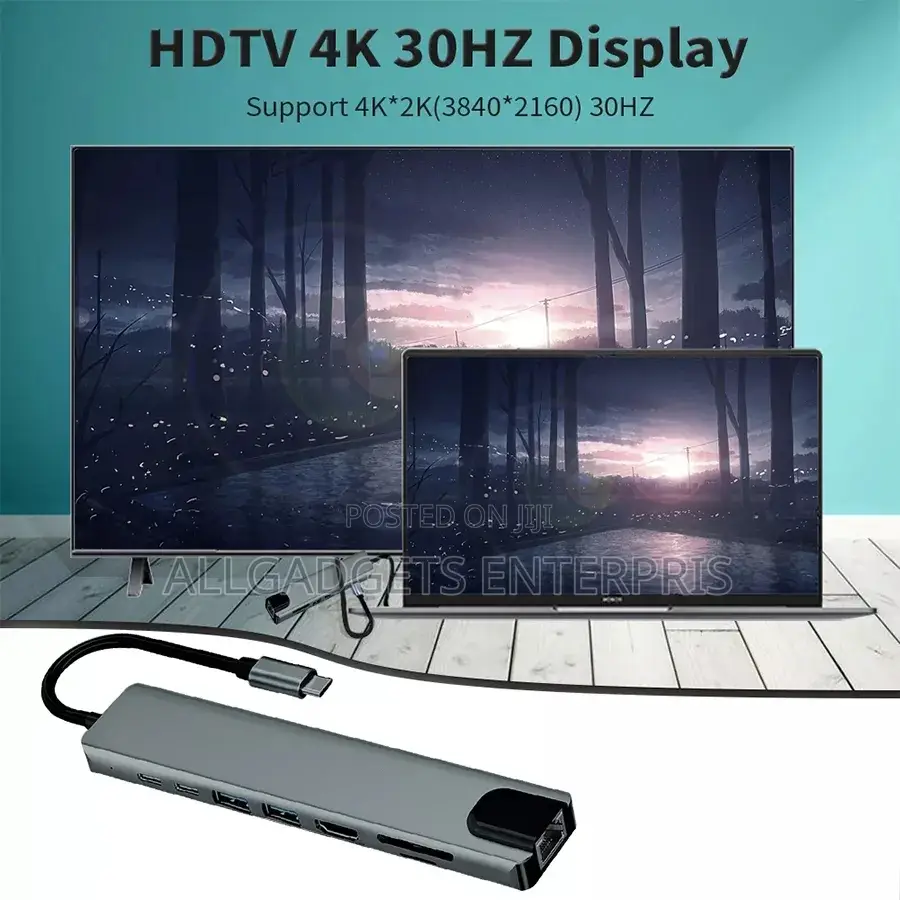
HDMI-compatible4k port:Please check if your computer USB C port support display port,if support, connect your monitor and the computer via the HDMI port,then you can use it.
If you not know if your computer support or not.

Sirrin bada kariya
- Ka da a biya kudi kafin isowar kaya, ko da kudin sallawu
- A hadu da mai kaya a amintaccen wuri a fili
- A duba kayan, a tabbata shi ne ainihin abin da ake bukata
- A tabbatar cewa abin da aka kunshe shi ne wanda aka duba
- Ka da a biya sai an gamsu





