1/2
Promoted
Lagos, Alimosho, 1 hour ago
30 views
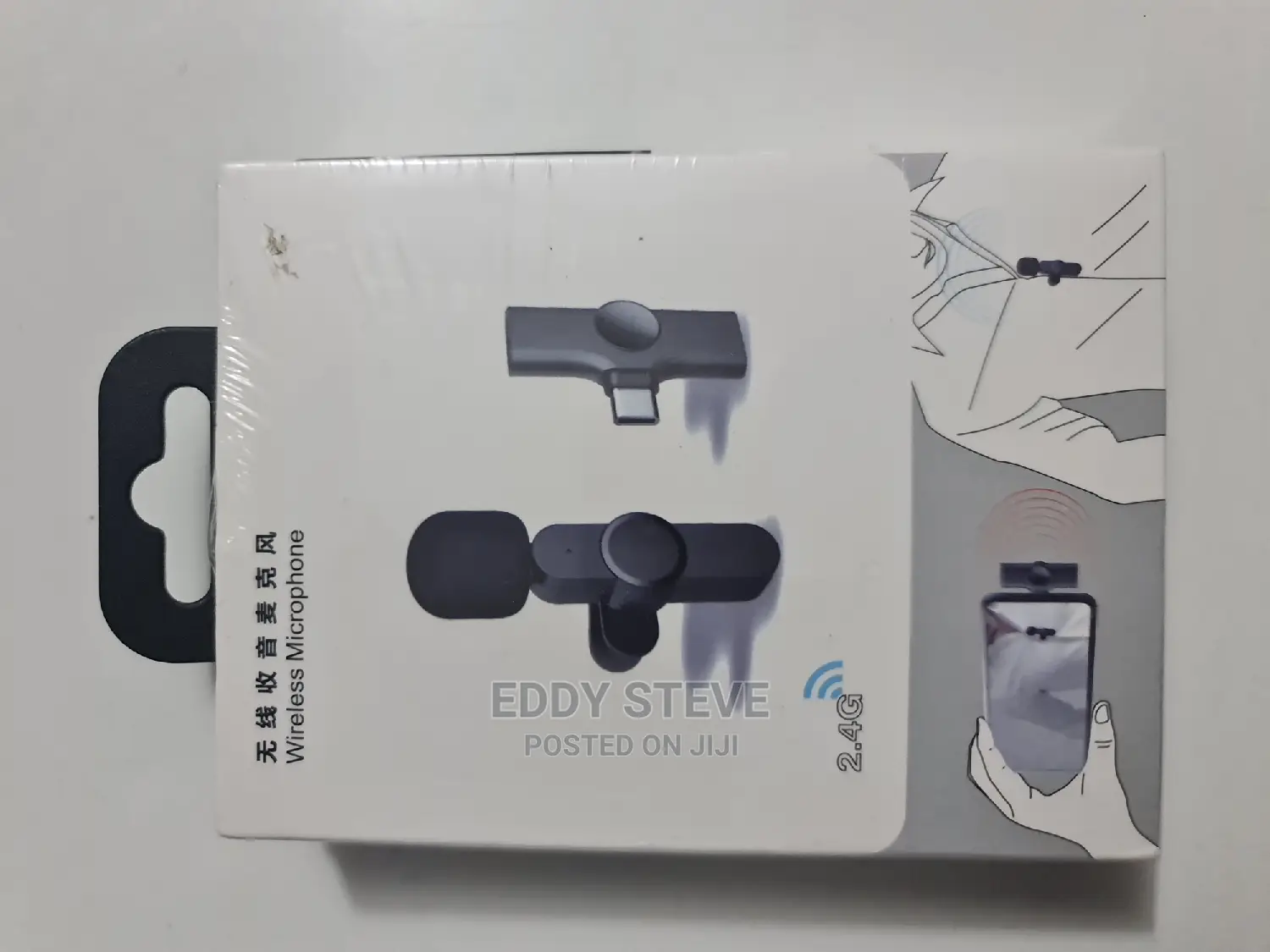
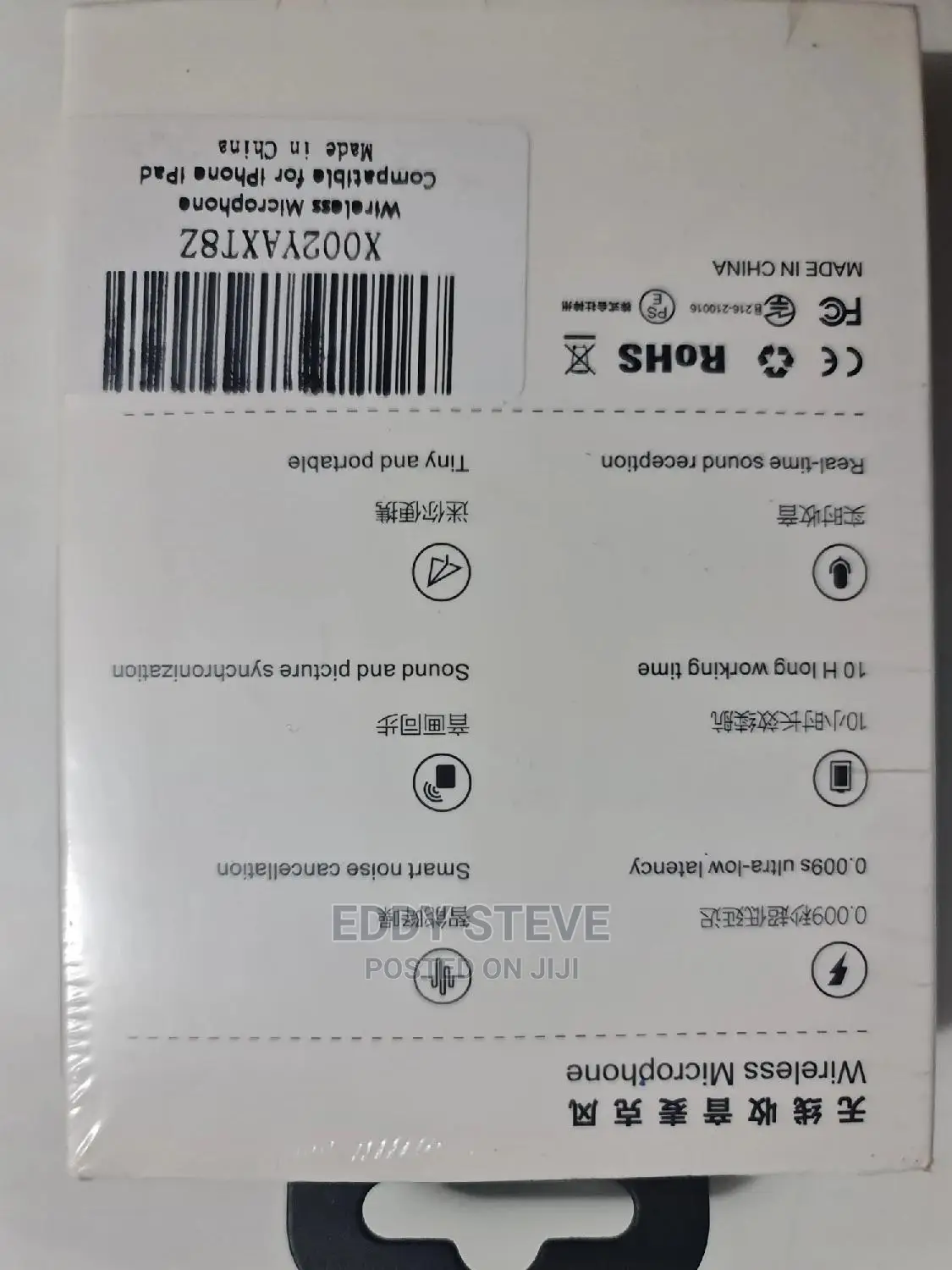
BOMGE PC/Phone Double Wireless Lavalier Microphone
BOMGE PC/Phone
Brand
Microphones
Type
Brand New
Condition
Store address
Lagos State • Alimosho
1 Taiwo dejo street obadore Lagos
Mon - Sun
Wireless Microphone 1: The product does not need to download any APP, and does not need to connect to Bluetooth
2: After inserting the receiver into the mobile phone, the red light on the receiver is always on, indicating that it has been connected to the mobile phone.
If your phone is an Android phone, you can turn on OTG to connect to the phone in the settings
3: When the green light on the microphone flashes, it means not connected
4: When the green light of the microphone is always on, it means that the phone is connected and can record normally (double-click to change the light mode)
5: The blue light of the microphone is always on, indicating that the recording is paused (double-click to change the light mode)
6: Press and hold for 3-4 seconds to turn off the microphone

Safety tips
- Avoid paying in advance, even for delivery
- Meet with the seller at a safe public place
- Inspect the item and ensure it's exactly what you want
- Make sure that the packed item is the one you've inspected
- Only pay if you're satisfied