
1/2

Promoted
Lagos, Ajah, 2 hours ago
29 views
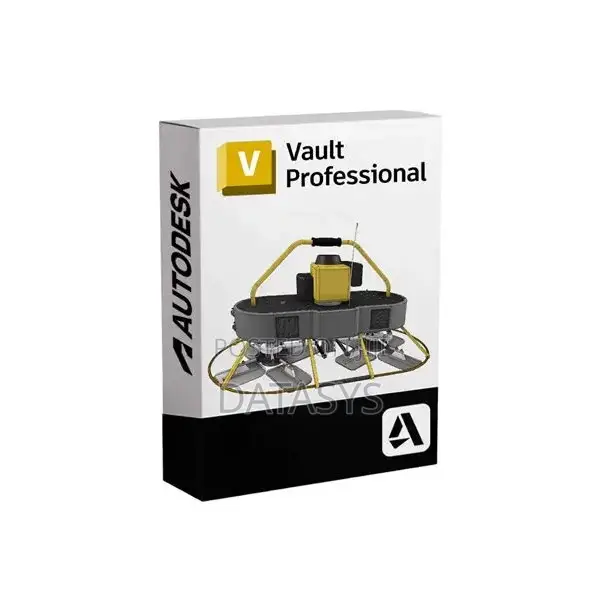
Autodesk Vault Office Client 2024 Full Version
Autodesk Vault Office Client 2024 Full Version
Software Name
Managment Software
Type
Windows
Platform
Digital Download
Format
Version 2024
Software Version
Enterprise Use
Usage
5 years
License Duration
1
Number of Users
10GB
Storage Required
8MB
RAM Required
Data Presentation, Document Management, Multi-Project Management, Planning Project Activities, Reporting, Portfolio Management, Timeline View, Risk Management
Managment Software Features
Delivery
Across country
1 day
Free of charge
Store address
Lagos State • Lagos Island (Eko)
Lakowe Gulf, Ibeju-lekki, Lagos State
Our Whatsapp channel:
Closed now
• Mon - Sun, 07:00-20:00
Features of Autodesk Vault Office Client
Review and validate design data
Participate in the change process
Manage project data
Communicate with external team members
Create reports
Consume released design data
Manage additional non-CAD data and custom object
Create folders
Move, Rename, and Delete non-CAD files
Move, Rename, and Delete folders which do not contain CAD files
Check in, check out, perform quick checkouts, and undo checkouts on non-CAD files
Check in, check out, perform quick checkouts, and undo checkouts on folders
Note: CAD files in the folder are not affected.
Open CAD files as read-only
Edit non-CAD file properties
Edit folder properties
Attach non-CAD files to CAD files
Attach files to non-CAD files
etc.

Safety tips
- Avoid paying in advance, even for delivery
- Meet with the seller at a safe public place
- Inspect the item and ensure it's exactly what you want
- Make sure that the packed item is the one you've inspected
- Only pay if you're satisfied





